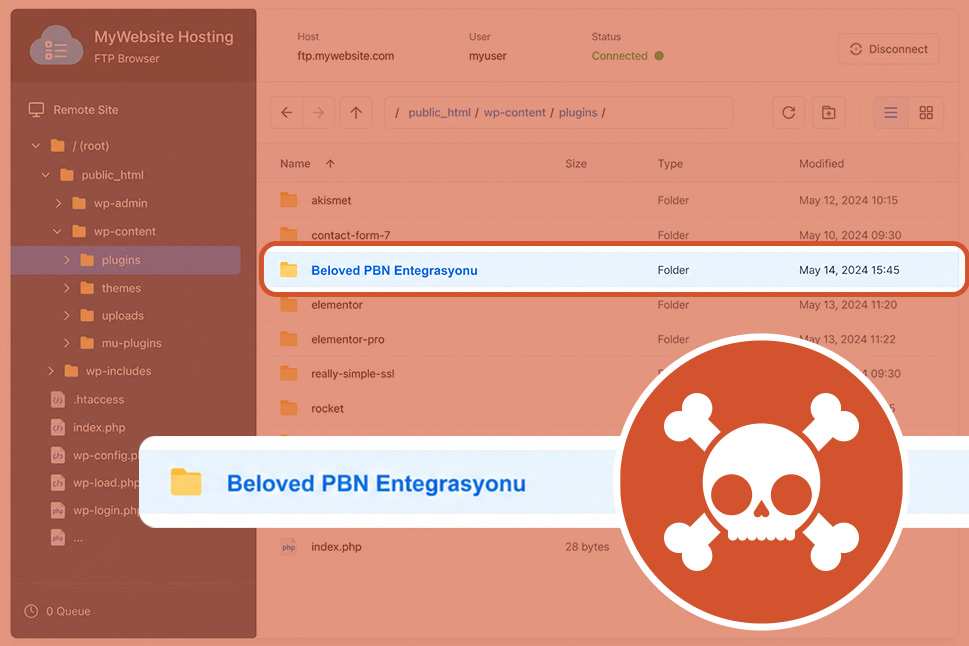
A recent Sucuri investigation has uncovered a layered WordPress infection that used a fake plugin, a remote control server, and hidden webshells stored inside the WordPress database.
For business owners, the key point is simple: malware is not always visible in your website files. In this case, attackers used the database itself to hide dangerous code and inject spam links into the website.
This type of attack can damage your SEO, reduce customer trust, put sensitive data at risk, and leave your website open to further compromise.
What happened?
The compromised website was showing spam content. Sucuri found three malicious parts working together:
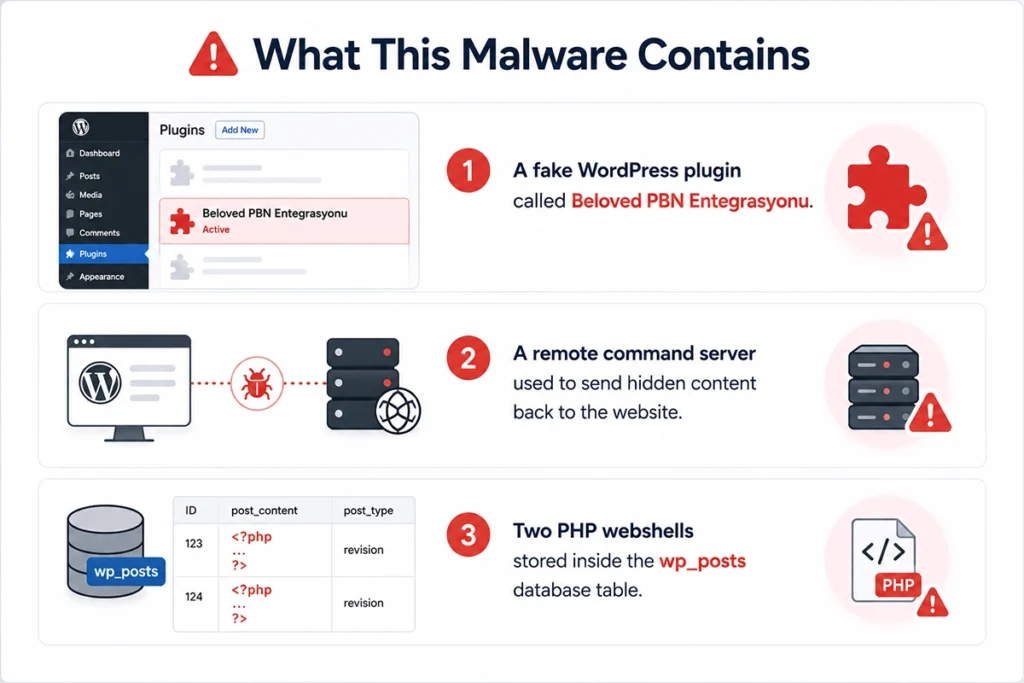
- A fake WordPress plugin called Beloved PBN Entegrasyonu.
- A remote command server used to send hidden content back to the website.
- Two PHP webshells stored inside the wp_posts database table.
A webshell is a hidden control panel used by attackers. It can let them read, edit, upload, delete, or replace files on a website. In plain English, it gives them a back door into the site.
The fake plugin was installed in the WordPress plugins folder and quietly contacted an external server every time a page loaded. If that server returned hidden links or scripts, the plugin added them into the website footer.
This is commonly used for SEO spam, where attackers add hidden backlinks to support a Private Blog Network, or PBN. A PBN is a network of sites used to manipulate search engine rankings. In this case, the activity appeared to be connected to gambling and adult affiliate content.
Why this infection is concerning
Many WordPress security checks focus on website files, such as plugins, themes, and uploads. This attack also placed webshells inside the database, which can be missed if the database is not inspected carefully.
That makes the infection harder to spot and easier for attackers to keep access after a basic clean-up.
The malware also tried to make its traffic look more normal by copying the behaviour of a common web browser. This can help suspicious requests blend in with ordinary website activity.
Business impact
This kind of WordPress malware can cause several serious problems for a business website:
- SEO damage: hidden outbound links can reduce search performance or trigger warnings in Google Search Console.
- Loss of trust: visitors may see spam, redirects, or suspicious content connected to your brand.
- Security risk: attackers may be able to access files, configuration details, and database credentials.
- Data exposure: customer or user information may be at risk if the attacker can browse the server.
- Further compromise: one infected WordPress site can sometimes be used to attack other sites on the same hosting account.
Warning signs to look for
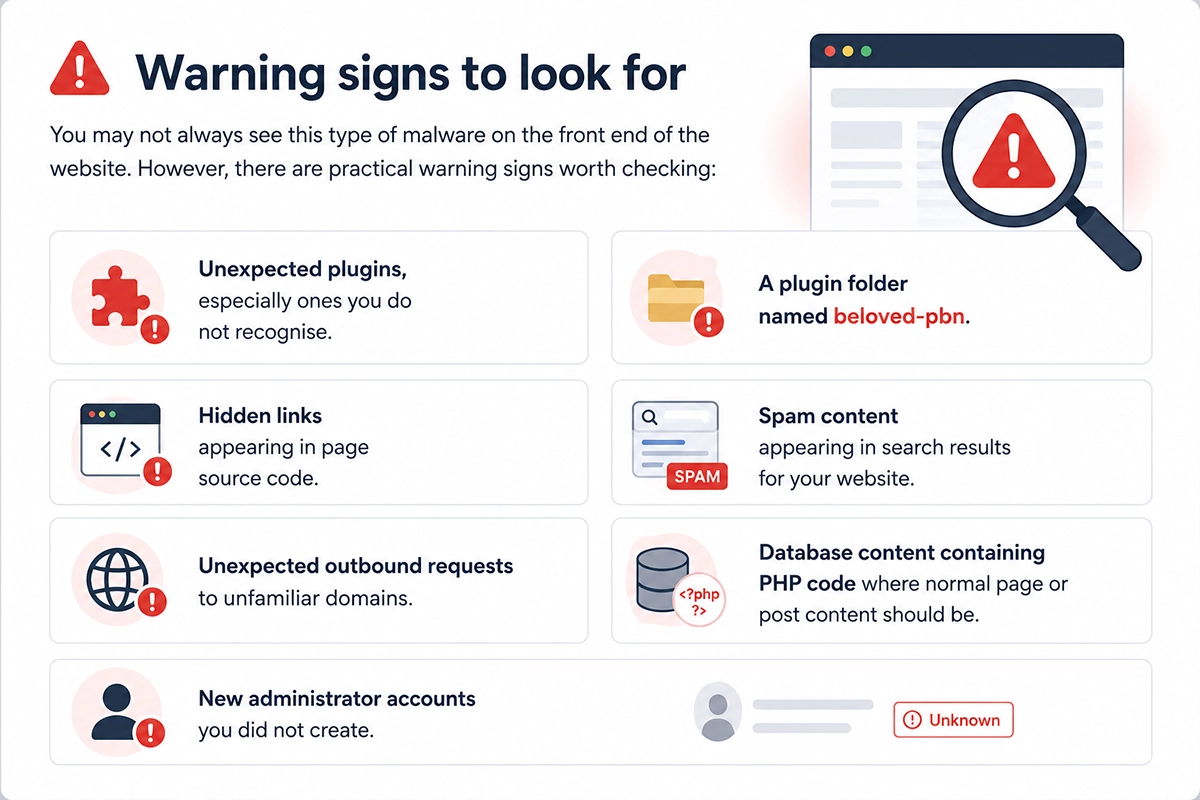
You may not always see this type of malware on the front end of the website. However, there are practical warning signs worth checking:
- Unexpected plugins, especially ones you do not recognise.
- A plugin folder named beloved-pbn.
- Hidden links appearing in page source code.
- Spam content appearing in search results for your website.
- Unexpected outbound requests to unfamiliar domains.
- Database content containing PHP code where normal page or post content should be.
- New administrator accounts you did not create.
How Sucuri resolved the infection
Sucuri removed the fake plugin directory and checked whether any other website files referenced the malicious remote server.
They also searched the WordPress database for suspicious PHP code stored inside posts. The malicious database entries were then permanently deleted.
After removing the malware, they recommended rotating passwords and hosting control panel credentials, blocking the malicious domain, and auditing WordPress users for unauthorised administrator accounts.
Prevention and resolution
A calm, structured response is the best approach if you suspect your WordPress website has been compromised.
- Check installed plugins: remove anything you do not recognise or cannot verify.
- Review WordPress users: look for unknown administrator accounts.
- Scan both files and database: malware can live in either location.
- Update WordPress, plugins, and themes: managed updates reduce the risk of known vulnerabilities being exploited.
- Change passwords: include WordPress admins, hosting, FTP/SFTP, database, and control panel access.
- Use a WAF: a web application firewall helps block malicious traffic before it reaches your website.
- Monitor SEO and security alerts: Google Search Console and security monitoring can help catch problems early.
- Keep reliable backups: regular backups make recovery faster if malware removal is needed.
Why website maintenance matters
This incident is a useful reminder that WordPress security is not just about installing updates once in a while. Attackers look for weak points across plugins, themes, admin accounts, hosting, and databases.
Good website maintenance should include managed updates, security monitoring, malware protection, regular backups, and a clear recovery process.
For non-technical business owners, the aim is not to become a security expert. It is to make sure your website is looked after properly, with the right checks in place before small issues become expensive problems.
How matm can help?
matm builds and maintains secure WordPress websites for UK businesses. Our team can help protect your site, clean up issues, and keep your website running reliably.
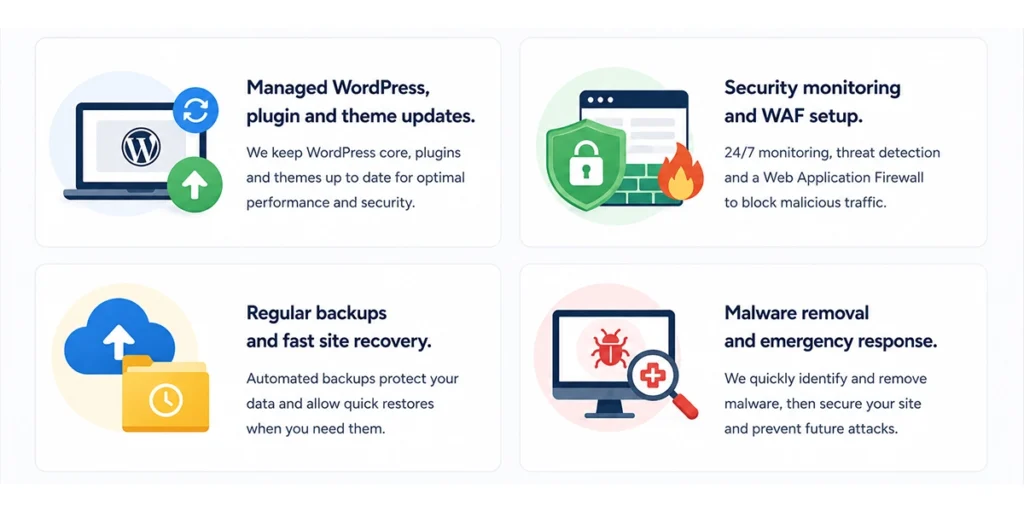
- Managed WordPress, plugin and theme updates.
- Security monitoring and WAF setup.
- Regular backups and fast site recovery.
- Malware removal and emergency response.
If you are worried about WordPress security, malware protection, or unusual activity on your website, contact matm on [email protected] or call 01952 883 526.
Based on research by Sucuri.