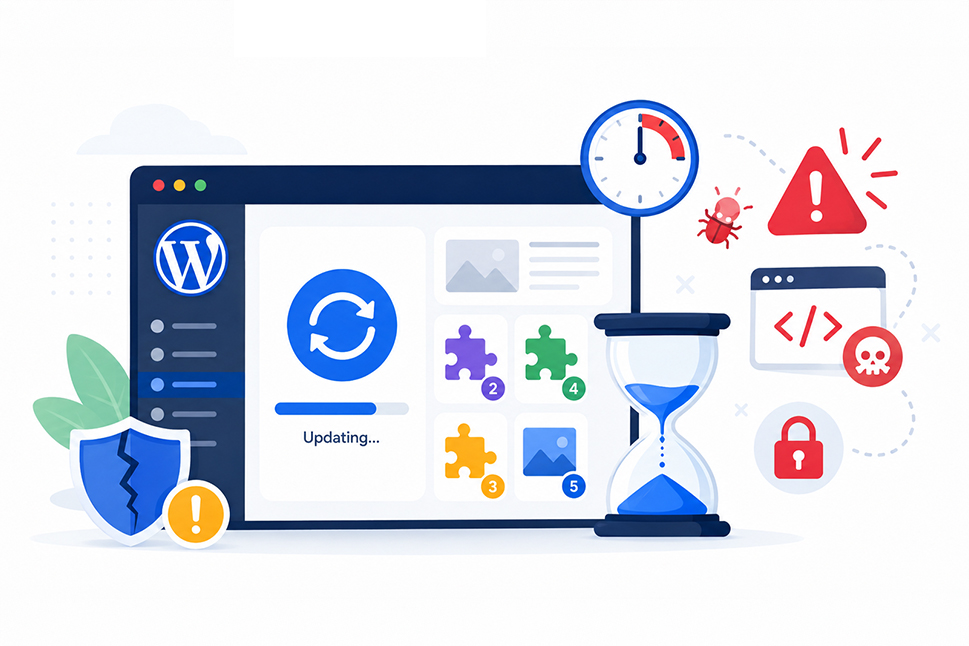
When your WordPress website appears to be working properly, postponing an update can feel harmless. Unfortunately, outdated software is one of the most common ways attackers gain access to websites.
Once a security weakness becomes public, automated bots can quickly scan thousands of websites for vulnerable versions of WordPress, plugins and themes. Your organisation does not need to be deliberately targeted. If your website is running the affected software, it may be discovered automatically.
Keeping WordPress updated is therefore an important part of routine website maintenance. With reliable backups, testing and monitoring in place, updates can be handled safely without becoming a last-minute emergency.
Why WordPress updates matter
A WordPress website is made up of several connected parts. These usually include:
- WordPress core: The main software behind the dashboard, editor and website functionality.
- Plugins: Add-ons used for forms, search optimisation, ecommerce, bookings and other features.
- Themes: The files controlling your website’s design and page layouts.
- Your hosting environment: PHP, databases, web server software and related technology.
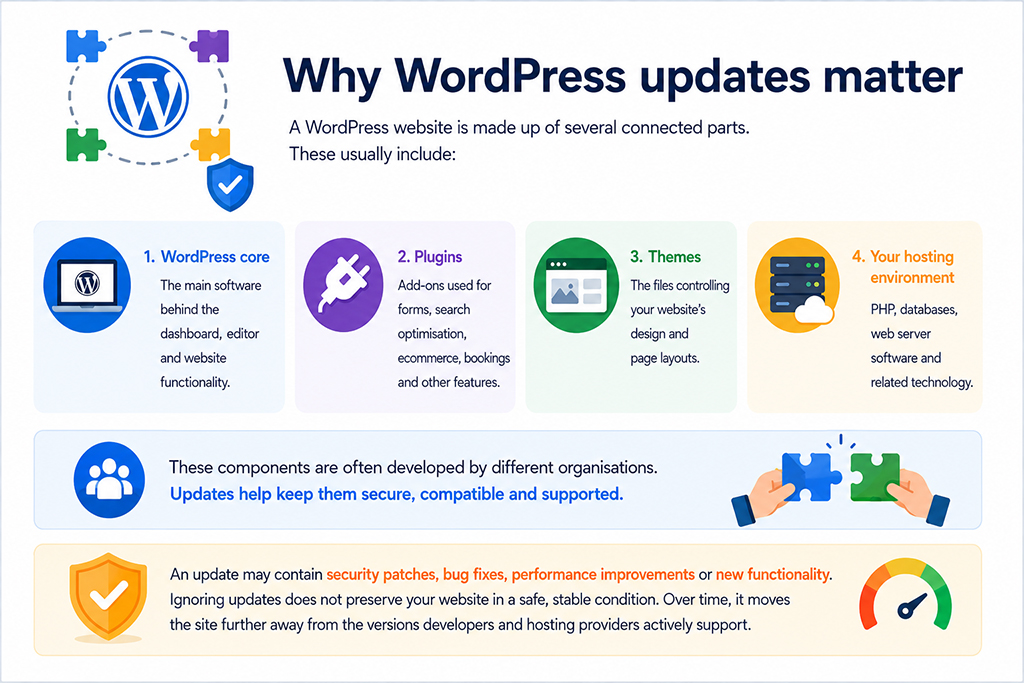
These components are often developed by different organisations. Updates help keep them secure, compatible and supported.
An update may contain security patches, bug fixes, performance improvements or new functionality. Ignoring updates does not preserve your website in a safe, stable condition. Over time, it moves the site further away from the versions developers and hosting providers actively support.
Security updates and feature updates are different
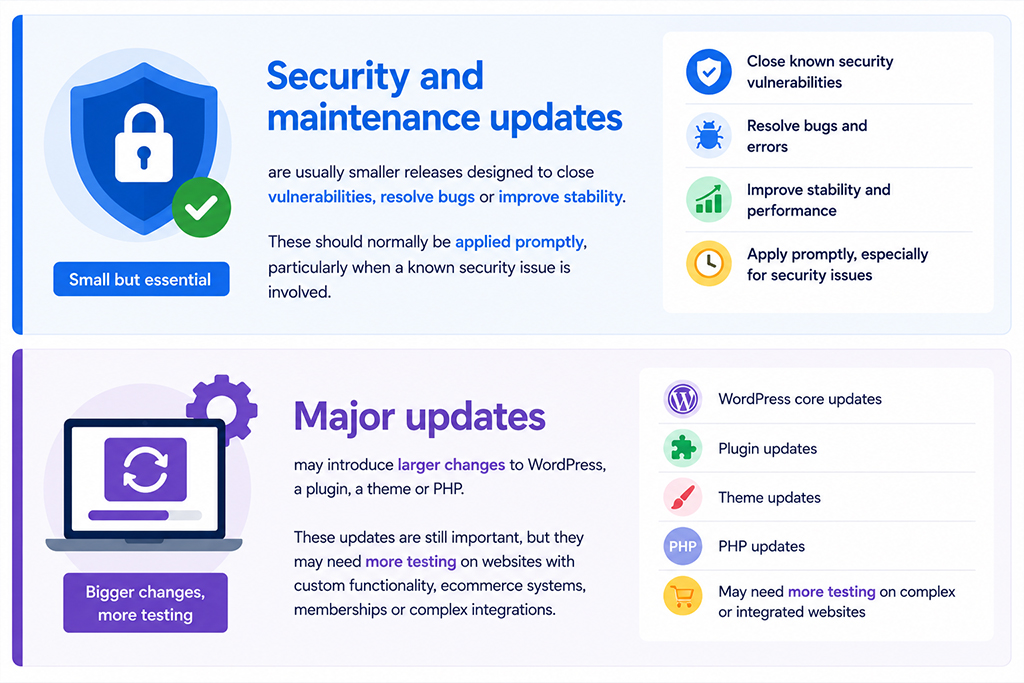
Not every update needs to be handled in exactly the same way.
Security and maintenance updates are usually smaller releases designed to close vulnerabilities, resolve bugs or improve stability. These should normally be applied promptly, particularly when a known security issue is involved.
Major updates may introduce larger changes to WordPress, a plugin, a theme or PHP. These updates are still important, but they may need more testing on websites with custom functionality, ecommerce systems, memberships or complex integrations.
A sensible approach is to move quickly on security updates while testing larger changes carefully before applying them to the live website.
Why small websites are still targeted
It is a common misconception that attackers are only interested in large or high-profile organisations.
Most WordPress attacks are automated. Criminals use software to search the internet for outdated plugins, vulnerable themes, weak login pages and exposed files. The scanner does not care how much traffic your website receives or how well known your business is.
Smaller websites may be particularly attractive because they often have fewer security controls, less frequent maintenance and limited security monitoring.
What can happen when updates are delayed?
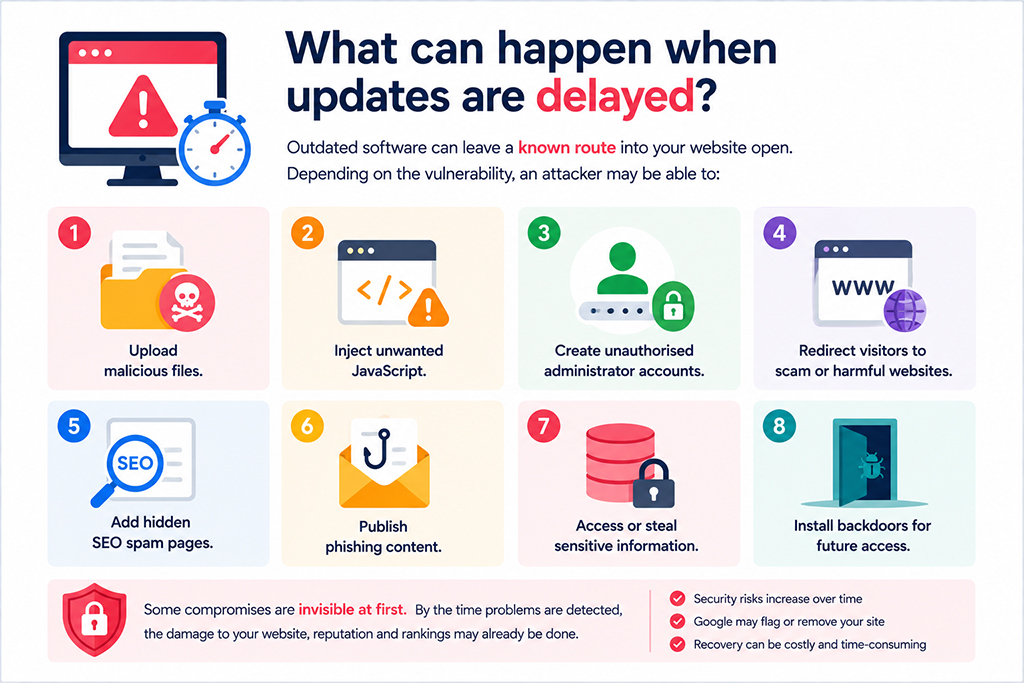
Outdated software can leave a known route into your website open. Depending on the vulnerability, an attacker may be able to:
- Add hidden SEO spam pages.
- Publish phishing content.
- Access or steal sensitive information.
- Install backdoors for future access.
- Add hidden SEO spam pages.
- Publish phishing content.
- Access or steal sensitive information.
- Install backdoors for future access.
Some compromises are immediately visible, such as a changed homepage or a malicious redirect. Others are designed to remain hidden. Attackers may show harmful content only to search engines, first-time visitors or people arriving from a particular source.
The business impact of a compromised website
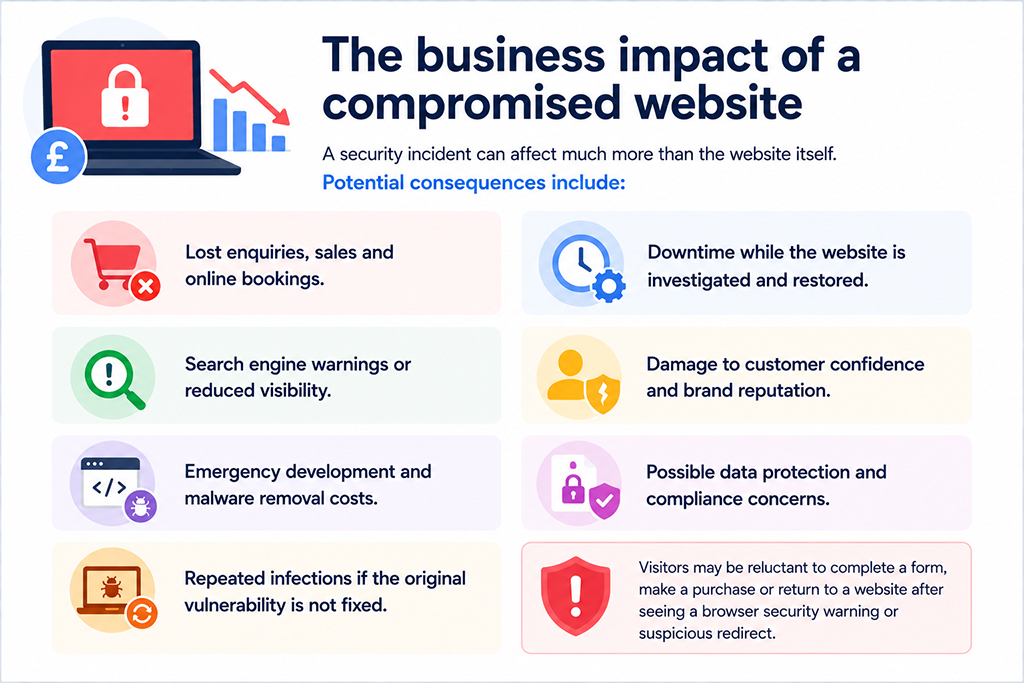
A security incident can affect much more than the website itself.
Potential consequences include:
- Lost enquiries, sales and online bookings.
- Downtime while the website is investigated and restored.
- Search engine warnings or reduced visibility.
- Damage to customer confidence and brand reputation.
- Emergency development and malware removal costs.
- Possible data protection and compliance concerns.
- Repeated infections if the original vulnerability is not fixed.
Visitors may be reluctant to complete a form, make a purchase or return to a website after seeing a browser security warning or suspicious redirect.
Updates can also prevent compatibility problems
WordPress security is the most urgent reason to update, but it is not the only one.
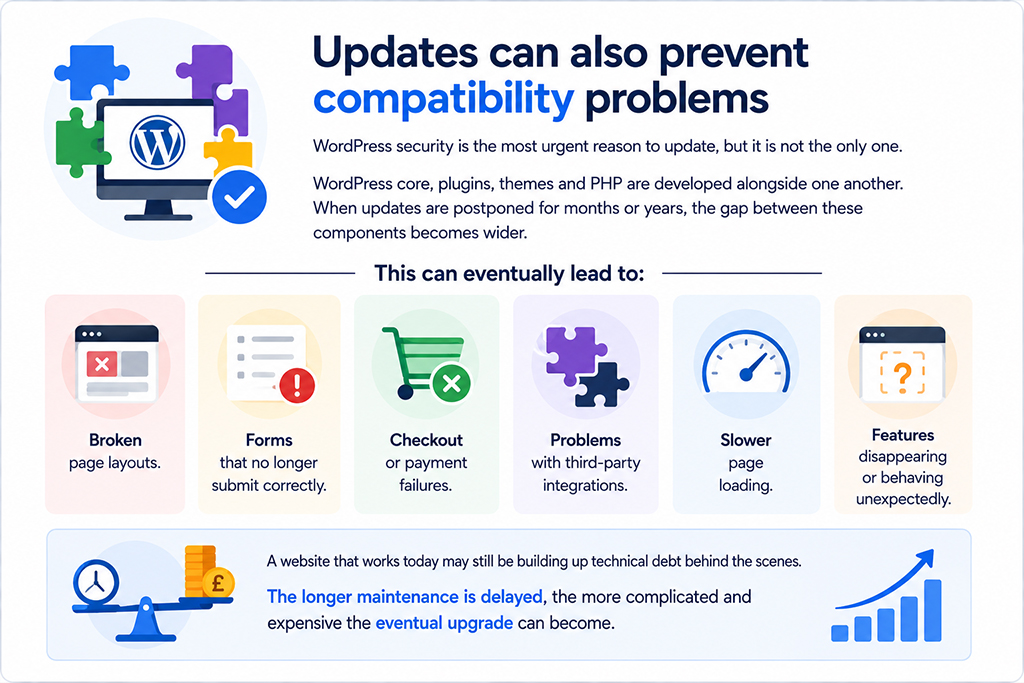
WordPress core, plugins, themes and PHP are developed alongside one another. When updates are postponed for months or years, the gap between these components becomes wider.
This can eventually lead to:
- Broken page layouts.
- Forms that no longer submit correctly.
- Checkout or payment failures.
- Problems with third-party integrations.
- Slower page loading.
- Features disappearing or behaving unexpectedly.
A website that works today may still be building up technical debt behind the scenes. The longer maintenance is delayed, the more complicated and expensive the eventual upgrade can become.
Watch out for abandoned plugins
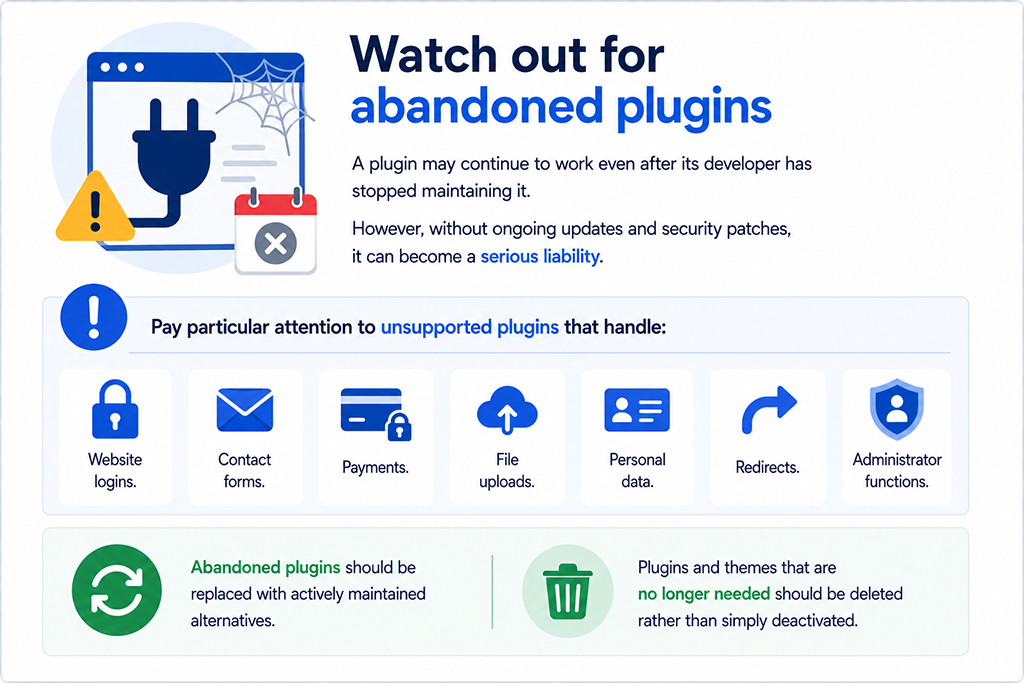
A plugin may continue to work even after its developer has stopped maintaining it. However, without ongoing updates and security patches, it can become a serious liability.
Pay particular attention to unsupported plugins that handle:
- Website logins.
- Contact forms.
- Payments.
- File uploads.
- Personal data.
- Redirects.
- Administrator functions.
Abandoned plugins should be replaced with actively maintained alternatives. Plugins and themes that are no longer needed should be deleted rather than simply deactivated.
How to update WordPress safely
Concerns about an update breaking a website are understandable. Plugins can conflict, custom code can be affected and newer PHP versions may expose outdated functionality.
The answer is not to avoid updates. It is to follow a controlled update process.
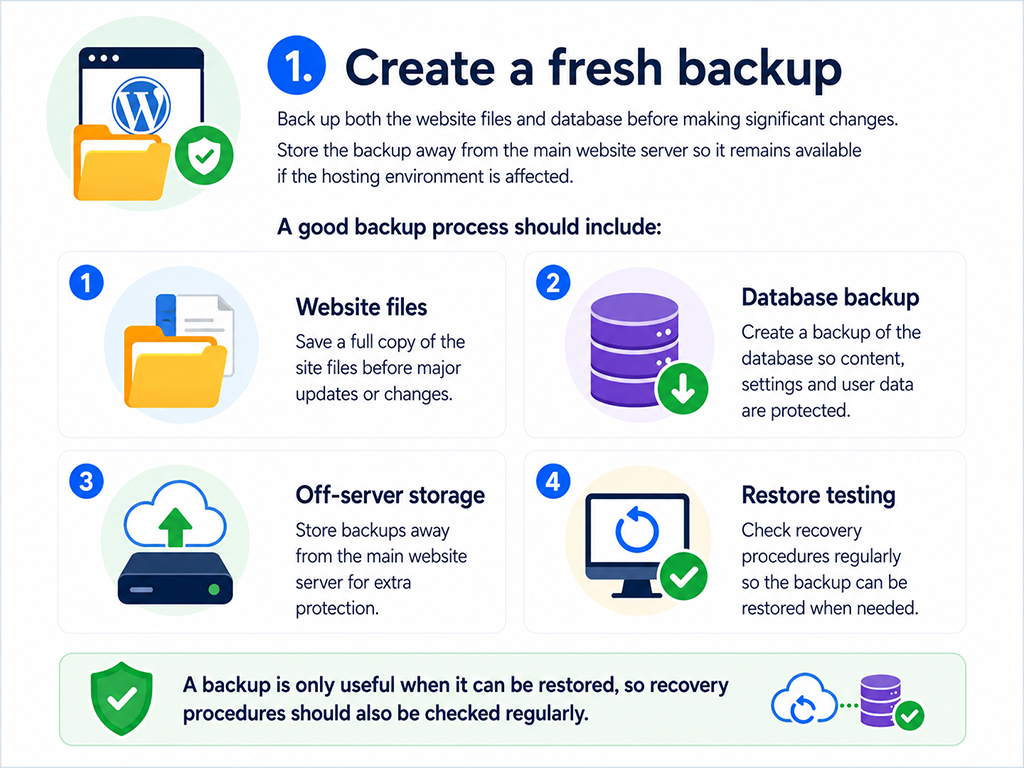
1. Create a fresh backup
Back up both the website files and database before making significant changes. Store the backup away from the main website server so it remains available if the hosting environment is affected.
A backup is only useful when it can be restored, so recovery procedures should also be checked regularly.
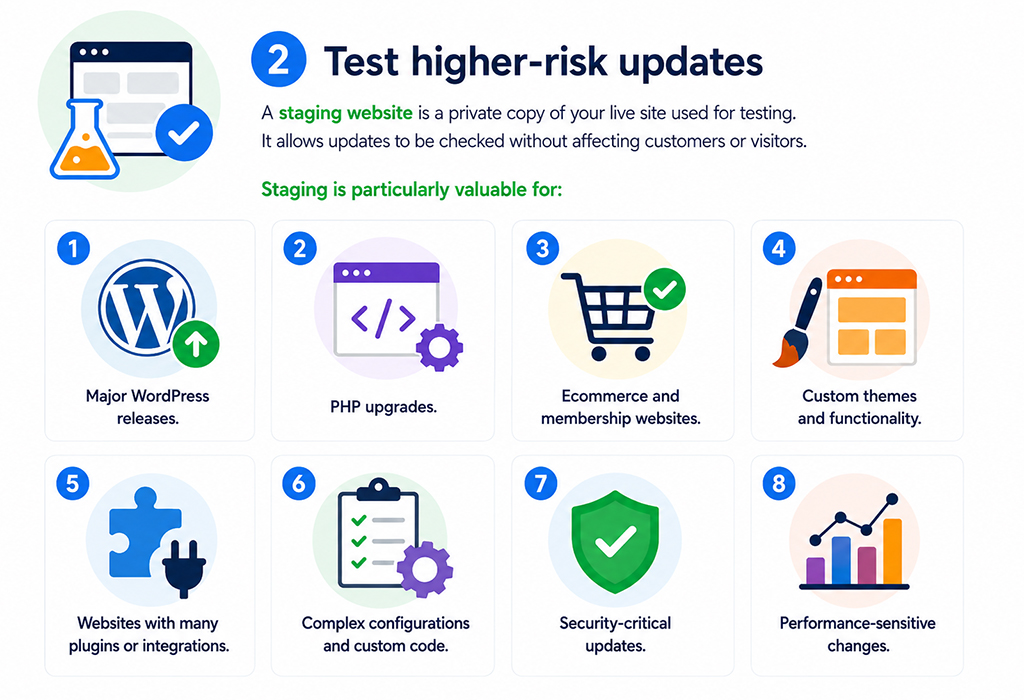
2. Test higher-risk updates
A staging website is a private copy of your live site used for testing. It allows updates to be checked without affecting customers or visitors.
Staging is particularly valuable for:
- Major WordPress releases.
- PHP upgrades.
- Custom themes and functionality.
- Websites with many plugins or integrations.
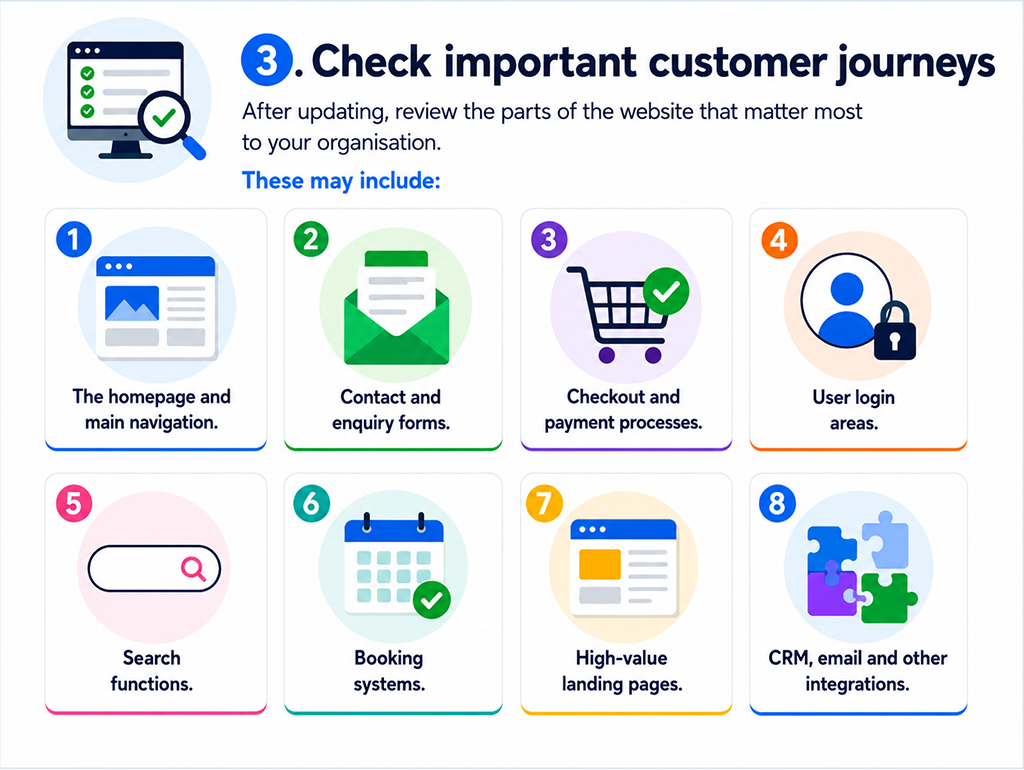
3. Check important customer journeys
After updating, review the parts of the website that matter most to your organisation. These may include:
- The homepage and main navigation.
- Contact and enquiry forms.
- Checkout and payment processes.
- User login areas.
- Search functions.
- Booking systems.
- High-value landing pages.
- CRM, email and other integrations.
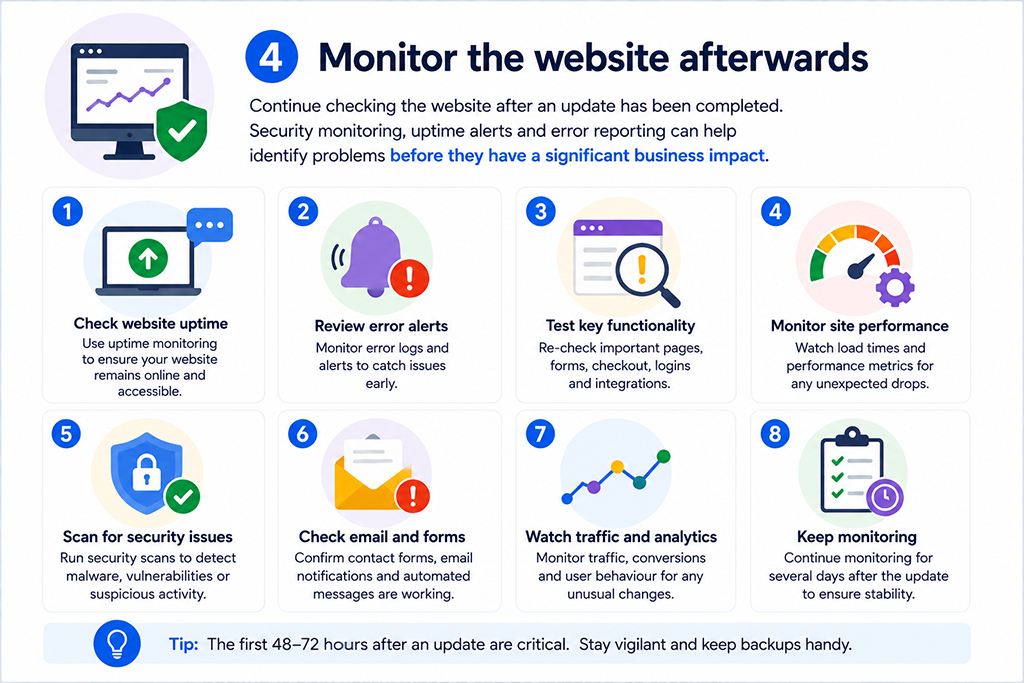
4. Monitor the website afterwards
Continue checking the website after an update has been completed. Security monitoring, uptime alerts and error reporting can help identify problems before they have a significant business impact.
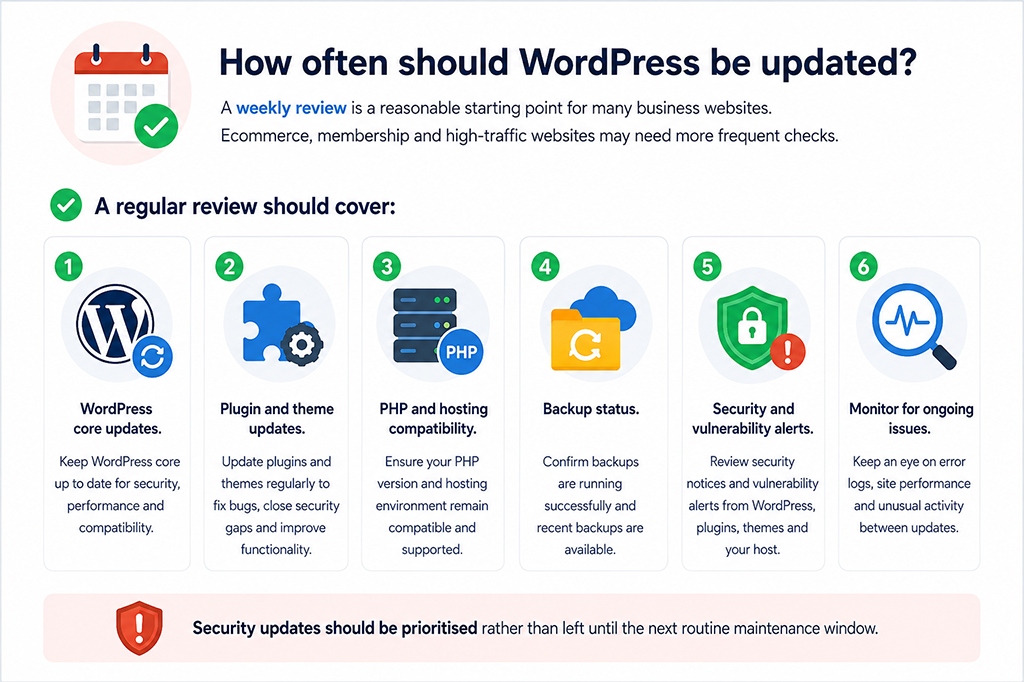
How often should WordPress be updated?
A weekly review is a reasonable starting point for many business websites. Ecommerce, membership and high-traffic websites may need more frequent checks.
A regular review should cover:
- WordPress core updates.
- Plugin and theme updates.
- PHP and hosting compatibility.
- Backup status.
- Security and vulnerability alerts.
Security updates should be prioritised rather than left until the next routine maintenance window.
Should WordPress updates be automatic?
Automatic updates can reduce the amount of time a known vulnerability remains exposed. They are often suitable for minor WordPress releases and trusted plugins, provided reliable backups and security monitoring are in place.
Major WordPress releases, PHP upgrades and changes to complex websites usually benefit from manual testing before they are deployed.
The best approach depends on the website. Managed updates allow automation to be used where appropriate while higher-risk changes receive additional checks.
Can a WAF protect an outdated website?
A web application firewall, commonly called a WAF, filters traffic before it reaches your website. It can block suspicious requests and may provide “virtual patching”, which means temporarily blocking attempts to exploit a known vulnerability.
This can reduce risk when an update cannot be applied immediately. However, a WAF should not be treated as a permanent replacement for installing the real security update.
It works best as an additional layer of malware protection alongside timely updates, secure hosting, backups and ongoing security monitoring.
What should you do if the website is already infected?
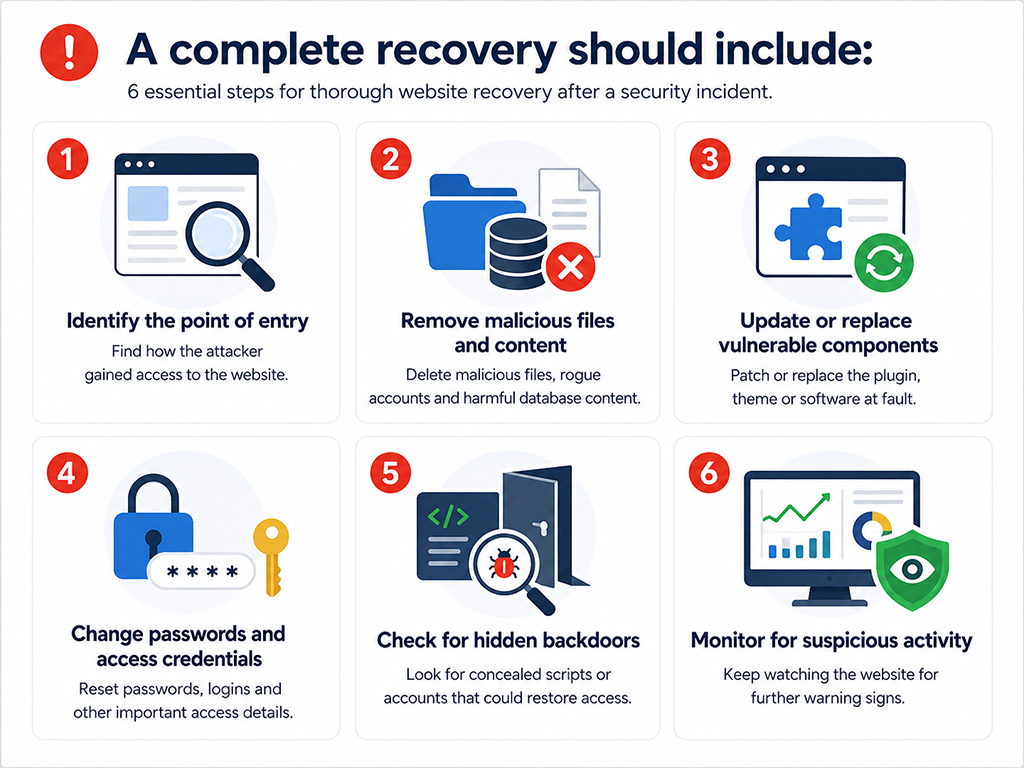
Simply deleting visible malware is not always enough. Attackers may leave behind hidden files, scheduled tasks, database code, unauthorised administrator accounts or backdoors that allow them to return.
A complete recovery should include:
- Identifying how the attacker gained access.
- Removing malicious files, accounts and database content.
- Updating or replacing the vulnerable component.
- Changing relevant passwords and access credentials.
- Checking for hidden backdoors.
- Monitoring the website for further suspicious activity.
Without closing the original entry point, the website may be reinfected shortly after the initial malware removal.
Make WordPress maintenance routine
Delaying WordPress updates gives attackers more time to exploit known security weaknesses. It can also allow compatibility problems and technical debt to build up, making future maintenance more difficult.
With managed updates, reliable backups, staging tests, a web application firewall and regular security monitoring, WordPress maintenance can become a predictable part of running your website rather than an emergency response.
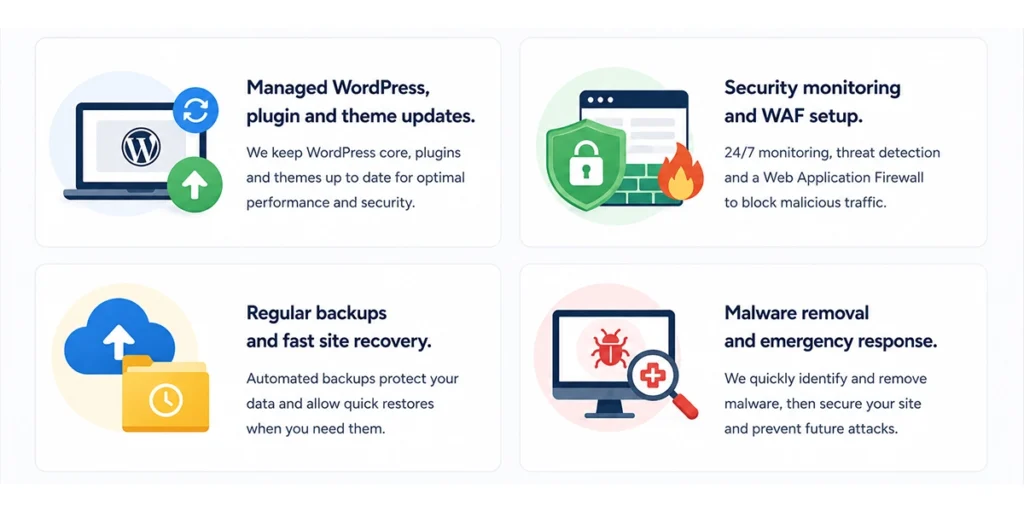
How matm can help?
- Managed WordPress, plugin and theme updates.
- Security monitoring and WAF setup.
- Regular backups and fast site recovery.
- Malware removal and emergency response.
For help with WordPress security, website maintenance or malware protection, contact matm at [email protected] or call 01952 883 526.
Based on research by Sucuri.