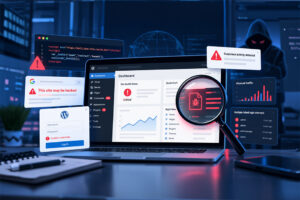
WordPress security is not just a technical concern. A single unpatched plugin or theme can affect your website’s availability, customer trust, search rankings, conversions, and revenue.
Sucuri’s May 2026 vulnerability roundup highlights a wide range of security issues affecting popular WordPress plugins and themes. Many now have patches available, but some did not have a fix at the time of publication, which means site owners need to take prompt action.
The good news is that most website risks can be reduced with regular managed updates, security monitoring, reliable backups, and a web application firewall, often shortened to WAF. A WAF sits in front of your website and helps block suspicious traffic before it reaches your WordPress installation.
What’s going on?
The latest roundup includes vulnerabilities in well-known WordPress tools used for SEO, forms, caching, analytics, page building, ecommerce, galleries, and themes.
Some of the affected plugins have millions of active installations, including:
- Yoast SEO
- LiteSpeed Cache
- WPForms
- Rank Math SEO
- WPCode
- All in One SEO
- MonsterInsights
- Essential Addons for Elementor
- Advanced Custom Fields
- WooCommerce PayPal Payments
- Forminator Forms
- Royal Addons for Elementor
- Kirki
- Gravity Forms
- Avada Builder
- Slider Revolution
- Betheme
Not every vulnerability is equally severe, and not every issue can be exploited in the same way. Some require a logged-in user account. Others require no login at all, making them a higher priority for website maintenance teams.
Why this matters for your business
Hackers often use automated tools to scan the internet for websites running known vulnerable software. Once a vulnerability is public, sites that are slow to update can become easy targets.
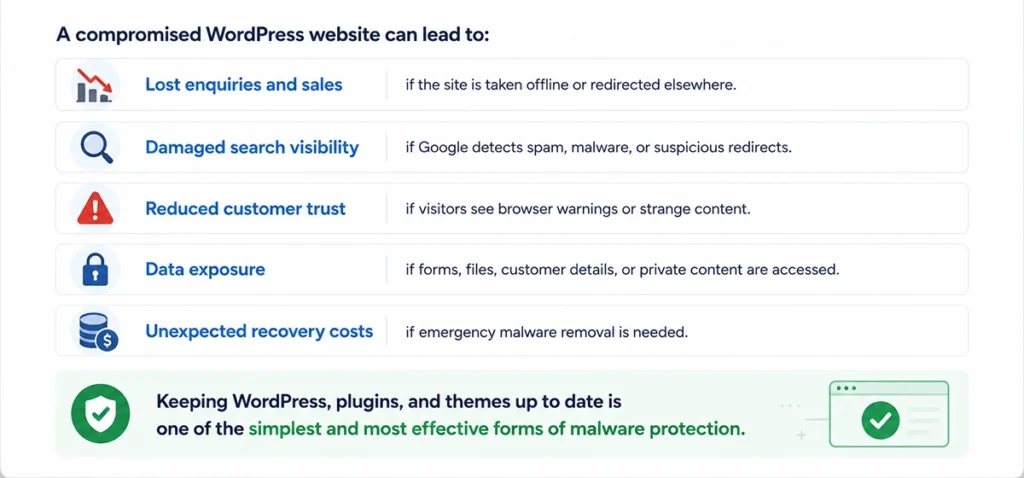
A compromised WordPress website can lead to:
- Lost enquiries and sales if the site is taken offline or redirected elsewhere.
- Damaged search visibility if Google detects spam, malware, or suspicious redirects.
- Reduced customer trust if visitors see browser warnings or strange content.
- Data exposure if forms, files, customer details, or private content are accessed.
- Unexpected recovery costs if emergency malware removal is needed.
Keeping WordPress, plugins, and themes up to date is one of the simplest and most effective forms of malware protection.
Plain-English explanation of the main risks
The Sucuri roundup includes several common vulnerability types. Here is what they mean in practical terms.
- Cross-site scripting, or XSS: attackers may be able to inject unwanted scripts into a website. This can lead to redirects, fake forms, or stolen session information.
- Broken access control: users may be able to access areas or actions they should not be allowed to use.
- Privilege escalation: a lower-level user account may gain more permissions than intended.
- Remote code execution: attackers may be able to run code on the website server. This is usually treated as a serious risk.
- SQL injection: attackers may be able to interfere with the website database, which could expose or alter information.
- Arbitrary file read, upload, or deletion: attackers may be able to view, add, or remove files they should not control.
- Open redirect: visitors may be redirected from your trusted domain to a malicious or misleading website.
Highest-priority updates to check
Website owners should review all plugins and themes, but the following issues deserve particular attention because they were listed as high or critical risk, affected popular tools, or did not require authentication.
Critical vulnerabilities
- Advanced Custom Fields: Extended — update to version 0.9.2.6 or later.
- Avada (Fusion) Builder — update to version 3.15.3 or later.
- Gravity Forms — update to version 2.10.1 or later.
High-risk plugin vulnerabilities
- LiteSpeed Cache
update to version 7.8 or later. - WPCode
update to version 2.3.6 or later. - MonsterInsights
update to version 10.1.3 or later. - Spectra Gutenberg Blocks
update to version 2.19.26 or later. - ManageWP Worker
update to version 4.9.32 or later. - WooCommerce PayPal Payments
update to version 4.0.2 or later. - Forminator Forms
update to the latest available patched version. - WP Statistics
update to version 14.16.7 or later. - Royal Addons for Elementor
update to the latest available patched version.
- Kirki
update to version 6.0.7 or later. - Simple History
update to version 5.27.0 or later. - Post SMTP
update to version 3.6.3 or later. - LatePoint
update to version 5.5.1 or later. - GiveWP
update to version 4.14.6 or later. - Custom Twitter Feeds
update to version 2.5.5 or later. - Slider Revolution
update to version 7.0.11 or later. - PixelYourSite Pro
update to version 12.5.0.2 or later.
High-risk theme vulnerabilities
- Betheme — update to version 28.4.1 or later.
- Roneous — no patch was available at the time of publication, so affected sites should disable or remove the theme until a fix is released.
Plugins and themes without a patch
Most affected software has a patched version available. However, Sucuri noted that some items did not have a patch at the time of publication.
If your site uses any of the following, you should review them urgently:
- Meta for WooCommerce — affected versions should be disabled or removed until a fix is released.
- Adminimize — affected versions should be disabled or removed until a fix is released.
- Duplicate Page and Post — affected versions should be disabled or removed until a fix is released.
- Roneous theme — affected versions should be disabled or removed until a fix is released.
Where a patch is unavailable, leaving the vulnerable software active may expose the website to unnecessary risk. In many cases, the safest short-term option is to disable the plugin or theme, test the impact, and replace it with a maintained alternative if needed.
Warning signs your website may already be affected
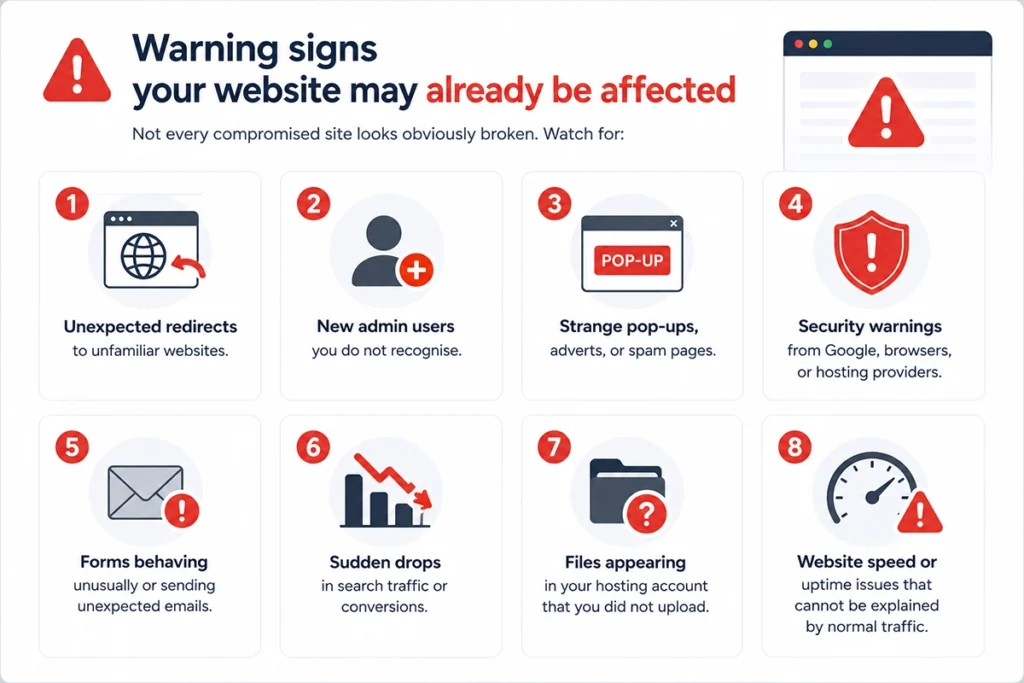
Not every compromised site looks obviously broken. Watch for:
- Unexpected redirects to unfamiliar websites.
- New admin users you do not recognise.
- Strange pop-ups, adverts, or spam pages.
- Security warnings from Google, browsers, or hosting providers.
- Forms behaving unusually or sending unexpected emails.
- Sudden drops in search traffic or conversions.
- Files appearing in your hosting account that you did not upload.
- Website speed or uptime issues that cannot be explained by normal traffic.
If you spot any of these signs, avoid making random changes. Preserve logs where possible, take a backup, and ask for professional malware removal support.
What site owners should do now
- Take a fresh backup before making changes, especially on ecommerce or membership websites.
- Update WordPress core, plugins, and themes to the latest stable versions.
- Check premium plugins and themes manually, as they may not always update through the standard WordPress dashboard.
- Remove anything unused, including old themes, inactive plugins, and abandoned tools.
- Review user accounts and remove unnecessary admin access.
- Use a WAF to help block known attacks before they reach your website.
- Enable security monitoring so suspicious changes are spotted quickly.
- Test key website journeys after updates, including forms, checkout, bookings, donations, and contact pages.
Prevention is easier than emergency recovery
WordPress security works best as an ongoing process, not a one-off task. Regular website maintenance helps ensure updates are applied, backups are working, and risks are reviewed before they become business problems.
For busy business owners, the challenge is not usually knowing that updates matter. It is finding the time to apply them safely, test the site afterwards, and respond quickly when something goes wrong.
How matm can help?
matm builds and maintains secure WordPress websites for UK businesses. Our team can help protect your site, clean up issues, and keep your website running reliably.
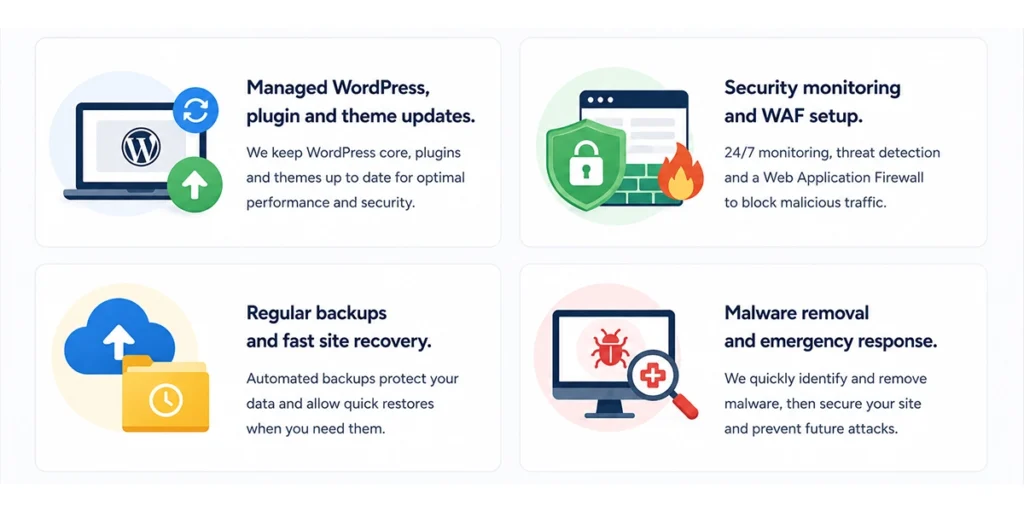
- Managed WordPress, plugin and theme updates.
- Security monitoring and WAF setup.
- Regular backups and fast site recovery.
- Malware removal and emergency response.
Based on research by Sucuri.