When your website starts taking online payments, security becomes more than a technical consideration. Your checkout is now part of your customer experience, your reputation, and your revenue stream.
For ecommerce businesses, PCI compliance is not simply a form to complete once a year. It is a practical way to reduce risk around payment pages, customer data, website access, malware protection and the systems that keep your shop running.
The good news is that you do not need an enterprise-sized security team to take sensible action. You do need clear controls, regular website maintenance and a plan for keeping attackers away from your checkout.
What PCI compliance means for ecommerce sites
PCI DSS stands for Payment Card Industry Data Security Standard. It applies to businesses that accept, process, store or transmit card payment data.
For an online store, that can include more than the payment form itself. Your payment environment may involve:
- Your ecommerce website or WordPress/WooCommerce store
- Checkout pages and payment forms
- Plugins, themes and third-party integrations
- Scripts that load during checkout
- Admin users and hosting access
- Payment providers such as Stripe, PayPal or other processors
- Logs, backups, monitoring tools and security controls
Using a trusted payment provider can reduce your risk, especially if card details are handled away from your website. However, it does not remove the need to secure the website itself.
If attackers can compromise your store before a customer reaches the payment provider, they may be able to inject malicious JavaScript, redirect visitors to fake checkout pages, steal logins or change what appears on the payment page.
Why attackers target checkout pages
Attackers are usually practical. They are not always looking for high-profile brands. They are looking for websites with weaknesses they can scan for, exploit and turn into profit.
Small ecommerce sites can be attractive because many use familiar platforms, plugins and themes. If those tools are out of date, poorly configured or protected by weak passwords, automated attacks can find them quickly.
A compromised checkout can lead to serious business problems, including:
- Stolen customer payment information
- Malware warnings in browsers or search results
- SEO spam affecting rankings and trust
- Lost orders and abandoned baskets
- Damage to customer confidence
- Cleanup costs, downtime and emergency malware removal
- Pressure from payment providers or compliance teams
PCI compliance helps reduce this risk by encouraging stronger website security, better access control, vulnerability management, monitoring and documented processes.
Start by understanding what is in scope
Before you can protect your payment environment, you need to understand what is involved in taking payments.
This is often called defining the cardholder data environment, or CDE. In simple terms, it means identifying the pages, systems, people and services that can affect payment security.
Useful questions include:
- Does the website store card data, or does the payment processor handle it?
- Which plugins, themes or scripts load on checkout pages?
- Who has access to the website, hosting, DNS and payment settings?
- Are all WordPress, plugin and theme updates managed properly?
- Are old staging sites, test accounts or unused integrations still active?
- Is security monitoring in place for malware, file changes and suspicious redirects?
- Is a WAF or web application firewall filtering malicious traffic before it reaches the site?
The simpler your setup, the easier it is to protect. Removing unused tools, old accounts and unnecessary integrations is often one of the quickest ways to reduce risk.
The security controls that matter most
PCI compliance covers a broad range of security expectations, but several areas are especially important for ecommerce websites.
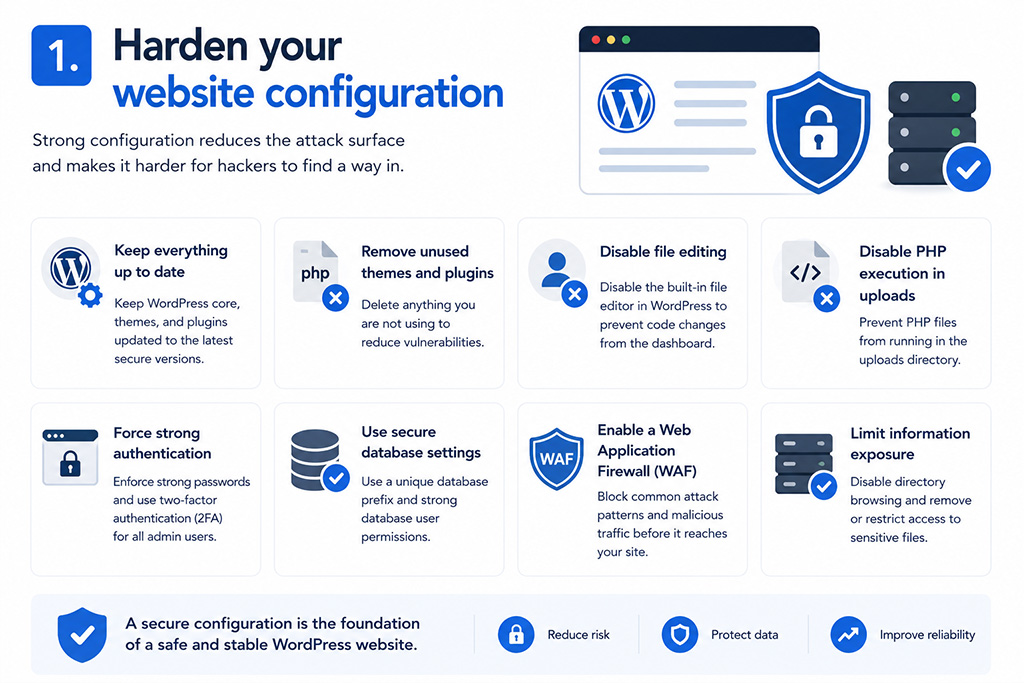
1. Harden your website configuration
Attackers often look for simple weaknesses first. Default settings, unused services, exposed admin areas, poor file permissions and weak passwords can all create avoidable risk.
Good website maintenance should include regular reviews of your configuration, hosting environment and user access.
2. Control who can access the site
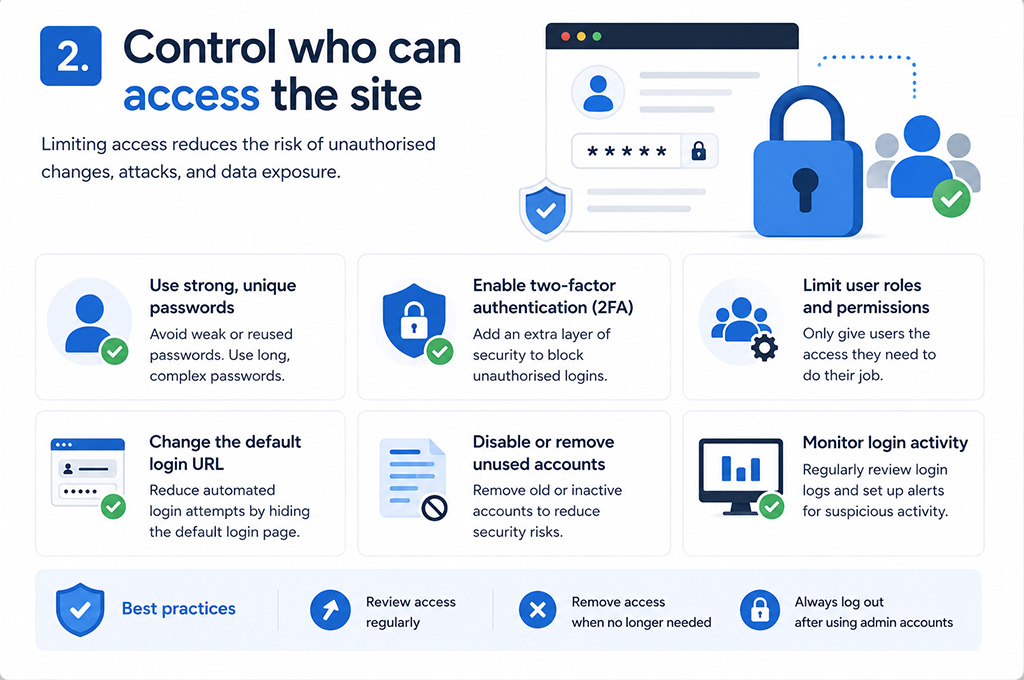
Every admin account should belong to a real person. Shared logins make it difficult to see who changed what, and they increase risk if a password is exposed.
For WordPress security, admin users should have:
- Unique user accounts
- Strong passwords
- Multi-factor authentication where possible
- Only the permissions they genuinely need
- Access removed promptly when staff or suppliers leave
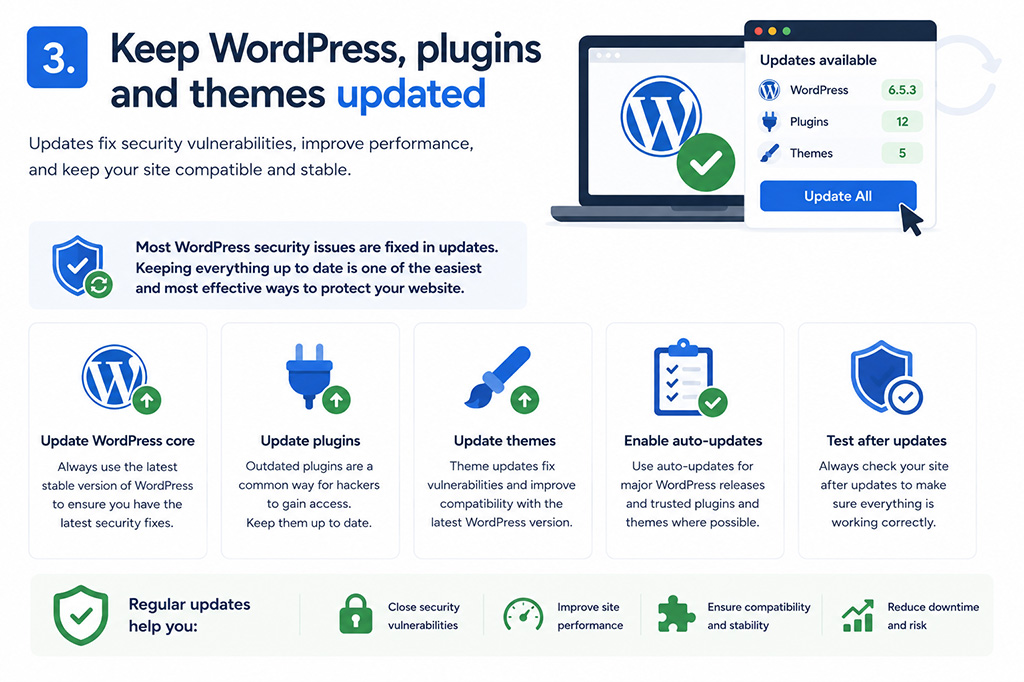
3. Keep WordPress, plugins and themes updated
Outdated software is one of the most common routes into a website. WordPress core files, WooCommerce, plugins, themes and server components all need regular attention.
Managed updates are particularly important for ecommerce sites because a rushed update can sometimes affect checkout, shipping, subscriptions or payment integrations. Updates should be tested and applied carefully, not ignored.
When an update cannot be applied immediately, a web application firewall can help reduce exposure by blocking some exploit attempts before they reach vulnerable code. This is sometimes called virtual patching.
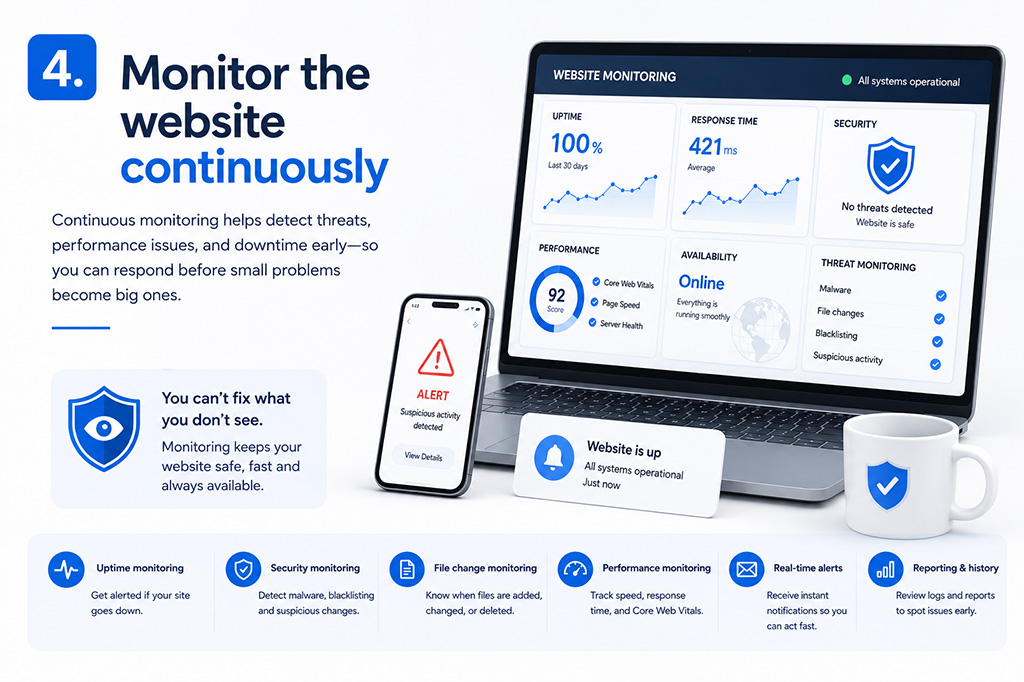
4. Monitor the website continuously
Security monitoring helps you spot problems before customers, search engines or payment providers do.
Ecommerce websites should be monitored for:
- Malware and suspicious code
- Unexpected file changes
- Suspicious redirects
- Blocklist warnings
- SSL certificate issues
- DNS changes
- Uptime problems
- Unusual login activity
- Unexpected checkout behaviour
Logs are also important. If something does go wrong, they help show what happened, when it happened and how far the issue may have reached.
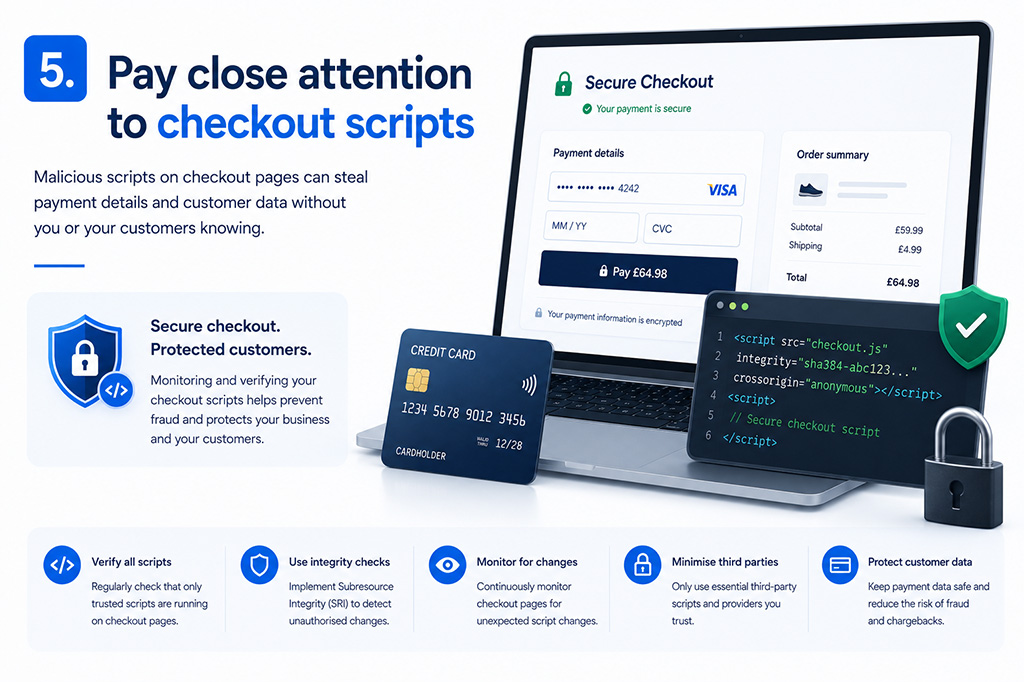
5. Pay close attention to checkout scripts
Modern checkout pages often rely on scripts from several providers. These might support payments, analytics, chat tools, marketing tags or fraud checks.
Each script can affect what the customer sees and what their browser loads. That makes script management and tamper detection an important part of ecommerce security.
In plain English: know what is allowed to run on your checkout, and make sure you would notice if something changed.
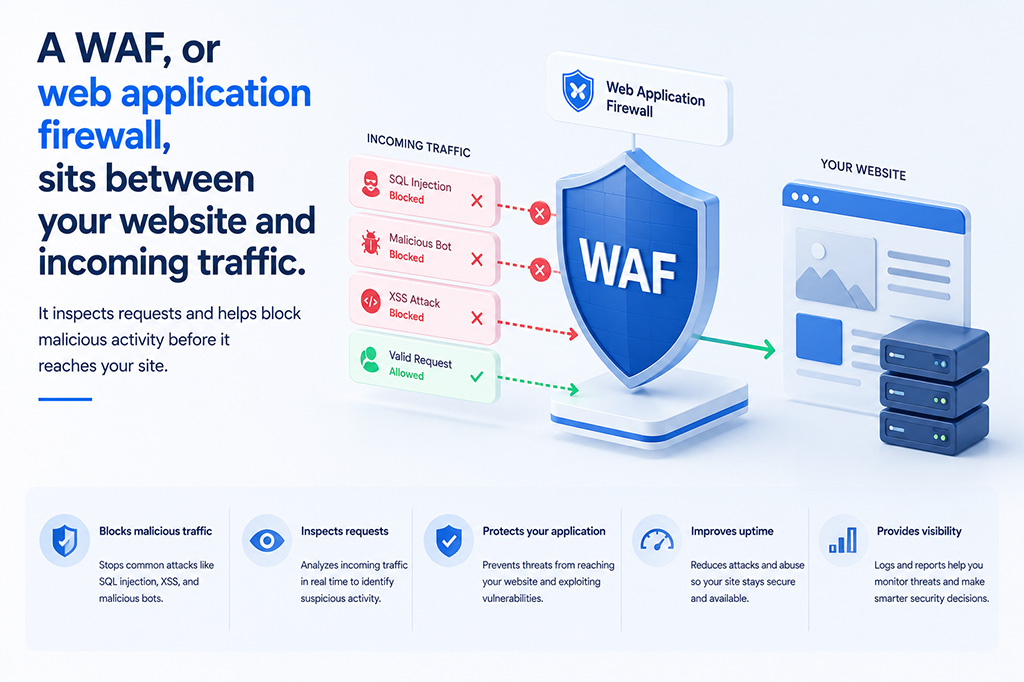
How a WAF helps protect ecommerce sites
A WAF, or web application firewall, sits between your website and incoming traffic. It inspects requests and helps block malicious activity before it reaches your site.
For ecommerce websites, a WAF can help reduce:
- Automated vulnerability scans
- Exploit attempts against known plugin or theme issues
- Bad bot traffic
- Brute force login attempts
- Suspicious requests targeting checkout or admin areas
A WAF is not a complete PCI compliance programme on its own. It does not replace strong passwords, managed updates, secure hosting, backups, monitoring or good processes.
However, it is a valuable layer of malware protection and risk reduction. It can also buy time when a plugin or theme vulnerability is known but an update needs testing before being applied to a live ecommerce store.
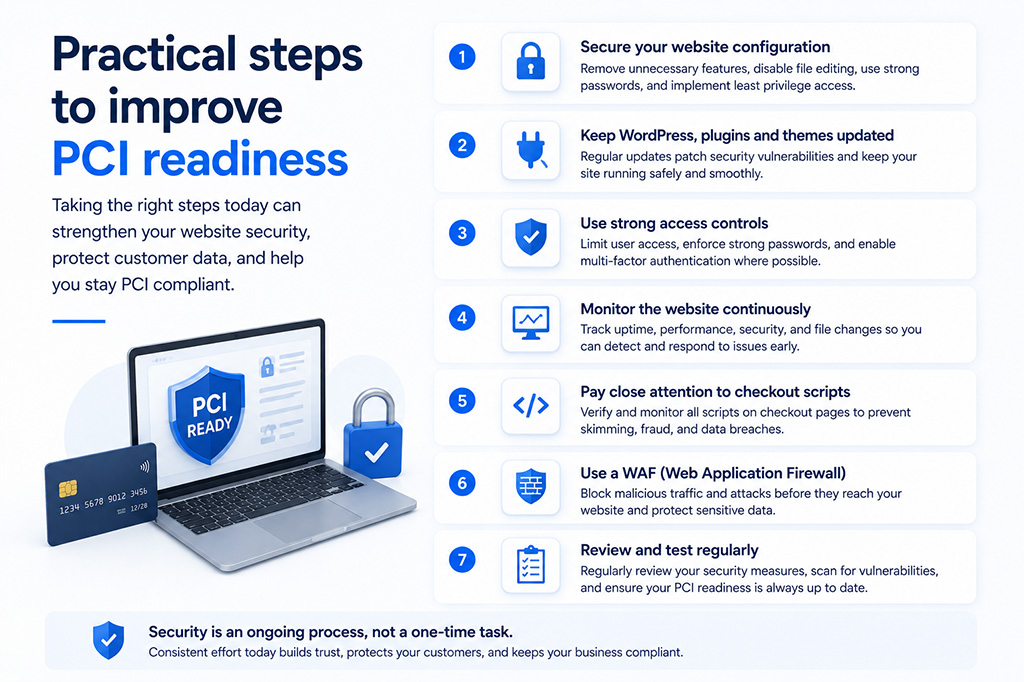
Practical steps to improve PCI readiness
For many businesses, the best starting point is to reduce unnecessary exposure.
- Use a reputable payment processor and avoid storing card data on your website unless there is a clear business need.
- Review everything involved in checkout, including plugins, scripts, redirects, payment forms and third-party tools.
- Remove unused plugins, themes, test accounts and staging sites that no longer serve a purpose.
- Use unique accounts and multi-factor authentication for administrators, developers, hosting and payment systems.
- Keep WordPress, WooCommerce, plugins and themes updated through a managed maintenance process.
- Add security monitoring for malware, file changes, uptime, SSL, DNS and suspicious behaviour.
- Use a WAF to help filter malicious traffic and reduce exposure to common website attacks.
- Keep reliable backups so the site can be restored quickly if something goes wrong.
- Document your security processes so responsibilities are clear and compliance evidence is easier to provide.
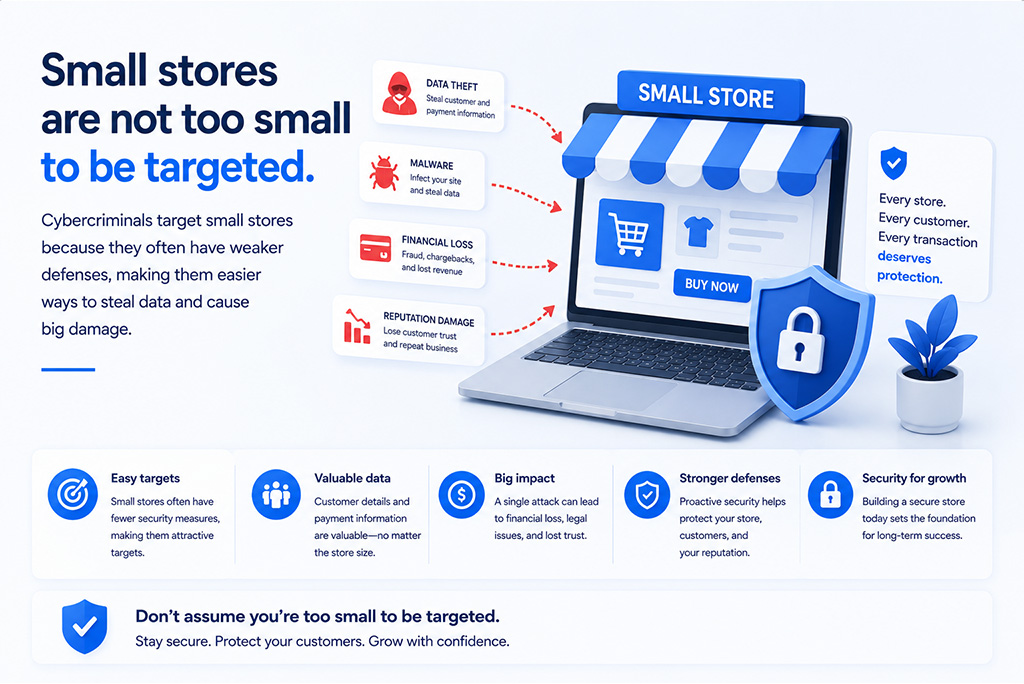
Small stores are not too small to be targeted
One of the biggest mistakes ecommerce owners make is assuming they are too small to attract attackers.
Most attacks are not personal. Automated tools scan large numbers of websites looking for the same weaknesses. A small store with an outdated plugin or weak admin password can be found in the same way as a much larger site.
The impact, however, can feel very personal. A payment security incident can affect customer trust, search visibility, sales, compliance and day-to-day operations.
That is why WordPress security and website maintenance should be treated as routine business protection, not a one-off technical task.
How matm can help
matm helps businesses build, maintain and protect secure WordPress websites, including ecommerce sites where trust and reliability are essential.
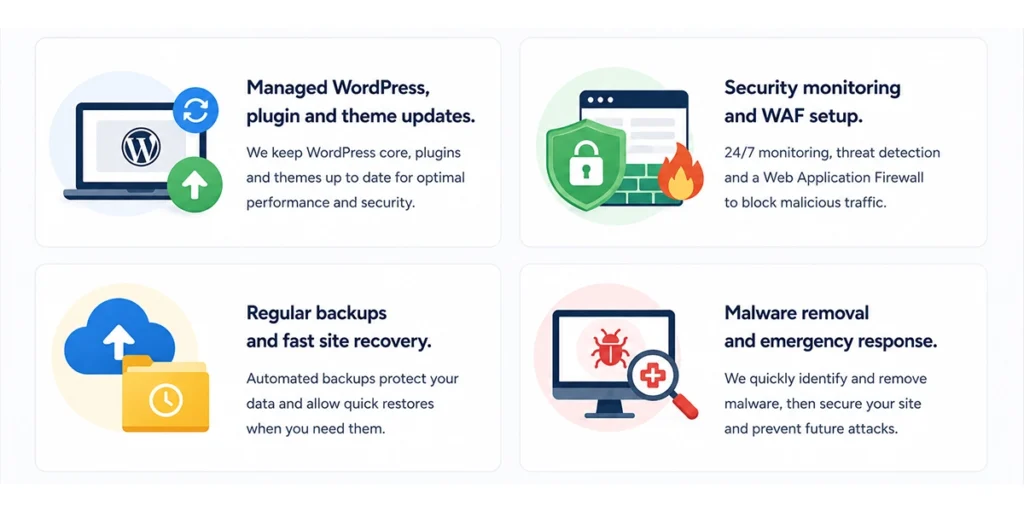
Our support can include:
- Managed WordPress, plugin and theme updates
- Security monitoring and WAF setup
- Regular backups and fast site recovery
- Malware removal and emergency response
PCI compliance may start as an obligation, but done properly it becomes a practical way to protect revenue, customer confidence and brand reputation.
If you are concerned about your ecommerce checkout, WordPress security or website maintenance, contact matm on [email protected] or call 01952 883 526.
Based on research by Sucuri.