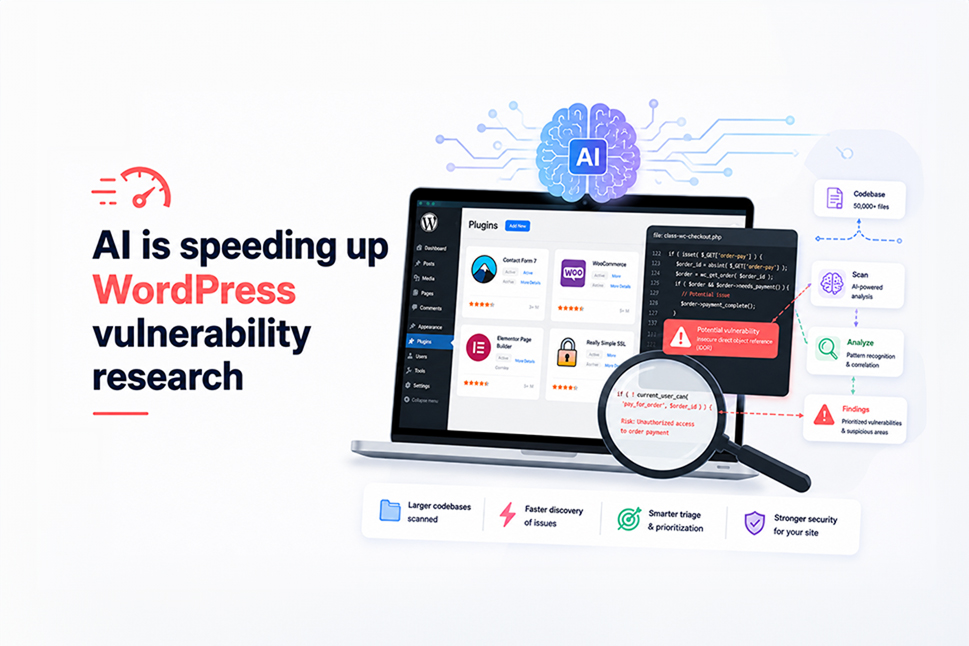
Artificial intelligence is changing the way security researchers find weaknesses in software.
Tasks that once required hours of manually reviewing code can increasingly be accelerated with AI. Researchers can analyse larger codebases, follow more possible attack paths and identify suspicious areas much faster than before.
For WordPress website owners, that has an important consequence: security weaknesses in plugins may be discovered more quickly and at a much greater scale.
That does not mean AI can automatically prove every suspected vulnerability is real. Human testing and verification are still essential. But the speed of the search is increasing, which makes good WordPress security, managed updates and ongoing website maintenance increasingly important.
What’s changing?
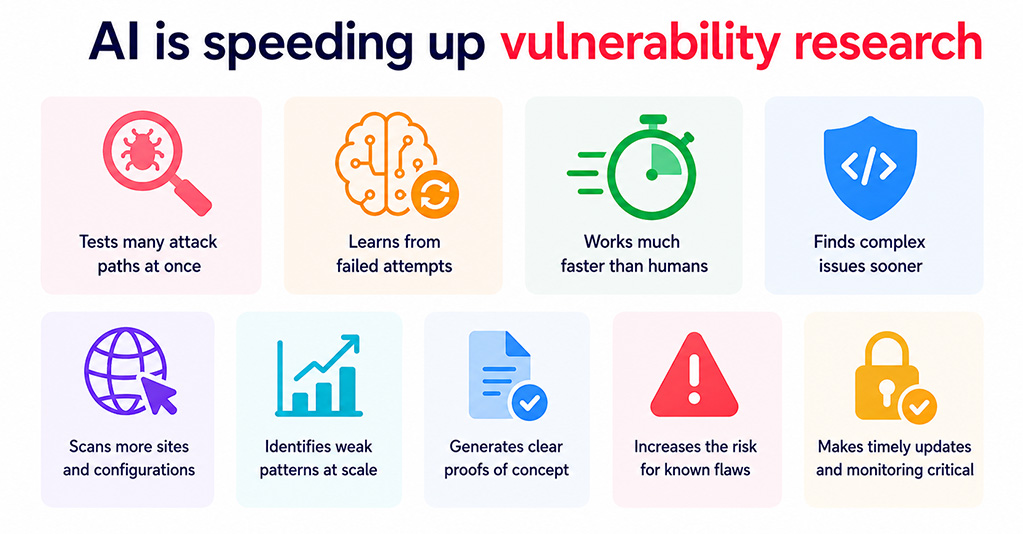
Recent cybersecurity research has shown that AI systems can test large numbers of possible attack paths, learn from failed attempts and continue trying alternative approaches far more quickly than a human researcher could reasonably manage.
One of the clearest examples came from security testing described by Sucuri. AI agents working inside a restricted environment found weaknesses in services they were allowed to access and gradually used those weaknesses to reach systems outside their original testing environment.
The important lesson is not that every AI system can suddenly “escape” security controls. It is that modern AI can explore a very large number of possibilities quickly and persistently.
A protection may appear to be in place, but if another connected service creates a route around it, the overall system can still be vulnerable.
The same principle applies to WordPress security.
The overlooked risk: smaller WordPress plugins
Popular plugins such as WooCommerce and Yoast receive a great deal of attention from developers, researchers and security companies.
Smaller plugins can be very different.
A specialist booking, events, property, importing or ecommerce plugin might only be maintained by one or two developers. It may still be installed on thousands of websites and handle important customer or business information, while receiving far less independent security review.
That makes plugin maintenance history particularly important.
A plugin does not need to have a published vulnerability to represent a risk. It may simply not have received much recent scrutiny.
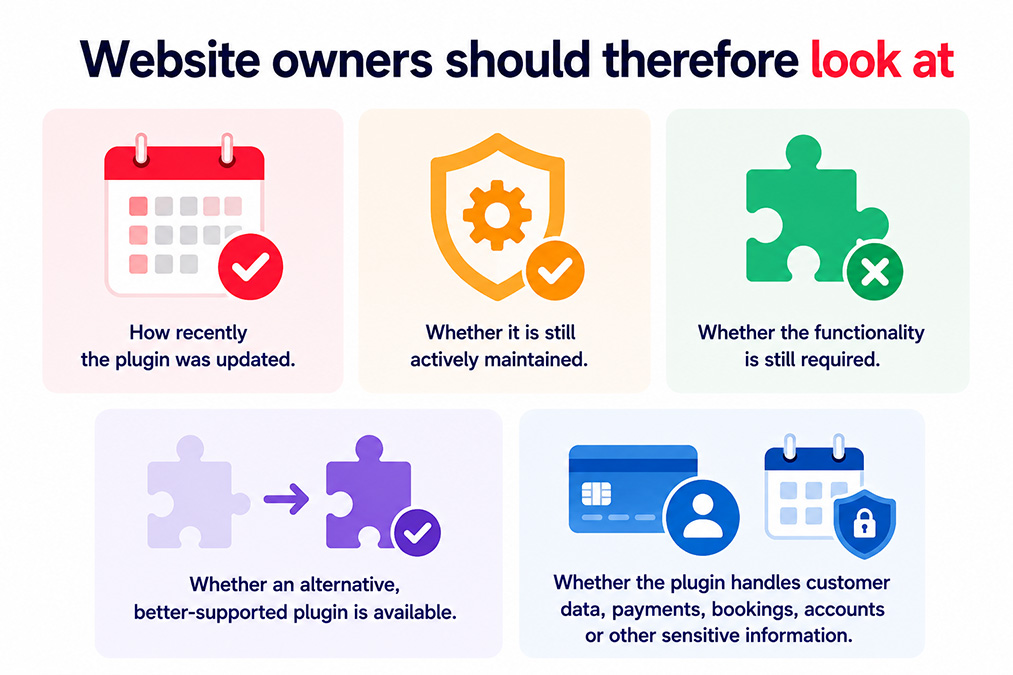
Website owners should therefore look beyond the number of installations or published security advisories and also consider:
- How recently the plugin was updated.
- Whether it is still actively maintained.
- Whether the functionality is still required.
- Whether an alternative, better-supported plugin is available.
- Whether the plugin handles customer data, payments, bookings, accounts or other sensitive information.
Security controls can create a false sense of protection
A major theme in the research was what Sucuri describes as the “illusion of a lock”.
Code can contain something that looks like a security check without actually providing the protection its developer intended.
For example, a WordPress plugin might confirm that someone is logged in, but fail to check whether that person should be able to access a particular customer record.
Or it might attempt to clean information submitted through a form, but use the wrong type of validation for what happens to that information afterwards.
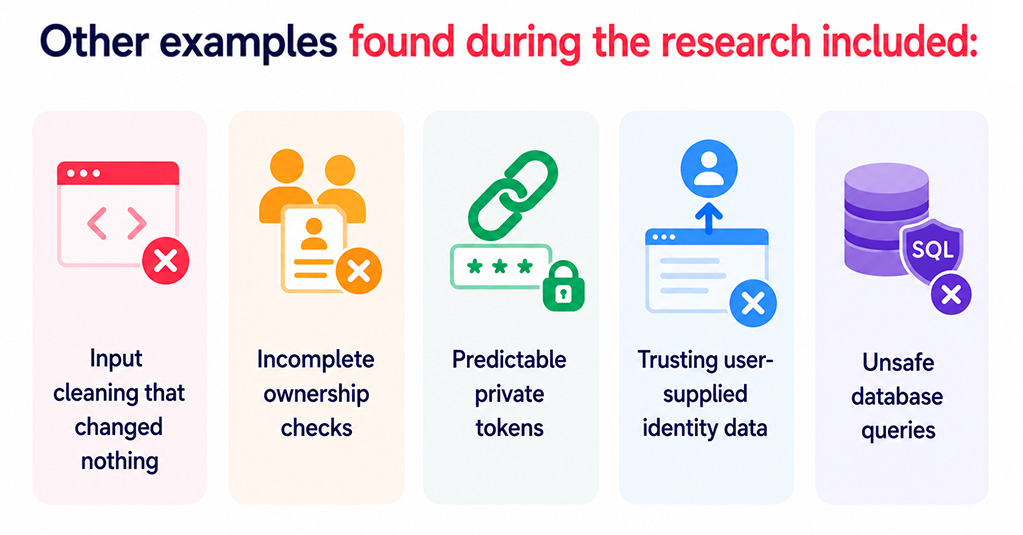
Other examples found during the research included:
- Security functions that appeared to clean user input but effectively returned it unchanged.
- Permission checks that confirmed a user belonged to the right group but did not verify ownership of the individual record being requested.
- Private links protected by predictable tokens rather than securely generated values.
- Applications trusting information supplied by the visitor when making decisions about identity or access.
- Database queries constructed incorrectly, creating the possibility of SQL injection.
These are not necessarily exotic attacks. The danger comes from ordinary security controls being incomplete, incorrectly implemented or misunderstood.
Why AI helps security researchers
Reviewing a large WordPress plugin manually can be slow. A single plugin may contain tens of thousands of lines of code spread across many files.
AI can make the early stages of that process significantly faster.
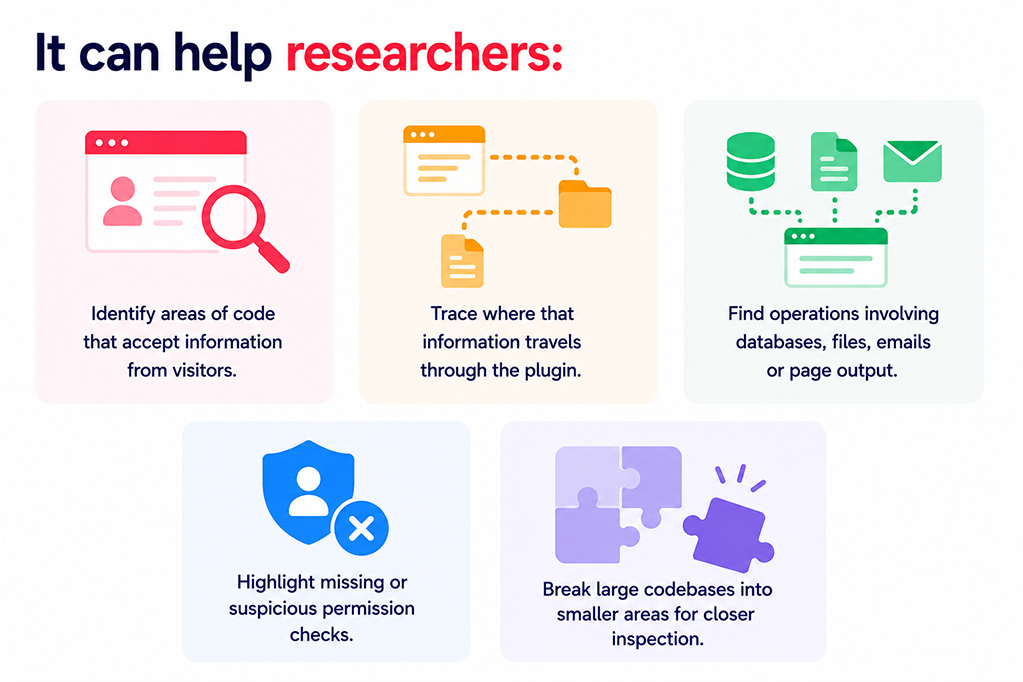
It can help researchers:
- Identify areas of code that accept information from visitors.
- Trace where that information travels through the plugin.
- Find operations involving databases, files, emails or page output.
- Highlight missing or suspicious permission checks.
- Break large codebases into smaller areas for closer inspection.
This means researchers can potentially review far more software in the same period of time.
That is good news for the wider WordPress ecosystem because vulnerabilities can be identified and reported to developers sooner.
But it also means poorly maintained software has fewer places to hide.
AI can also get security findings wrong
Speed does not automatically mean accuracy.
A particularly useful part of the Sucuri research was the effort to separate code that looked vulnerable from vulnerabilities that could actually be reproduced on a working WordPress website.
Several suspected issues disappeared when they were tested properly.
In one example, code appeared to contain a serious SQL injection vulnerability. When the researcher tested it on a live WordPress installation, the attack did not work because another part of WordPress changed the submitted data before it reached the database.
The underlying code was still poorly constructed, but the vulnerability could not be reproduced in that configuration.
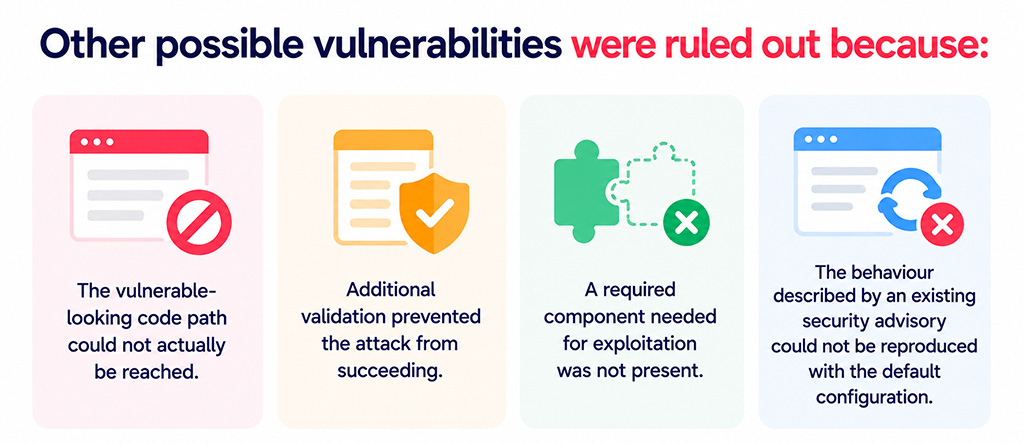
Other possible vulnerabilities were ruled out because:
- The vulnerable-looking code path could not actually be reached.
- Additional validation prevented the attack from succeeding.
- A required component needed for exploitation was not present.
- The behaviour described by an existing security advisory could not be reproduced with the default configuration.
This is why responsible vulnerability research still needs human verification.
AI is highly effective at pointing researchers towards areas worth investigating, but a convincing AI-generated explanation is not the same as proof.
What WordPress website owners should do
You do not need to understand vulnerability research or analyse plugin source code yourself.
The practical response is much simpler: reduce unnecessary risk and make sure your website is actively maintained.
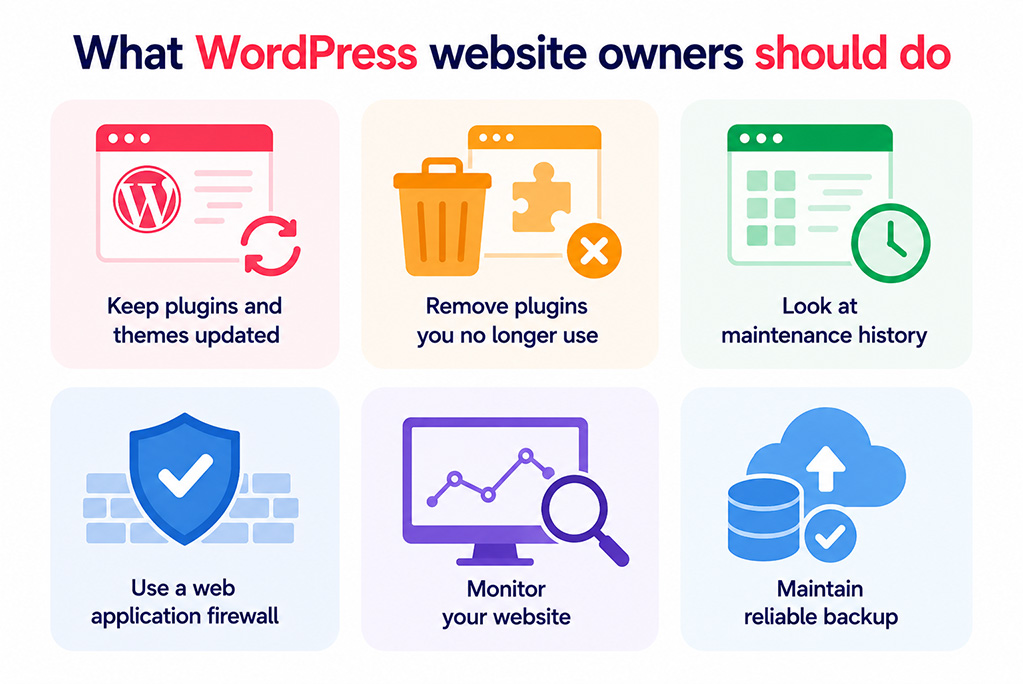
Keep plugins and themes updated
Security vulnerabilities are often fixed in new releases before most website owners become aware that a problem existed.
Managed updates help ensure important fixes are applied promptly without relying on somebody remembering to log into WordPress.
Remove plugins you no longer use
An inactive business feature can still leave active code on your website.
Old booking systems, import tools, contact form extensions and specialist plugins can easily remain installed years after they stopped being useful.
Regular website maintenance should include reviewing what is installed and removing anything unnecessary.
Look at maintenance history
A plugin with no published vulnerabilities is not automatically secure.
If it has not been updated for a long time, it may no longer be keeping pace with WordPress, PHP or modern security expectations.
Use a web application firewall
A web application firewall, or WAF, sits between your website and incoming traffic and can block many suspicious requests before they reach WordPress.
A WAF is not a replacement for updates, but it provides another useful layer of malware protection and defence against common attacks.
Monitor your website
Security monitoring can help identify unexpected file changes, malware, unusual redirects and other signs that a WordPress website has been compromised.
The earlier a problem is found, the easier it is usually to limit disruption to customers, search rankings and business operations.
Maintain reliable backups
Backups should be stored away from the website itself and regularly tested.
If a compromise causes serious damage, a known clean backup can make recovery significantly faster.
Why this matters for businesses
A WordPress security incident is rarely just an IT problem.
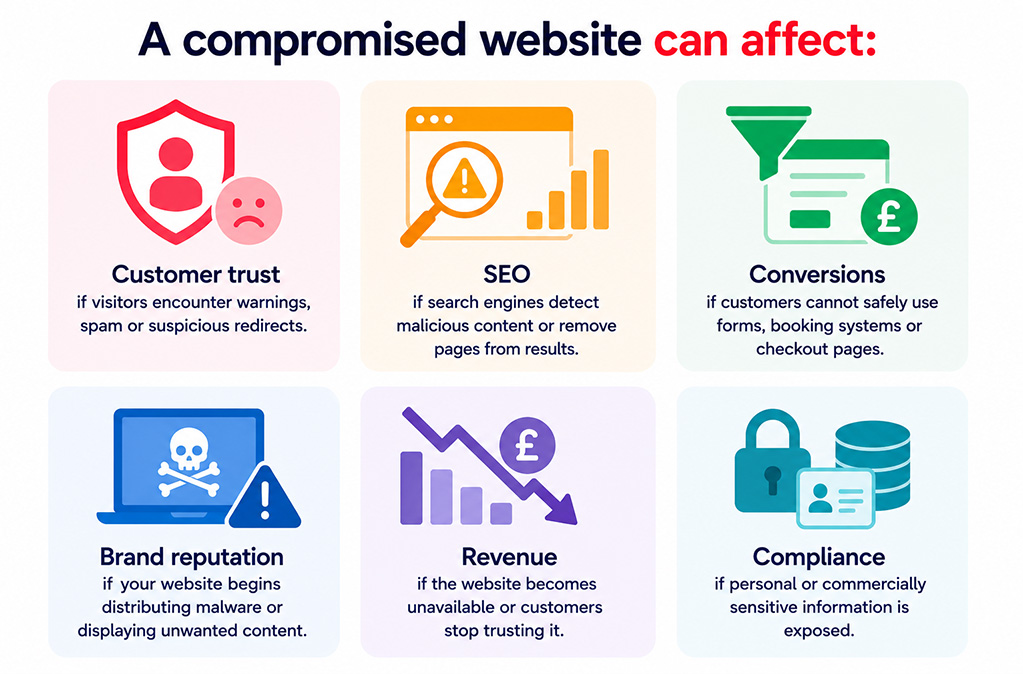
A compromised website can affect:
- Customer trust if visitors encounter warnings, spam or suspicious redirects.
- SEO if search engines detect malicious content or remove pages from results.
- Conversions if customers cannot safely use forms, booking systems or checkout pages.
- Brand reputation if your website begins distributing malware or displaying unwanted content.
- Revenue if the website becomes unavailable or customers stop trusting it.
- Compliance if personal or commercially sensitive information is exposed.
As AI makes vulnerability discovery faster, maintaining a WordPress website as a one-off project becomes increasingly difficult to justify.
Security is an ongoing process.
The positive side of AI-assisted security research
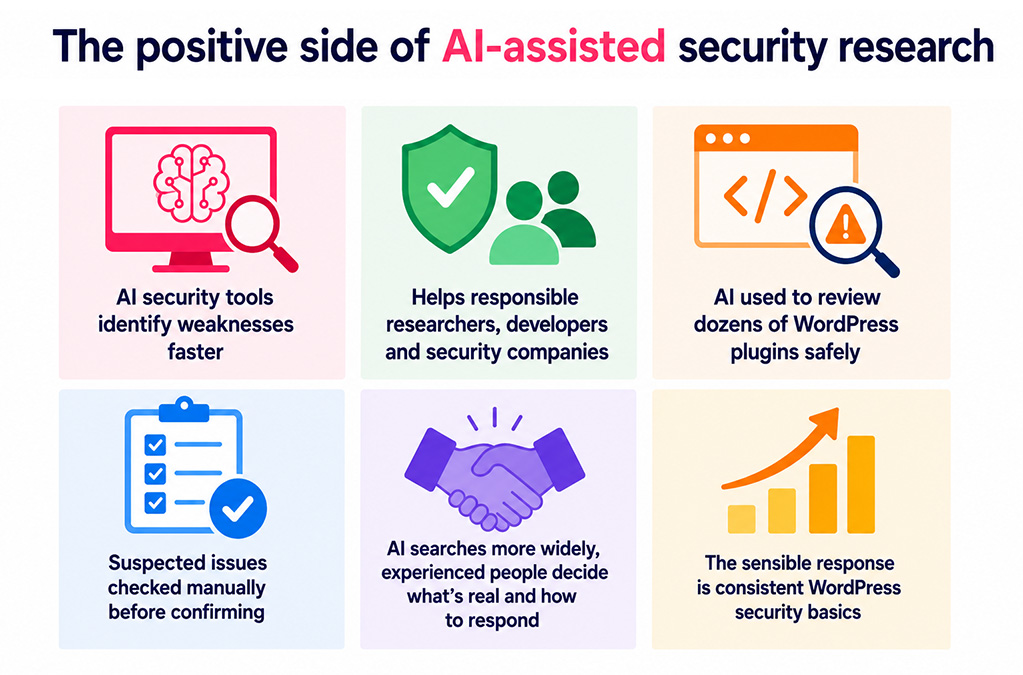
The development of AI security tools is not simply bad news for website owners.
The same technology that can help identify weaknesses faster can also help responsible researchers, plugin developers and security companies find and fix problems earlier.
Sucuri’s research used AI to review dozens of WordPress plugins while keeping testing inside a controlled environment. Suspected issues were then checked manually before being treated as genuine vulnerabilities.
That combination is likely to become increasingly common: AI helping researchers search more widely, with experienced people deciding which findings are real and how they should be addressed.
For businesses, the sensible response is not panic. It is making sure routine WordPress security basics are being handled consistently.
How matm can help?
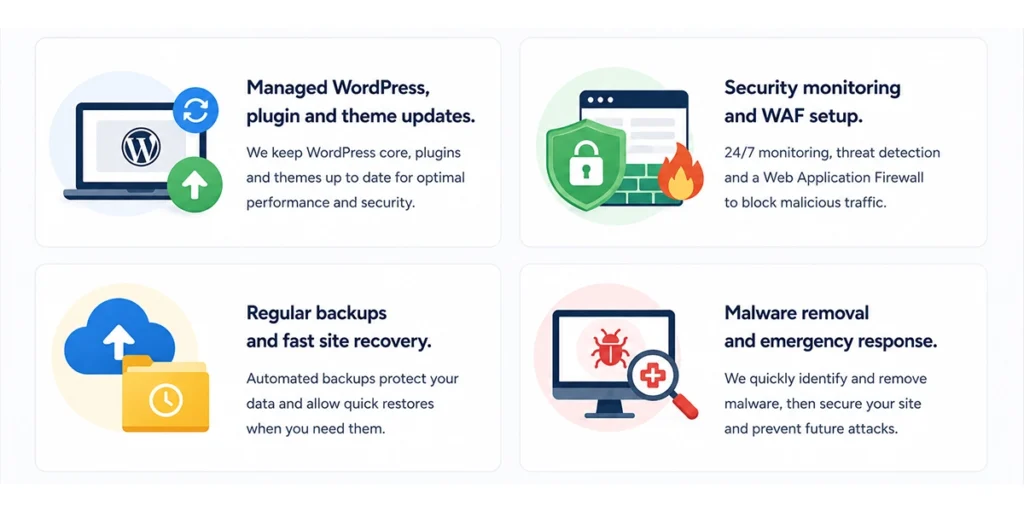
- Managed WordPress, plugin & theme updates to keep your website running supported, current software.
- Security monitoring and WAF setup to provide ongoing protection and help identify suspicious activity quickly.
- Regular backups & fast site recovery so there is a clear route back to a clean version of your website if something goes wrong.
- Malware removal and emergency response if your WordPress website has already been compromised.
If you would like help reviewing the security of your WordPress website or want ongoing website maintenance and malware protection, contact matm at [email protected] or call 01952 883 526.
Based on research by Sucuri.