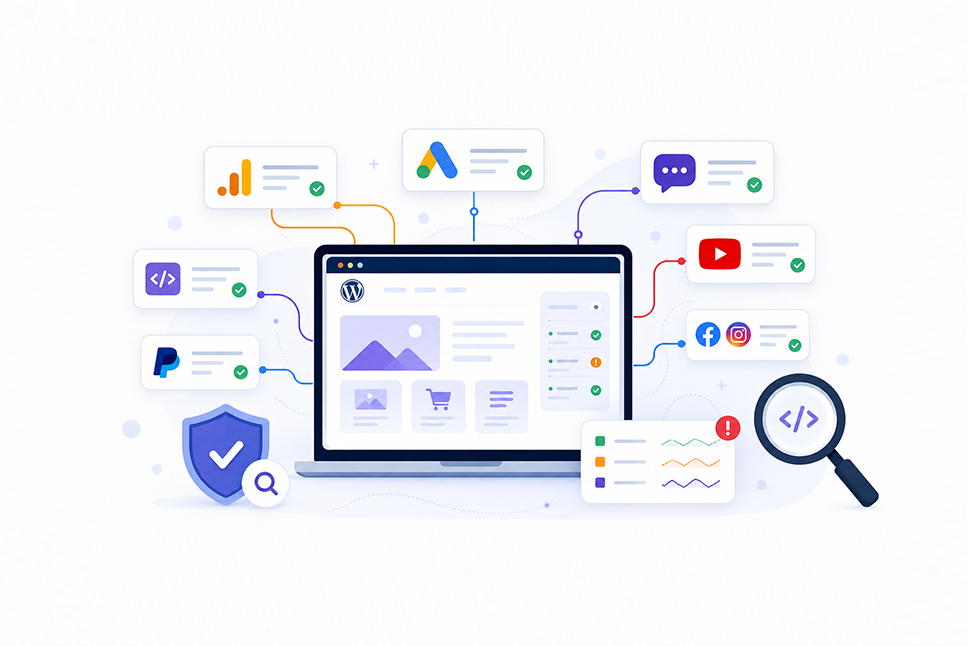
Analytics tools, advertising pixels, live chat, videos, payment services and social media integrations are now a normal part of most business websites.
They are useful, but every third-party script you add also introduces another service that can affect your website and its visitors. If that service, account or integration is compromised, the impact can extend to every page where the script is running.
That does not mean businesses should remove useful tools. Good WordPress security is about knowing what is running on your website, why it is there, who controls it and how you would spot an unexpected change.
What is a third-party script?
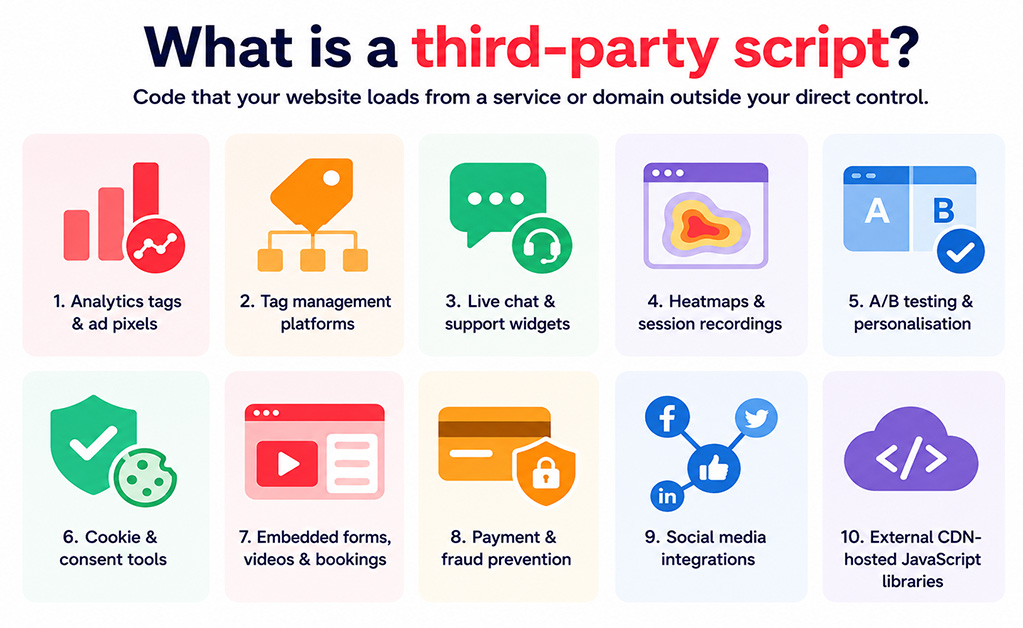
A third-party script is code that your website loads from a service or domain outside your direct control.
Common examples include:
- Analytics tags and advertising pixels
- Google Tag Manager and other tag management platforms
- Live chat and customer support widgets
- Heatmaps and session recording tools
- A/B testing and personalisation platforms
- Cookie and consent management tools
- Embedded forms, videos and booking systems
- Payment and fraud prevention services
- Social media integrations
- JavaScript libraries hosted on external content delivery networks
External resources can also be introduced through iframes, plugins, custom HTML blocks and other CMS integrations.
Each may work differently, but the important point is the same: your website is relying on another service to deliver part of the experience your visitors receive.
Why can third-party scripts become a security risk?
Most reputable third-party services are not inherently dangerous. Problems arise when scripts have unnecessary access, accounts are poorly protected, integrations are forgotten or the service supplying the code becomes compromised.
Third-party scripts can potentially read information on a page, send data to another service and change what a visitor sees. Tag management platforms can go further by controlling which scripts are loaded and where data is sent.
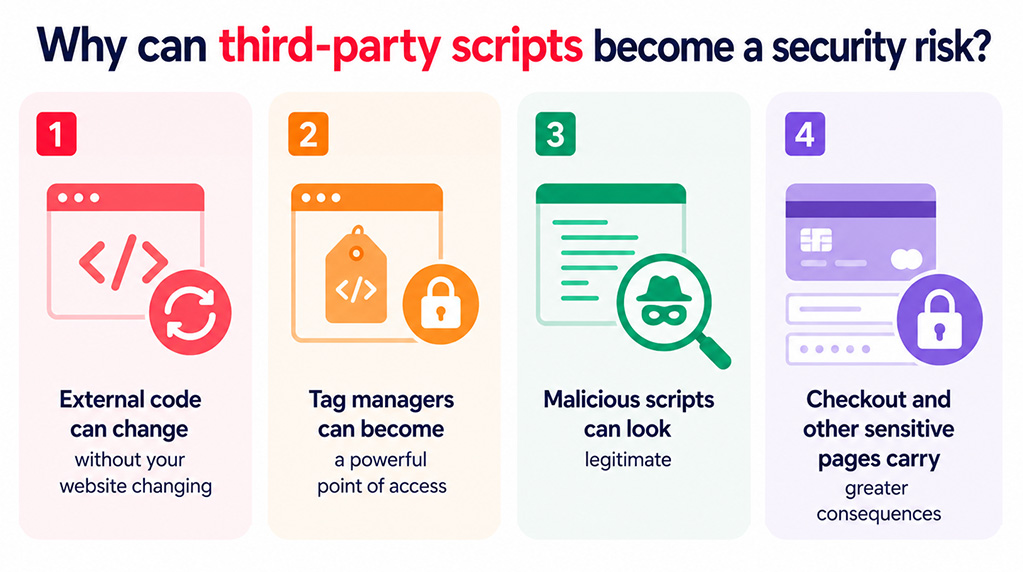
There are four areas businesses should pay particular attention to.
1. External code can change without your website changing
If a JavaScript file is stored directly on your website, it will normally change as part of a website update.
A script hosted by an external provider is different. The provider can change the code at its end while the web address used by your website stays exactly the same.
That makes software easier for vendors to maintain, but it also means a compromised supplier, content delivery network or vendor account could potentially distribute altered code to websites using that resource.
2. Tag managers can become a powerful point of access
Tag managers are convenient because marketing and analytics teams can add or change tracking scripts without asking a developer to update the website each time.
That convenience also makes the account valuable to an attacker.
If someone gains unauthorised publishing access to a tag management account, they may be able to introduce code across large parts of the website. Shared passwords, excessive permissions and a lack of multifactor authentication can increase this risk.
3. Malicious scripts can look legitimate
Attackers know that website administrators expect to see names associated with well-known analytics and advertising tools in their website code.
Sucuri has previously documented a credit card skimmer disguised as a Facebook Pixel tracker. It used familiar-looking naming and formatting, but loaded malicious code from an attacker-controlled source and targeted checkout information.
The lesson is simple: recognising the name of a script is not enough. Its source, domain, behaviour and method of installation also matter.
4. Checkout and other sensitive pages carry greater consequences
Scripts running in a visitor’s browser can interact with the information displayed or entered on a page. That makes checkout pages, login screens and forms particularly important to monitor.
Payment security requirements such as PCI DSS include controls around authorising payment-page scripts, maintaining an inventory and checking for unauthorised changes.
Even where PCI DSS does not apply, the same principle is sensible: pages handling sensitive information should only load resources that are known, necessary and monitored.
Why this matters to your business
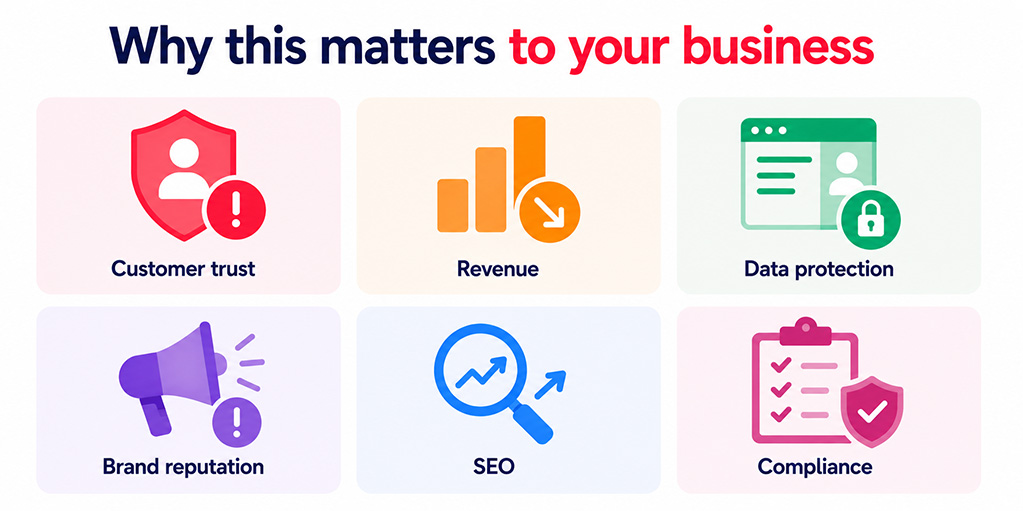
A compromised script is not simply an IT problem. Depending on what the script does and where it appears, the consequences could affect:
- Customer trust: unexpected redirects, pop-ups or suspicious payment behaviour quickly damage confidence.
- Revenue: broken forms, checkout problems and malicious redirects can stop enquiries and sales.
- Data protection: scripts running on forms or account pages may have access to information entered by visitors.
- Brand reputation: customers are unlikely to distinguish between your website and a compromised third-party supplier.
- SEO: malware and unwanted redirects can affect search visibility and may result in browser or search-engine warnings.
- Compliance: organisations handling payment or personal information may need to investigate whether data was exposed.
This is why third-party integrations should form part of routine website maintenance and security monitoring rather than being treated as a one-off marketing setup.
Who should be responsible for third-party scripts?
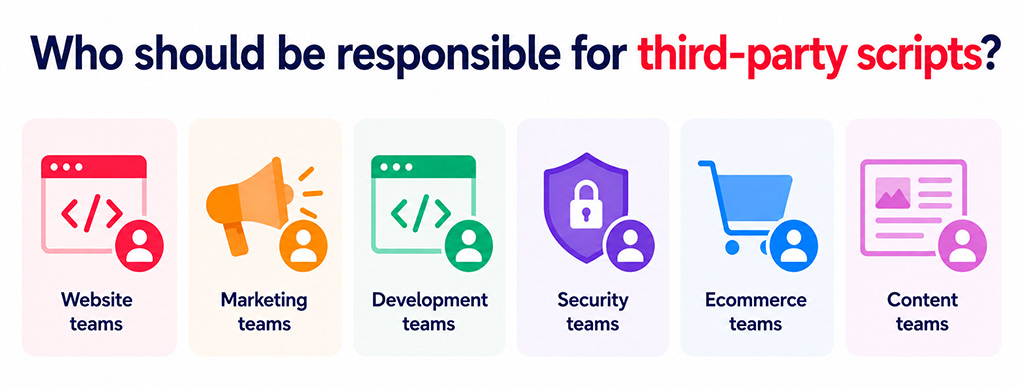
Managing these tools is a shared responsibility between website, marketing, development, security, ecommerce and content teams.
Technical teams can assess how an integration works and what access it has. Business owners and marketing teams are often better placed to explain why the tool exists, which campaign it supports and whether it is still needed.
Every integration should therefore have a named owner.
Without clear ownership, short-term campaign tools and old vendor accounts can remain connected to a live website long after anyone has stopped reviewing them.
How to reduce the risk
A sensible approach combines good housekeeping, controlled access, regular reviews and appropriate technical protection.
Keep an inventory of scripts and integrations
Maintain a simple record of every approved external service that can affect your website.
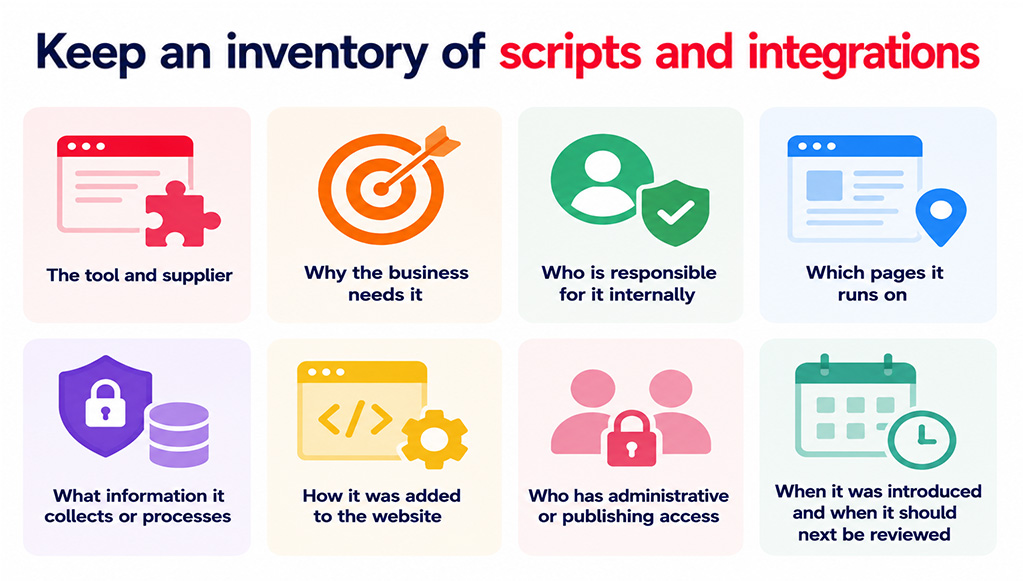
For each one, record:
- The tool and supplier
- Why the business needs it
- Who is responsible for it internally
- Which pages it runs on
- What information it collects or processes
- How it was added to the website
- Who has administrative or publishing access
- When it was introduced
- When it should next be reviewed
Periodically compare that list with what is actually running on the live site. An unexpected script or domain should be investigated.
Use individual accounts and multifactor authentication
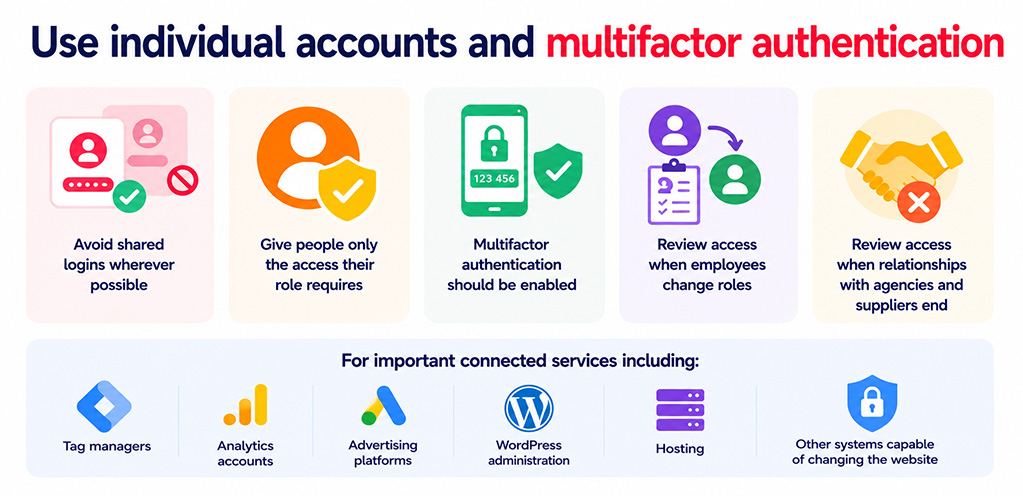
Avoid shared logins wherever possible and give people only the access their role requires.
Multifactor authentication should be enabled for important connected services including tag managers, analytics accounts, advertising platforms, WordPress administration, hosting and other systems capable of changing the website.
Access should also be reviewed when employees change roles or when relationships with agencies and suppliers end.
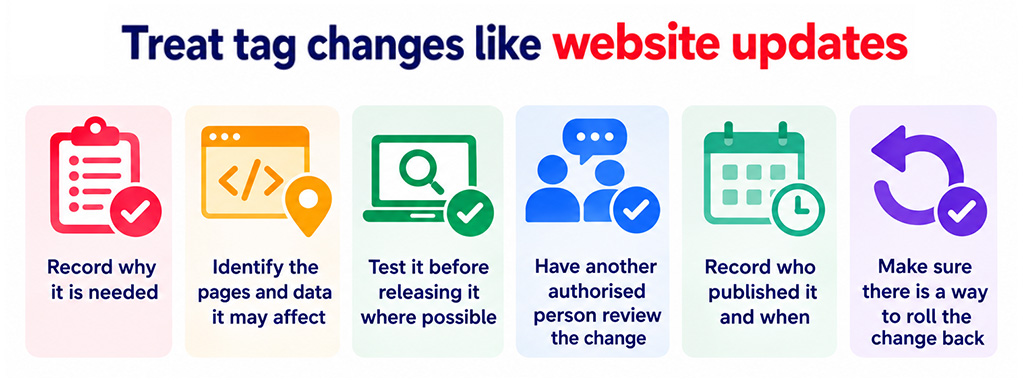
Treat tag changes like website updates
A script added through a tag management dashboard can affect visitors just as directly as code added by a developer.
Before publishing a new tag or integration:
- Record why it is needed
- Identify the pages and data it may affect
- Test it before releasing it where possible
- Have another authorised person review the change
- Record who published it and when
- Make sure there is a way to roll the change back
This does not need to create unnecessary bureaucracy. The aim is simply to make changes visible and accountable.
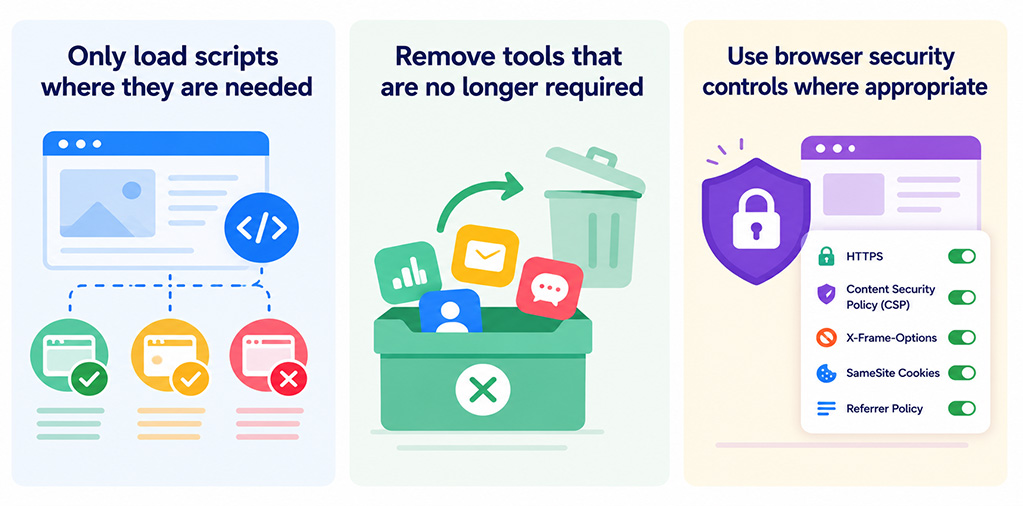
Only load scripts where they are needed
A conversion pixel for one campaign does not necessarily need to run across every page of your website.
Likewise, a checkout integration should not appear on ordinary blog posts, and session-recording software may need to be excluded from login, account, form or payment pages.
Restricting where scripts operate reduces unnecessary data exposure and limits the potential impact if an integration is compromised.
Remove tools that are no longer required
Temporary integrations have a habit of becoming permanent.
When a campaign or service ends, remove the associated scripts and tags and review any API keys, tokens, webhooks and vendor accounts connected to it.
Setting a review or expiry date when a tool is introduced can make this much easier.
Use browser security controls where appropriate
A Content Security Policy (CSP) can tell a visitor’s browser which sources it is allowed to load scripts and other website resources from. This can help reduce the impact of unauthorised script injection, although it needs careful testing to avoid blocking legitimate website functionality.
Subresource Integrity (SRI) can also allow a browser to check that certain external files have not unexpectedly changed before loading them.
These controls can be useful, but they do not replace managed updates, access controls, malware protection, security monitoring or regular supplier reviews.
Monitor the website your customers actually see
Checking the WordPress dashboard and website files is important, but it does not always reveal what is happening in a visitor’s browser.
Regularly review important pages while logged out and, where practical, test different browsers, devices and traffic sources.
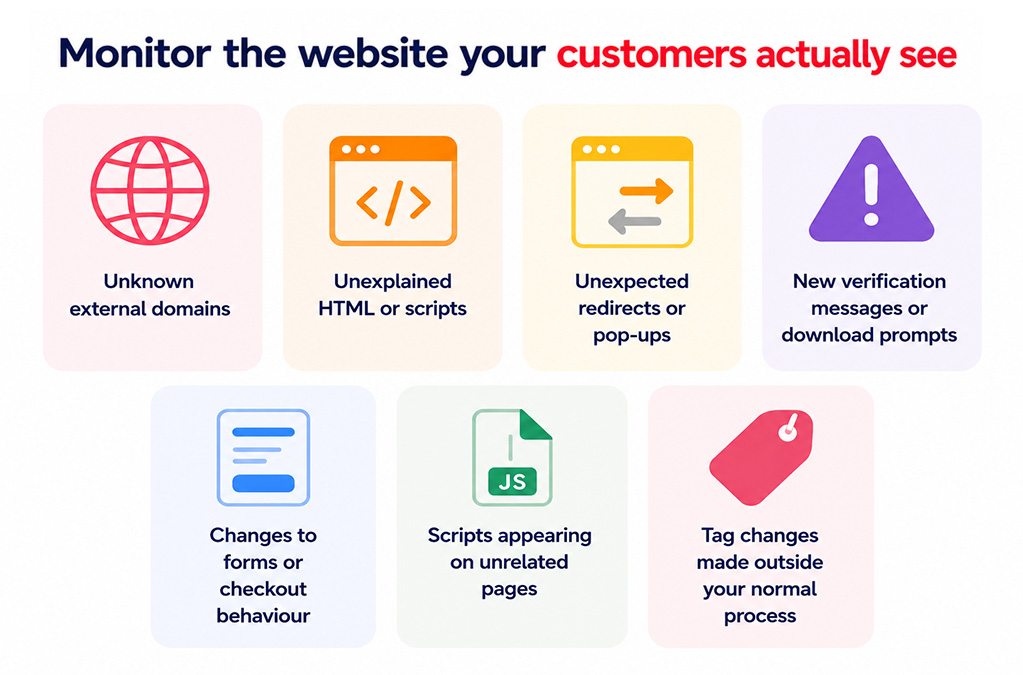
Warning signs include:
- Unknown external domains
- Unexplained HTML or scripts
- Unexpected redirects or pop-ups
- New verification messages or download prompts
- Changes to forms or checkout behaviour
- Scripts appearing on unrelated pages
- Tag changes made outside your normal process
Some malicious scripts are designed to activate only on particular pages or for certain visitors. Effective security monitoring therefore needs to consider what the browser actually receives, not just what appears to be stored on the server.
What should you do if you find an unauthorised script?
Deleting the script is important, but it should not be the end of the investigation.
First, preserve useful information such as the script address, affected pages, screenshots, publishing history and roughly when the suspicious behaviour began.
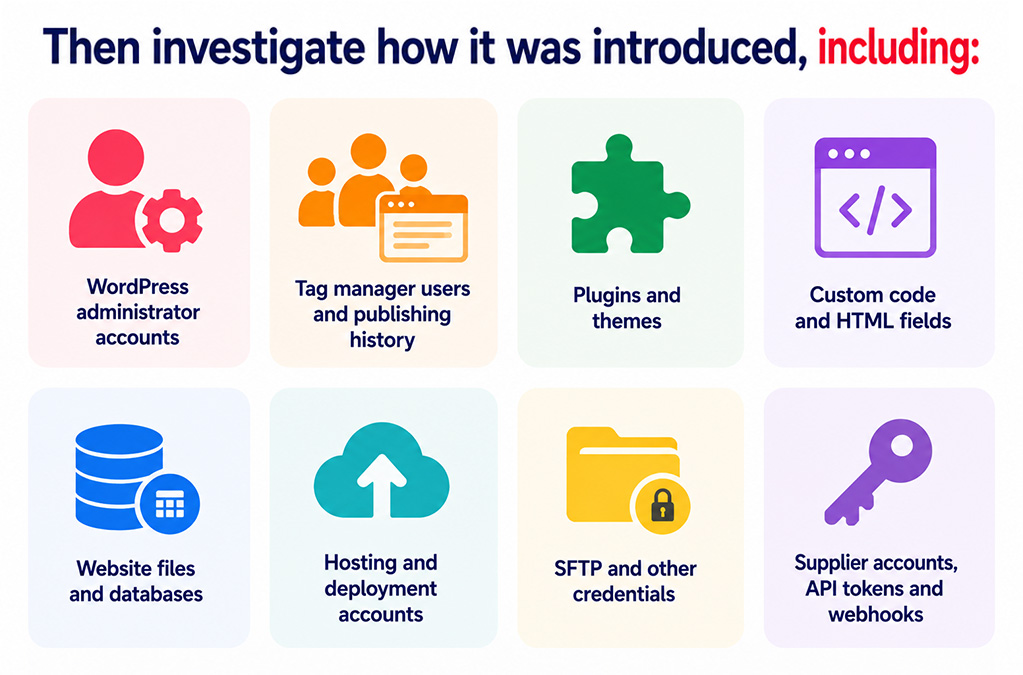
Then investigate how it was introduced, including:
- WordPress administrator accounts
- Tag manager users and publishing history
- Plugins and themes
- Custom code and HTML fields
- Website files and databases
- Hosting and deployment accounts
- SFTP and other credentials
- Supplier accounts, API tokens and webhooks
Any compromised credentials should be changed, exposed tokens revoked and vulnerable software updated. The wider website should also be checked for malware and backdoors.
Simply removing the visible code without closing the original route into the website can allow an attacker to put it straight back.
If the script appeared on a checkout, login, contact form or another page handling sensitive information, the organisation should also consider whether information may have been exposed and involve the appropriate privacy, legal or payment-compliance specialists where necessary.
Can a web application firewall stop malicious third-party scripts?
A web application firewall (WAF) can help block attacks that might otherwise lead to a compromised WordPress site or malicious script injection.
It cannot guarantee that a legitimate third-party supplier or an authorised external account will never be compromised.
A WAF should therefore form part of a wider WordPress security approach that includes managed updates, strong account security, malware protection, backups, security monitoring and careful control of external integrations.
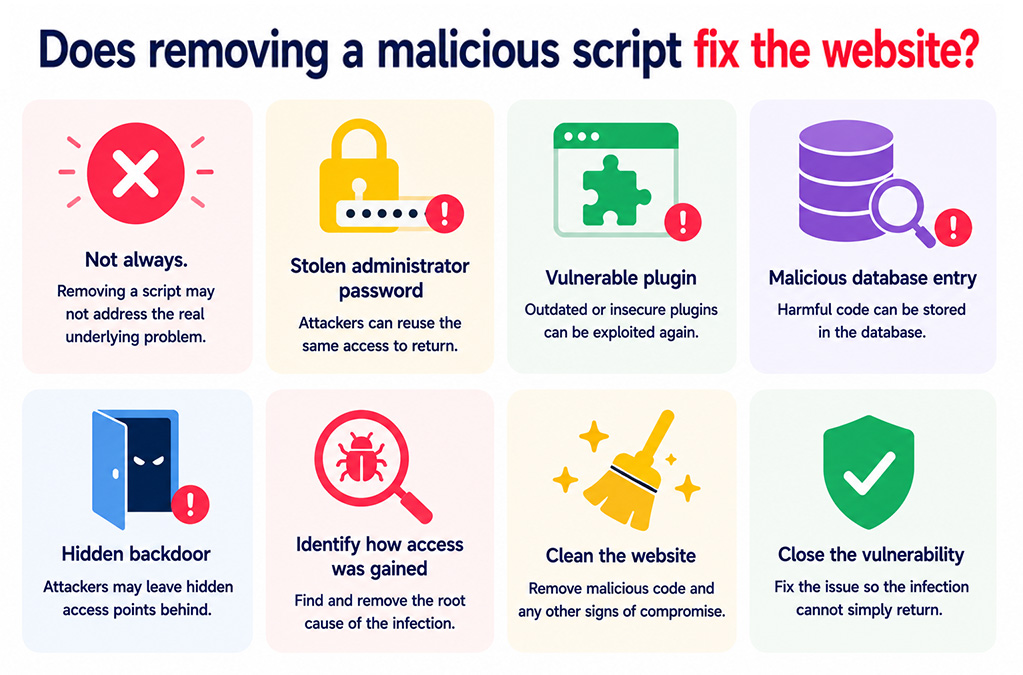
Does removing a malicious script fix the website?
Not always.
An unauthorised script may be the visible symptom of a deeper problem such as a stolen administrator password, vulnerable plugin, malicious database entry or hidden backdoor.
Proper malware removal means identifying how the attacker gained access, cleaning the website and closing the original vulnerability so the infection cannot simply return.
Make every website integration accountable
Third-party services are part of modern websites, and many provide genuine business value.
The biggest risks tend to come from integrations nobody tracks, accounts nobody reviews and scripts that remain active long after their original purpose has disappeared.
Treat every tag, pixel, widget and embed as part of your production website. Know why it exists, give it an owner, control who can change it, restrict where it runs and monitor the experience being delivered to your visitors.
How matm can help?
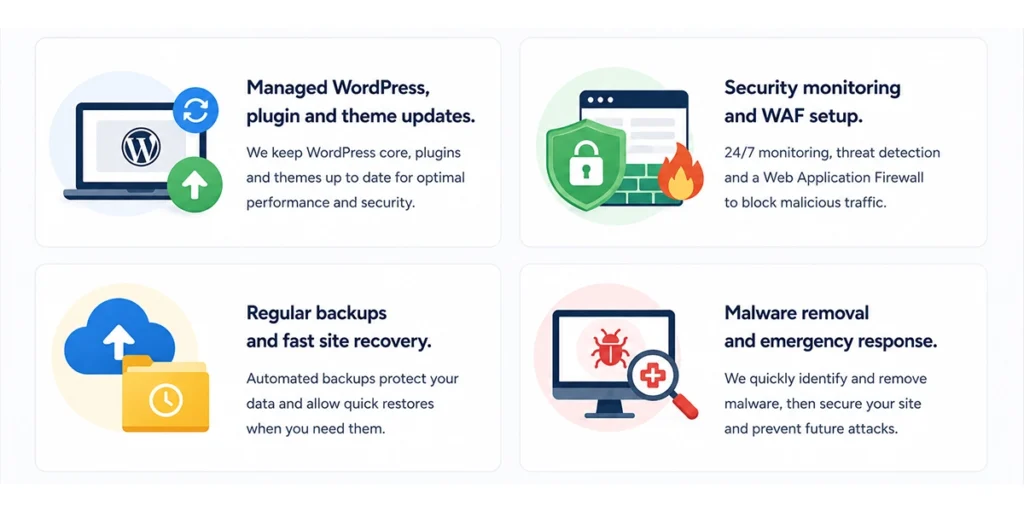
Keeping a WordPress website secure requires more than installing a security plugin and hoping for the best. Ongoing website maintenance helps reduce the opportunity for vulnerable software, forgotten integrations and unauthorised changes to go unnoticed.
- Managed WordPress, plugin & theme updates
- Security monitoring and WAF setup
- Regular backups & fast site recovery
- Malware removal and emergency response
If you would like help reviewing the security of your WordPress website, contact matm at [email protected] or call 01952 883 526.
Based on research by Sucuri.