
Keeping WordPress, plugins and themes up to date is one of the most important parts of website security. A single unpatched vulnerability can leave a website open to automated attacks, potentially leading to downtime, data exposure, malware or a much more involved clean-up.
Sucuri’s August 2026 vulnerability roundup highlights a wide range of security issues affecting popular WordPress plugins, including several used on hundreds of thousands or even millions of websites.
For business owners, the important message is straightforward: check your plugins, apply available security updates promptly and make sure there are additional safeguards in place if a patch is not yet available.
What’s going on?
Attackers do not necessarily need to target a particular business manually. Many attacks are automated, scanning large numbers of websites for known vulnerabilities and attempting to exploit sites that have not yet been patched.
Some of the vulnerabilities reported during August could be exploited without the attacker even having a WordPress account. These are described as unauthenticated vulnerabilities, meaning no login is required before an attack can be attempted.
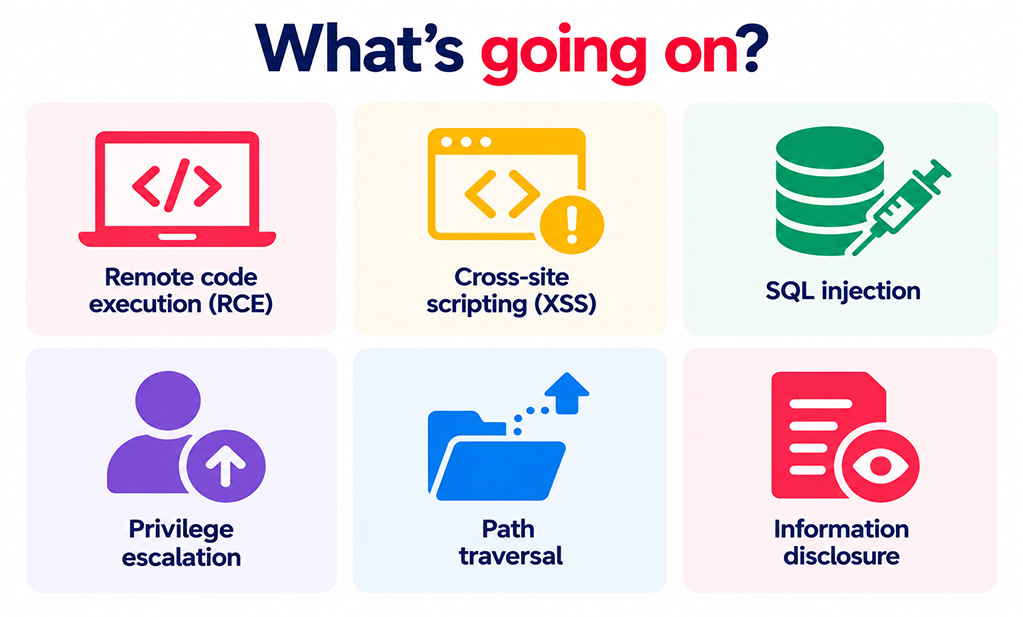
The issues covered by Sucuri include:
- Remote code execution (RCE): vulnerabilities that can potentially allow an attacker to run their own code on a website or server.
- Cross-site scripting (XSS): weaknesses that can allow malicious scripts to be inserted into pages or areas of WordPress.
- SQL injection: vulnerabilities that can allow an attacker to interfere with queries sent to the website database.
- Privilege escalation: flaws that can allow someone to gain permissions they should not have.
- Path traversal: weaknesses that can allow access to files outside the location a plugin is supposed to use.
- Information disclosure: vulnerabilities that can expose data that should normally be protected.
Critical WordPress plugin vulnerabilities
Several of the vulnerabilities in the August roundup were rated critical and did not require authentication. If your website uses any of the affected plugins, these updates should be treated as a priority.
- Forminator Forms: an unauthenticated arbitrary file upload vulnerability, CVE-2026-15748, affected versions up to 1.56.1. The issue was patched in version 1.56.2.
- Kirki: an unauthenticated remote code execution vulnerability, CVE-2026-16747, affected versions below 6.2.1. The issue was patched in 6.2.1.
- Broken Link Checker: an unauthenticated remote code execution vulnerability, CVE-2026-18937, affected versions below 2.4.12. The fix is available in 2.4.12.
- TranslatePress: an unauthenticated account takeover vulnerability, CVE-2026-19632, affected versions up to 3.3.1. The issue was patched in 3.3.2.
- WP Go Maps: an unauthenticated SQL injection vulnerability, CVE-2026-15381, affected versions below 10.1.04. The fix is included in 10.1.04.
- Tutor LMS: an unauthenticated remote code execution vulnerability, CVE-2026-16759, affected versions up to 4.0.5. The issue was patched in 4.0.6.
- GiveWP: an unauthenticated PHP object injection vulnerability that could lead to remote code execution, CVE-2026-82222. Versions up to 4.16.7.1 were affected, with a fix in 4.16.7.2.
- Pods: an unauthenticated privilege escalation vulnerability, CVE-2026-19598, affected versions 2.8 to 2.8.23.3. Sucuri lists version 3.3.9.1 as the patched version.
- Depicter: an unauthenticated SQL injection vulnerability, CVE-2026-66622, affected versions up to 4.8.0. At the time of Sucuri’s roundup, no patched version was listed.
Popular plugins also affected
Critical ratings are not the only thing that matters. Several high-risk vulnerabilities affect plugins with very large install bases, making timely managed updates particularly important.
LiteSpeed Cache
LiteSpeed Cache, with more than seven million installations listed by Sucuri, was affected by two cross-site scripting vulnerabilities.
The higher-risk issue, CVE-2026-18978, could be exploited without authentication through comment content and affected versions up to 7.8.1. It was patched in version 7.9.
Action: update LiteSpeed Cache to version 7.9 or later.
All-in-One WP Migration and Backup
Sucuri reported two high-risk vulnerabilities affecting All-in-One WP Migration and Backup, which has more than five million installations.
The most significant, CVE-2026-19949, involved an unauthenticated SQL injection issue during archive restoration that could lead to remote code execution. Versions up to 7.109 were affected, with a fix in 7.110.
Action: update to version 7.110 or later.
WP Fastest Cache
WP Fastest Cache was affected by a high-risk unauthenticated stored cross-site scripting vulnerability, CVE-2026-19760.
Versions up to 1.5.0 were affected.
Action: update to version 1.5.1 or later.
W3 Total Cache
Two high-risk unauthenticated vulnerabilities were reported in W3 Total Cache, including path traversal and stored cross-site scripting.
The path traversal issue affected versions below 2.10.5, while the cross-site scripting issue affected versions up to 2.10.3.
Action: update to version 2.10.5 or later.
WPvivid
WPvivid was affected by an unauthenticated path traversal vulnerability, CVE-2026-19725. Sucuri lists more than 900,000 installations for the plugin.
Action: update to version 0.9.131 or later.
Fluent Forms
Several vulnerabilities were identified in Fluent Forms, including stored cross-site scripting and weaknesses that could allow users with lower-level accounts to delete form submissions or cancel subscriptions they should not control.
Action: update to the latest supported release. Sucuri lists version 6.2.12 as the fix for the most recent high-risk cross-site scripting issue in its August roundup.
Forminator Forms
Forminator appears repeatedly in the roundup, with vulnerabilities covering arbitrary file uploads, privilege escalation, information disclosure, PHP object injection and several cross-site scripting issues.
Because multiple versions are affected by different vulnerabilities, simply applying one older security patch may not address everything listed.
Action: update to the latest supported Forminator release rather than stopping at the minimum version required for one individual fix.
TranslatePress
Alongside the critical account takeover issue, several cross-site scripting vulnerabilities were reported in TranslatePress.
Action: update to the latest supported release. Sucuri lists version 3.3.4 as the patched version for one of the later high-risk issues in the roundup.
What if there isn’t a patch?
A small number of vulnerabilities in the roundup had no patched version listed at the time the article was published.
Examples include:
- Depicter – critical unauthenticated SQL injection affecting versions up to 4.8.0.
- Kirki – high-risk unauthenticated stored cross-site scripting affecting versions up to 6.2.4.
- Ultimate Dashboard – high-risk unauthenticated stored cross-site scripting affecting versions up to 3.11.2.
- OptionTree – medium-risk authenticated PHP object injection affecting versions up to 2.7.3.
When no patch is available, check the plugin developer’s latest security guidance and put additional protection in place. Depending on how essential the plugin is, it may also be appropriate to disable or remove it until a safe version becomes available, provided this can be done without disrupting the website.
Why these vulnerabilities matter to your business
A vulnerable WordPress plugin is not simply an IT problem. A successful attack can quickly become a wider business problem.
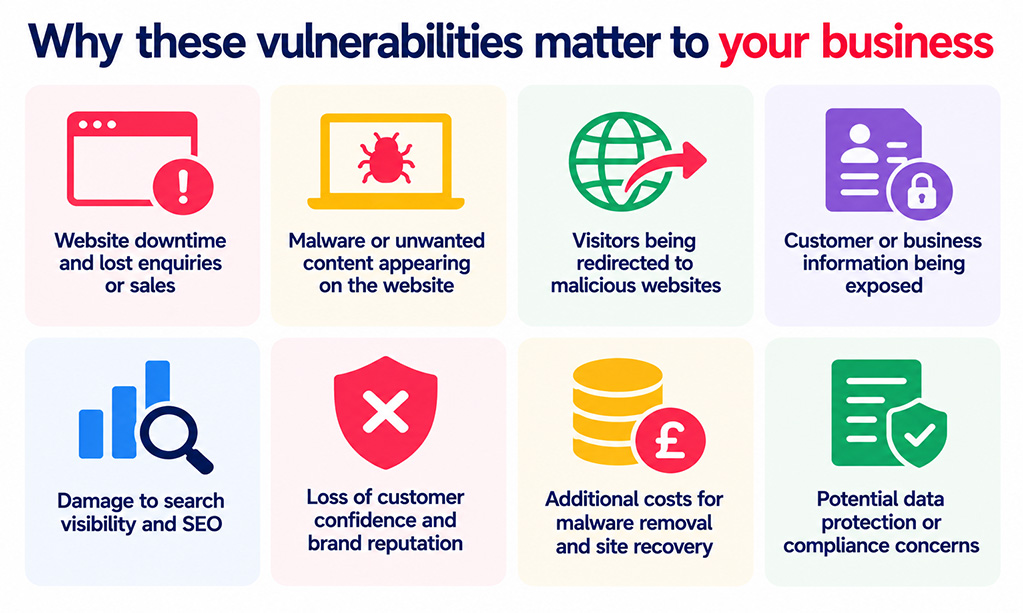
Depending on the type of vulnerability, the impact could include:
- website downtime and lost enquiries or sales;
- malware or unwanted content appearing on the website;
- visitors being redirected to malicious websites;
- customer or business information being exposed;
- damage to search visibility and SEO;
- loss of customer confidence and brand reputation;
- additional costs for malware removal and site recovery; and
- potential data protection or compliance concerns.
The good news is that many of the vulnerabilities reported by Sucuri already have fixes available. Regular website maintenance dramatically reduces the window in which known weaknesses can be exploited.
What WordPress website owners should do now
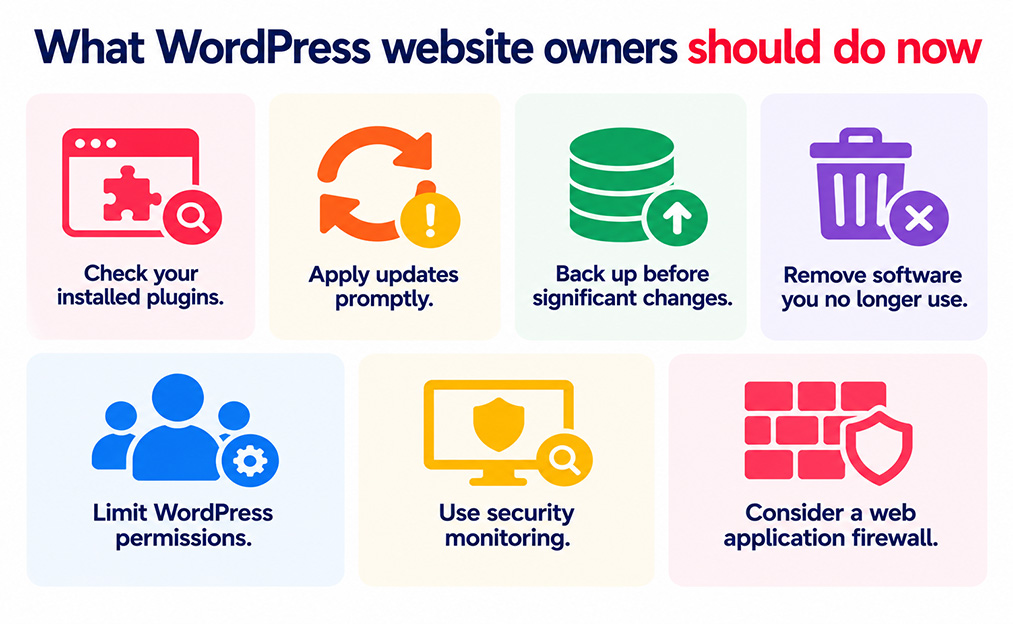
- Check your installed plugins. Compare your active plugin list with the affected software above and review any available security updates.
- Apply updates promptly. Prioritise critical and high-risk vulnerabilities, especially those that can be exploited without a login.
- Back up before significant changes. Reliable backups make it much easier to recover if an update causes an unexpected problem.
- Remove software you no longer use. Deactivated or forgotten plugins can still become a maintenance liability if they remain installed and unpatched.
- Limit WordPress permissions. Give users only the access level they genuinely require. This reduces the impact of vulnerabilities that require a Contributor, Author, Editor or Administrator account.
- Use security monitoring. Monitoring can help identify suspicious changes, malware and other signs of compromise quickly.
- Consider a web application firewall. A WAF acts as a protective layer between visitors and the website, filtering potentially malicious requests before they reach WordPress.
Updates are only one layer of WordPress security
Keeping plugins updated is essential, but strong WordPress security should not depend on updates alone.
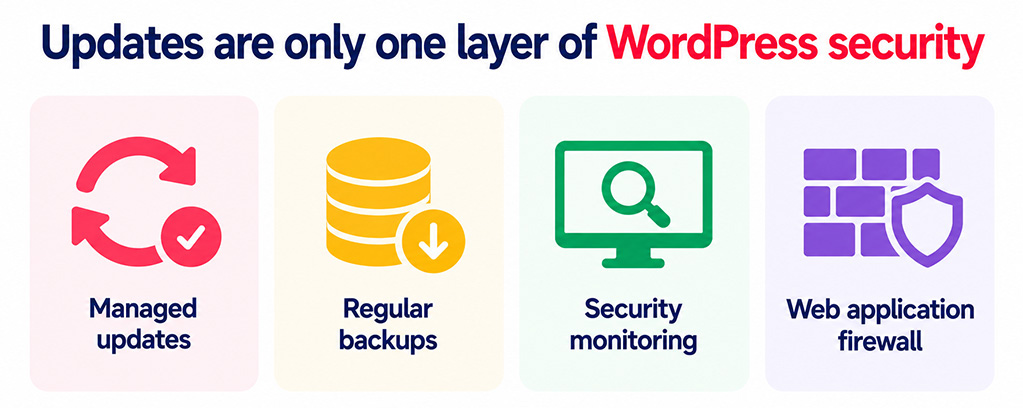
A well-maintained website should combine managed updates with regular backups, security monitoring and a web application firewall. Together, these measures provide much stronger malware protection and make recovery far easier if something does go wrong.
Sucuri notes that customers using its firewall are protected against the vulnerabilities covered in its roundup. For other WordPress sites, putting an appropriate web application firewall in place can provide an additional layer of defence while patches are being applied.
How matm can help?
If you do not want to spend your time checking vulnerability reports and comparing plugin versions, matm can manage the technical side of WordPress security for you.
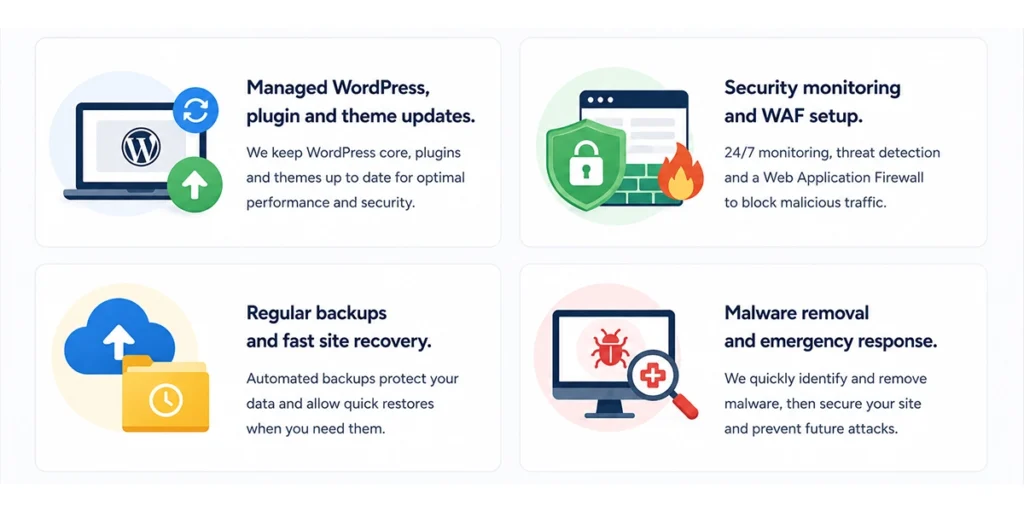
- Managed WordPress, plugin & theme updates
- Security monitoring and WAF setup
- Regular backups & fast site recovery
- Malware removal and emergency response
For help keeping your WordPress website secure, maintained and monitored, contact matm at [email protected] or call 01952 883 526.
Based on research by Sucuri.