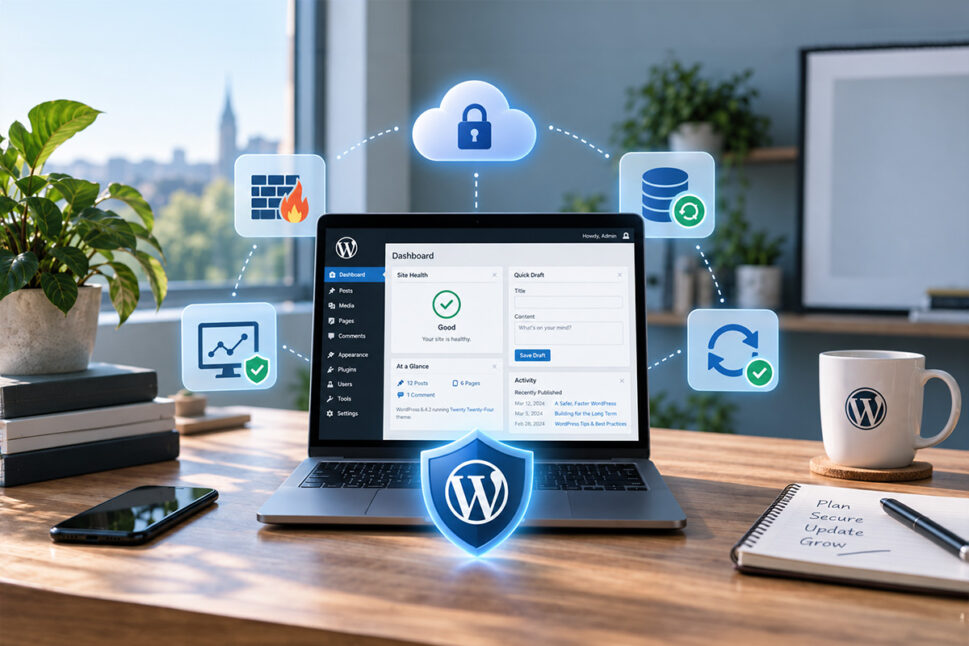
A WordPress security plugin can strengthen your website, monitor suspicious activity and help detect malware. But installing one plugin does not automatically make a WordPress site secure.
Different security tools protect different parts of your website. Some improve login security, some scan for malware, some monitor file changes and others filter malicious traffic.
For businesses, the most effective approach is layered WordPress security: sensible website maintenance, managed updates, security monitoring, backups and a web application firewall (WAF) working together.
What does a WordPress security plugin actually do?
A WordPress security plugin is software installed within WordPress to add protection, detection or monitoring features that are not provided by WordPress itself.
Depending on the plugin, this can include:
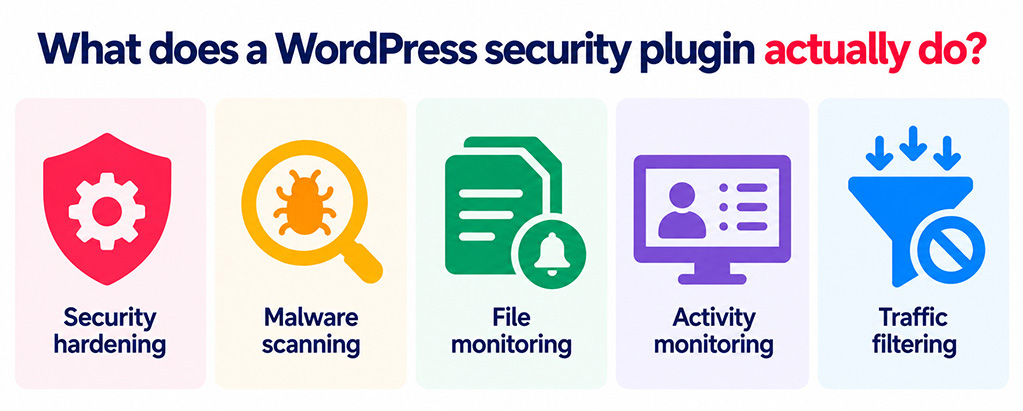
- Security hardening – adjusting settings to reduce opportunities for attackers.
- Malware scanning – checking files and databases for suspicious or malicious code.
- File monitoring – alerting you when important website files change unexpectedly.
- Activity monitoring – recording logins, failed login attempts, new users and plugin changes.
- Traffic filtering – identifying and blocking requests that resemble known attacks.
These are all useful capabilities, but no single feature should be treated as your entire security strategy.
Why does WordPress need additional protection?
WordPress itself is actively maintained and receives regular security updates. Problems are more commonly introduced through the wider website setup, particularly plugins, themes, user accounts and poor maintenance practices.
Common risks include:
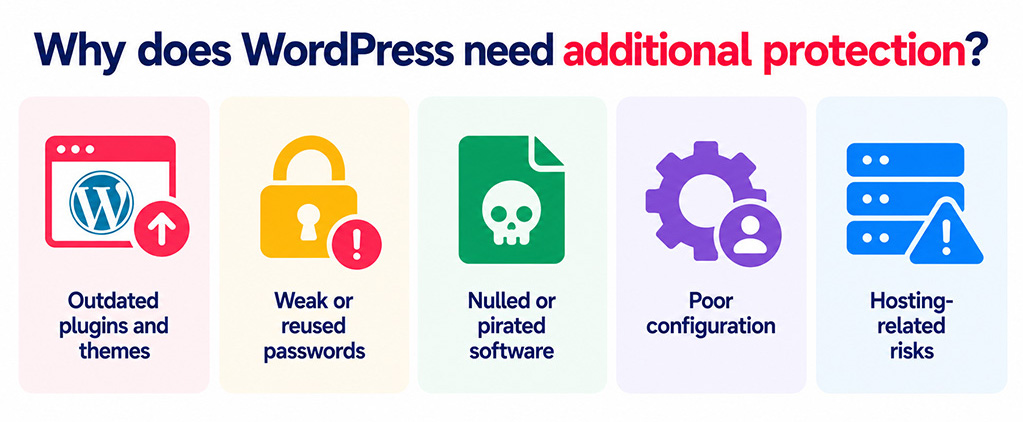
- Outdated plugins and themes. Once a vulnerability becomes known, attackers can automatically search for websites that have not yet installed the update.
- Weak or reused passwords. Automated systems constantly attempt to gain access to WordPress websites using stolen or commonly used credentials.
- Nulled or pirated software. Unofficial copies of premium themes and plugins may contain malicious code.
- Poor configuration. Excessive permissions, unused administrator accounts and exposed files can make an attack easier.
- Hosting-related risks. Depending on how hosting accounts are configured, an infected website can sometimes create problems for neighbouring sites.
This is why good WordPress security depends as much on ongoing website maintenance as it does on security software.
The main types of WordPress security tools
Rather than simply looking for the plugin with the longest list of features, it is more useful to understand what each type of tool is designed to do.
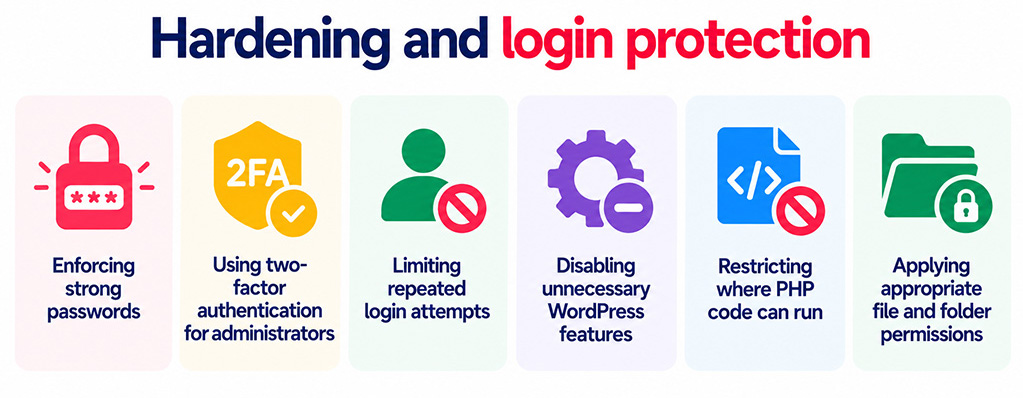
Hardening and login protection
Hardening reduces the number of opportunities an attacker has to gain access to your website.
Typical measures include:
- Enforcing strong passwords.
- Using two-factor authentication for administrators.
- Limiting repeated login attempts.
- Disabling unnecessary WordPress features.
- Restricting where PHP code can run.
- Applying appropriate file and folder permissions.
These changes are often straightforward, but they can prevent many common attacks.
Malware scanning and file monitoring
Malware scanners look for signs that a website may already have been compromised.
They might check WordPress files against known-good versions, look for suspicious code, identify injected spam or redirects and report unexpected file changes.
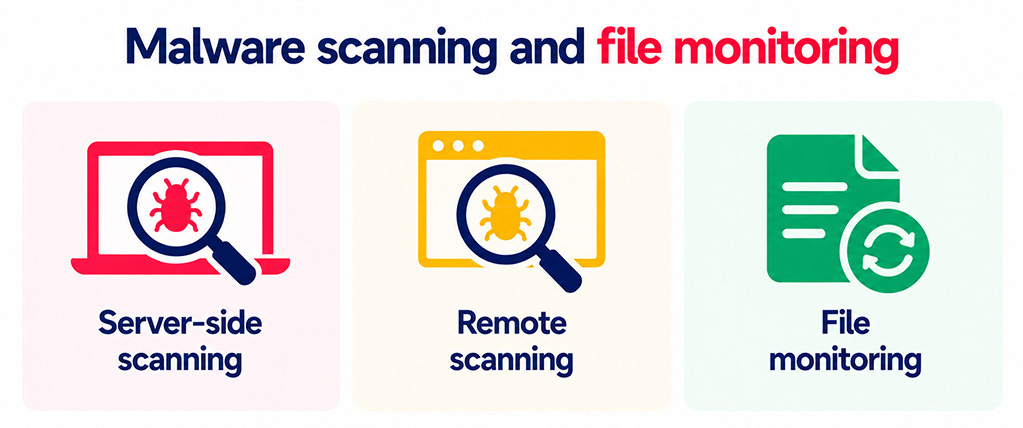
There are two main approaches.
Server-side scanning examines the actual files and database stored on your hosting account. This can identify hidden backdoors and malicious code that visitors cannot see.
Remote scanning checks your website from the outside, in a similar way to a visitor or search engine. This is useful for spotting visible malware, redirects and blocklist warnings, but it cannot necessarily see malicious files hidden on the server.
Ideally, effective malware protection should include both perspectives.
Firewall protection
A firewall examines incoming website traffic and attempts to block malicious requests.
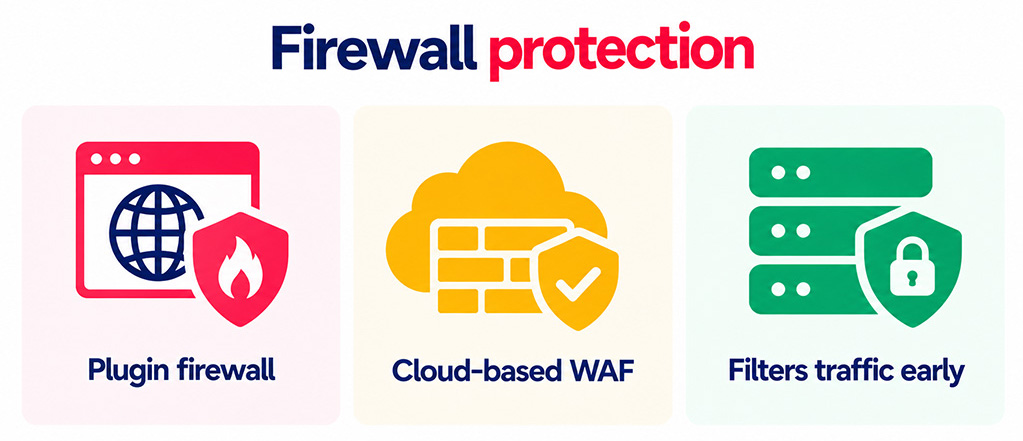
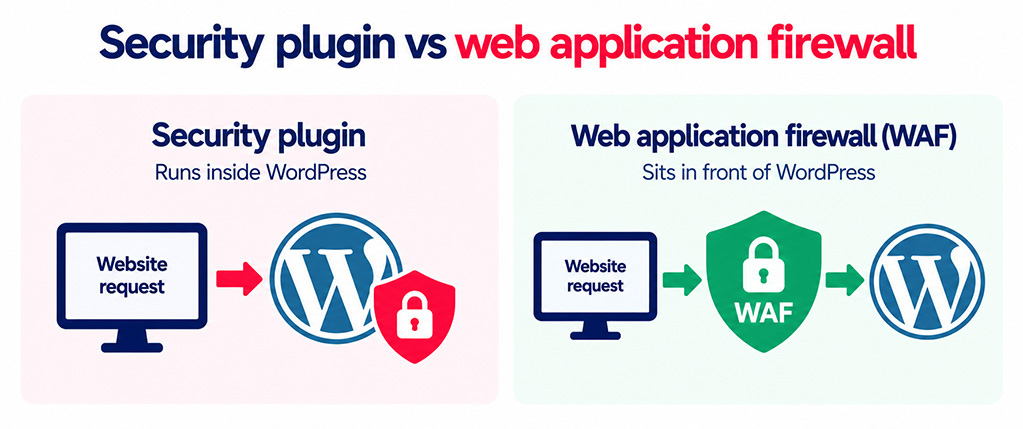
A security plugin can provide some firewall functionality from inside WordPress. This can be useful, but the request has already reached your hosting server by the time the plugin inspects it.
A cloud-based web application firewall (WAF) works differently. It sits in front of your website and filters traffic before it reaches the server.
This can reduce unwanted traffic reaching WordPress and provide another layer of protection against exploitation attempts and high volumes of malicious requests.
Backups and recovery
Backups are sometimes overlooked when discussing security, but they are one of the most important parts of a recovery plan.
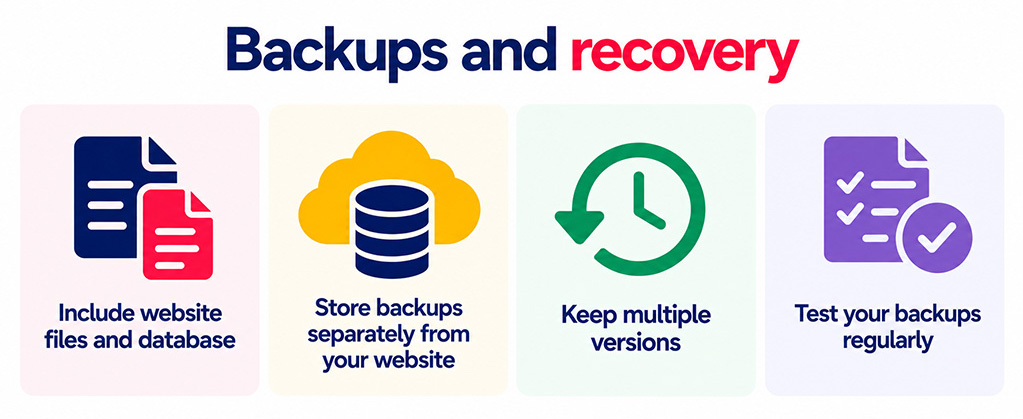
Good backups should:
- Include both website files and the database.
- Be stored somewhere separate from the website itself.
- Keep multiple versions rather than continuously replacing the previous backup.
- Be tested occasionally to make sure the website can actually be restored.
A backup will not prevent an attack, but it can significantly reduce the disruption caused by one.
Security plugin vs web application firewall
The difference between a WordPress plugin and an external firewall is particularly important.
A plugin runs inside WordPress. Your server receives the request, PHP starts, WordPress loads and the plugin then decides whether to allow or block the request.
A cloud WAF sits in front of WordPress. Suspicious traffic can therefore be blocked before it reaches your hosting environment.
This matters because an external firewall can:
- Reduce malicious traffic reaching the server.
- Protect vulnerable software while an update is being applied through techniques such as virtual patching.
- Continue filtering traffic even if WordPress itself has problems.
- Remain separate from the website files an attacker may be trying to compromise.
Neither makes the other unnecessary. They protect different layers of the website.
How to choose a WordPress security plugin
Feature counts are not particularly useful on their own. Instead, consider how a security tool fits into your overall website management.
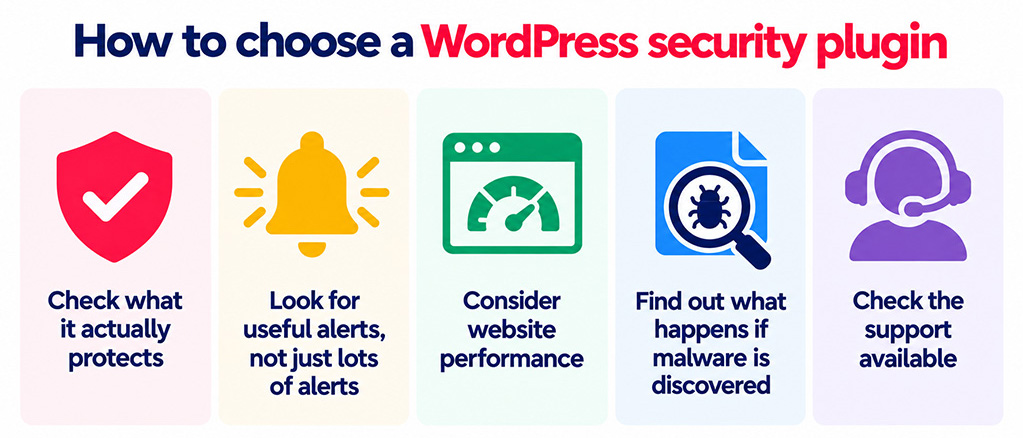
Check what it actually protects
Consider five areas: hardening, filtering, detection, monitoring and recovery.
Identify which of these the plugin handles well and which require another service or process. This will give you a much clearer picture of any gaps in your WordPress security.
Look for useful alerts, not just lots of alerts
Security monitoring is only valuable when someone understands and acts on the warnings.
A good tool should explain why something has been flagged and make it reasonably easy to distinguish genuine problems from harmless changes.
Too many unclear warnings can lead to alert fatigue, where important notifications start getting ignored.
Consider website performance
Malware scans, request inspection and security logs all consume hosting resources.
Poorly configured scanning or excessive logging can affect performance, particularly on smaller hosting packages.
This is another reason to avoid installing several overlapping security plugins.
Find out what happens if malware is discovered
Detecting malware and removing malware are two different things.
Before choosing a security product, establish whether it simply tells you there is a problem or whether professional malware removal is included.
For a business website, this distinction matters. An alert is useful, but you also need a clear route to recovery if your website has been compromised.
Check the support available
If your website generates enquiries, sales or bookings, extended downtime can have a direct commercial impact.
Consider whether support is available from real people, how incidents are handled and whether someone can investigate the website rather than simply provide generic instructions.
Security plugin or managed security service?
A security plugin gives you tools. A managed security service gives you people and processes to operate those tools and respond when something goes wrong.
A plugin may be enough if someone in your organisation is comfortable reviewing alerts, managing updates, investigating unusual behaviour and handling malware removal.
Managed website maintenance becomes more attractive when the website is business-critical or nobody internally has the time or expertise to manage security properly.
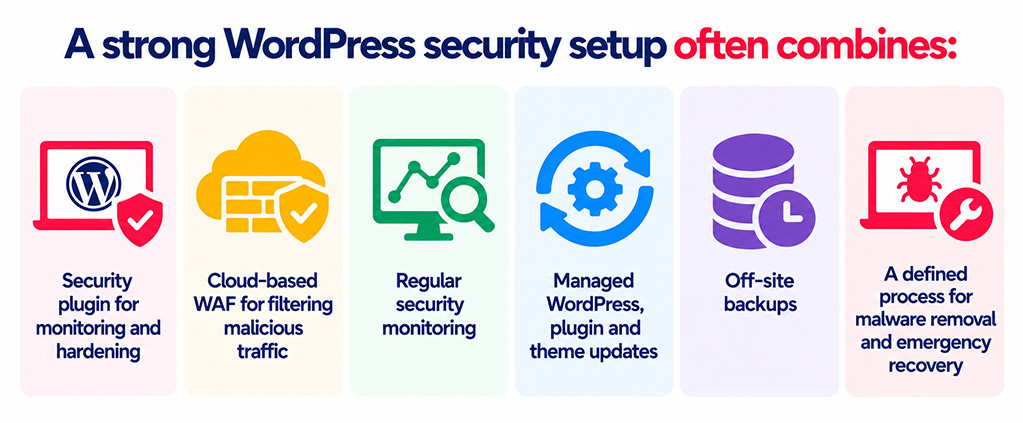
In practice, a strong setup often combines:
- A suitable WordPress security plugin for internal monitoring and hardening.
- A cloud-based WAF for filtering malicious traffic.
- Regular security monitoring.
- Managed WordPress, plugin and theme updates.
- Off-site backups.
- A defined process for malware removal and emergency recovery.
A practical WordPress security checklist
A plugin should support good security practices rather than replace them.
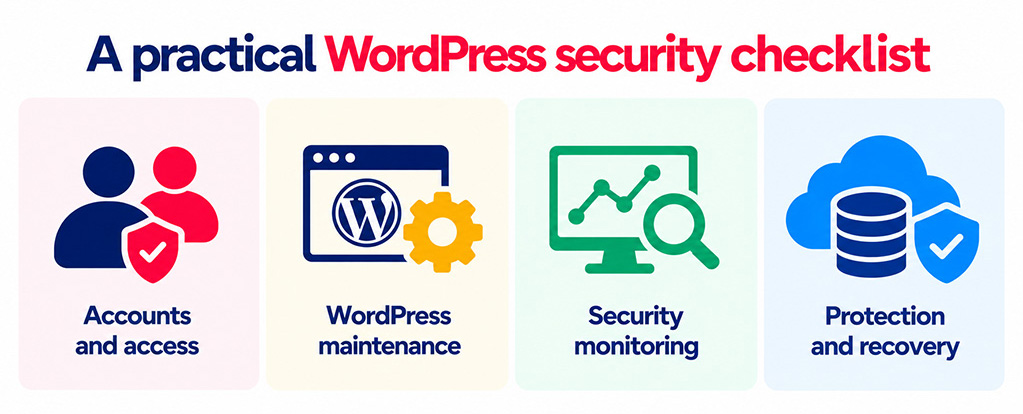
Accounts and access
- Remove accounts that are no longer needed.
- Only give administrator access to people who genuinely require it.
- Use strong, unique passwords.
- Enable two-factor authentication for administrators.
- Remove access promptly when employees or suppliers leave.
WordPress maintenance
- Keep WordPress core up to date.
- Apply plugin and theme updates promptly.
- Remove plugins and themes that are no longer being used.
- Never use nulled or pirated WordPress software.
- Choose plugins and themes from reputable, actively maintained sources.
Security monitoring
- Run regular malware and integrity scans.
- Monitor important file and user changes.
- Make sure alerts go to somebody who will actually review them.
- Monitor whether search engines or security services have blocklisted the site.
Protection and recovery
- Use a WAF to filter malicious traffic before it reaches WordPress.
- Maintain automatic off-site backups.
- Keep enough backup history to recover from an infection that went unnoticed for some time.
- Test your restoration process.
- Have a clear incident-response plan before you need it.
Is a free WordPress security plugin enough?
Free security plugins can provide useful protection, particularly for login security, hardening, file monitoring and basic malware scanning.
For a small, low-risk website that is regularly maintained and properly backed up, this may form a reasonable part of the security setup.
However, free tools often place more responsibility on the website owner.
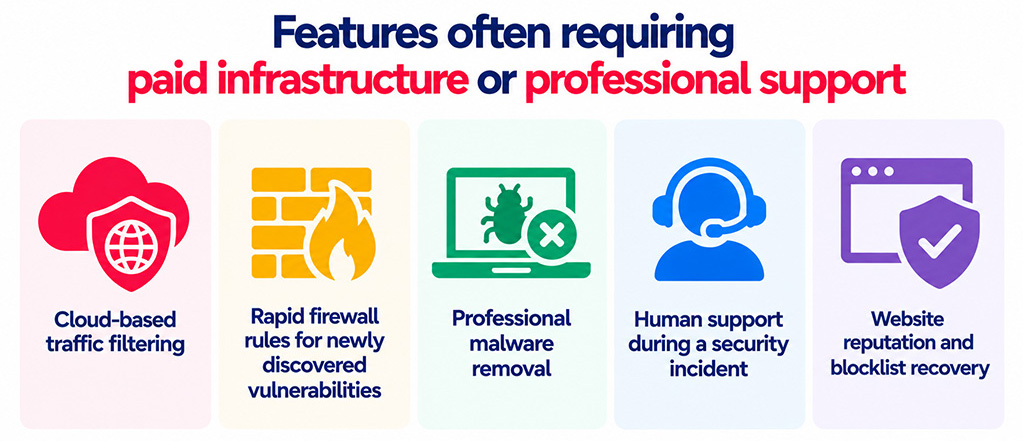
Features that commonly require paid infrastructure or professional support include:
- Cloud-based traffic filtering.
- Rapid firewall rules for newly discovered vulnerabilities.
- Professional malware removal.
- Human support during a security incident.
- Website reputation and blocklist recovery.
For a commercial website, the real question is therefore not simply whether a free plugin is capable. It is whether your business has the time and expertise to handle everything the plugin does not.
How many WordPress security plugins should you install?
Usually, one well-chosen security plugin is better than several overlapping ones.
Multiple security suites can duplicate scans, apply conflicting firewall rules, interfere with login systems and generate repeated alerts. They can also create unnecessary load on the website.
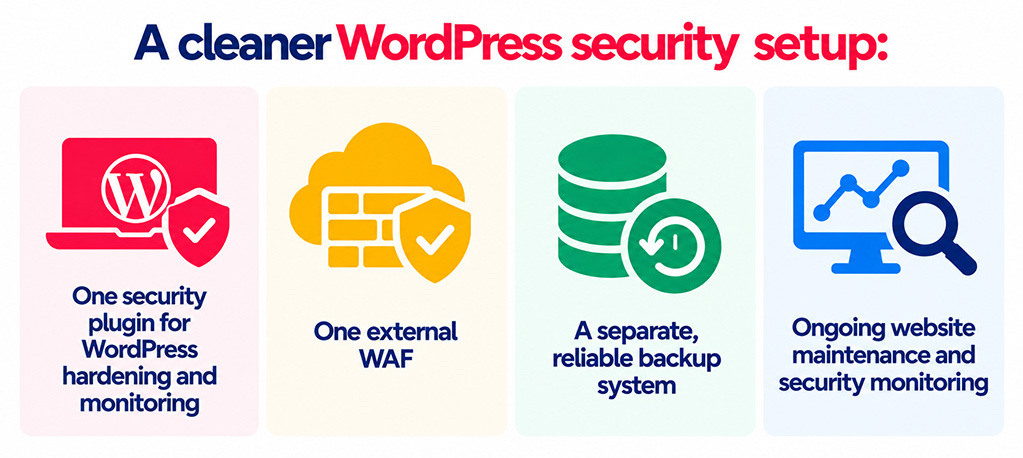
A cleaner approach is normally:
- One security plugin for WordPress hardening and monitoring.
- One external WAF.
- A separate, reliable backup system.
- Ongoing website maintenance and security monitoring.
If you replace a security plugin, make sure the old one is properly removed. Some plugins leave behind configuration rules or database changes that can cause unexpected problems later.
Good WordPress security is an ongoing process
Security tools are useful, but long-term protection depends on good website management.
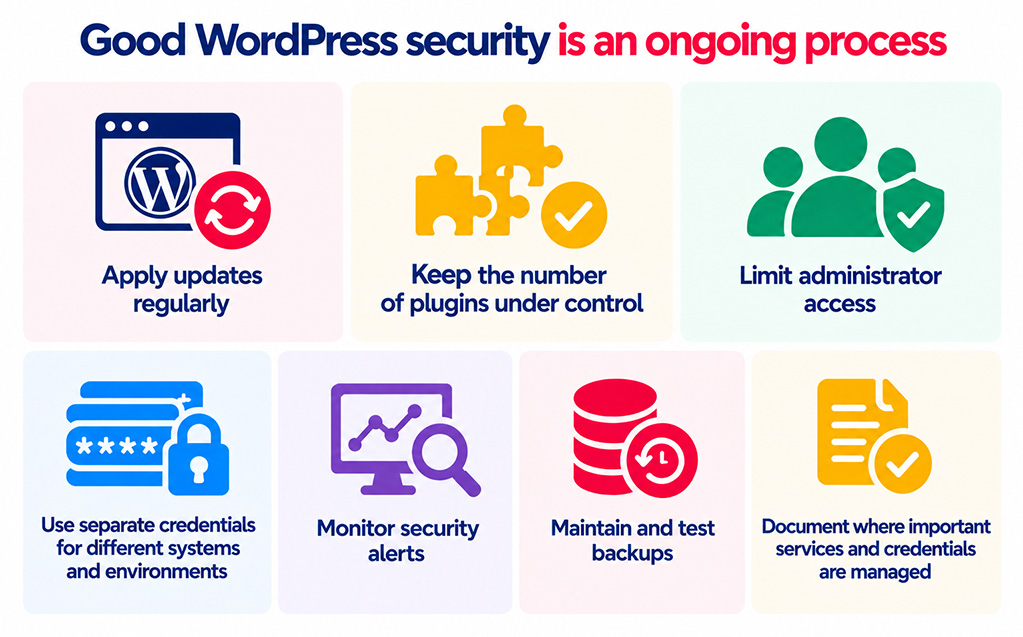
The most important habits are straightforward:
- Apply updates regularly.
- Keep the number of plugins under control.
- Limit administrator access.
- Use separate credentials for different systems and environments.
- Monitor security alerts.
- Maintain and test backups.
- Document where important services and credentials are managed.
Most importantly, avoid relying on measures that simply hide WordPress features. Changing a login URL or hiding a version number may reduce some automated noise, but it is no substitute for managed updates, strong credentials, proper monitoring and a web application firewall.
How matm can help?
Choosing a security plugin is only one part of protecting a business website. matm can provide ongoing WordPress security and website maintenance so your team does not have to manage every alert, update and technical issue themselves.
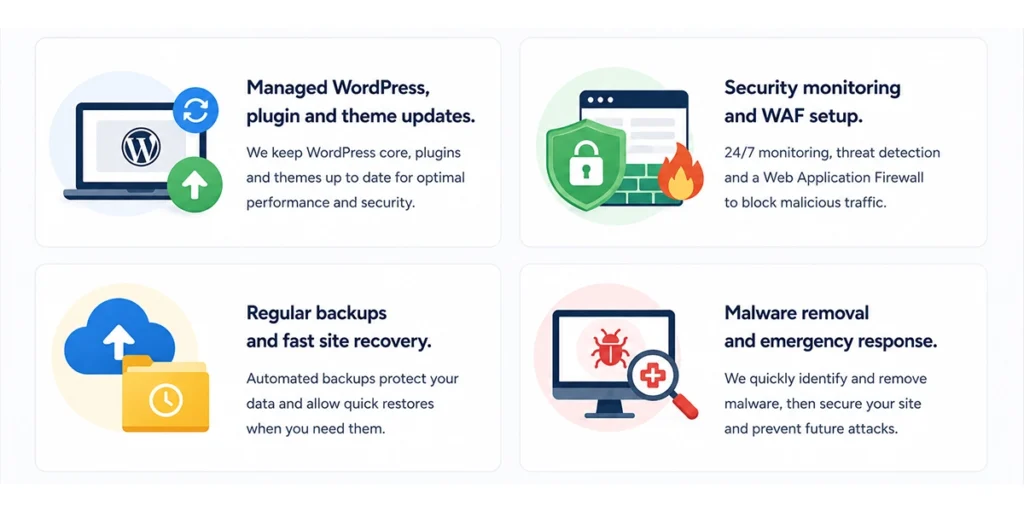
- Managed WordPress, plugin & theme updates to reduce exposure to known vulnerabilities.
- Security monitoring and WAF setup to identify problems and filter malicious traffic.
- Regular backups & fast site recovery to minimise disruption if something goes wrong.
- Malware removal and emergency response when a compromised website needs professional attention.
If you would like help reviewing or improving your WordPress security, contact matm at [email protected] or call 01952 883 526.
Based on research by Sucuri.