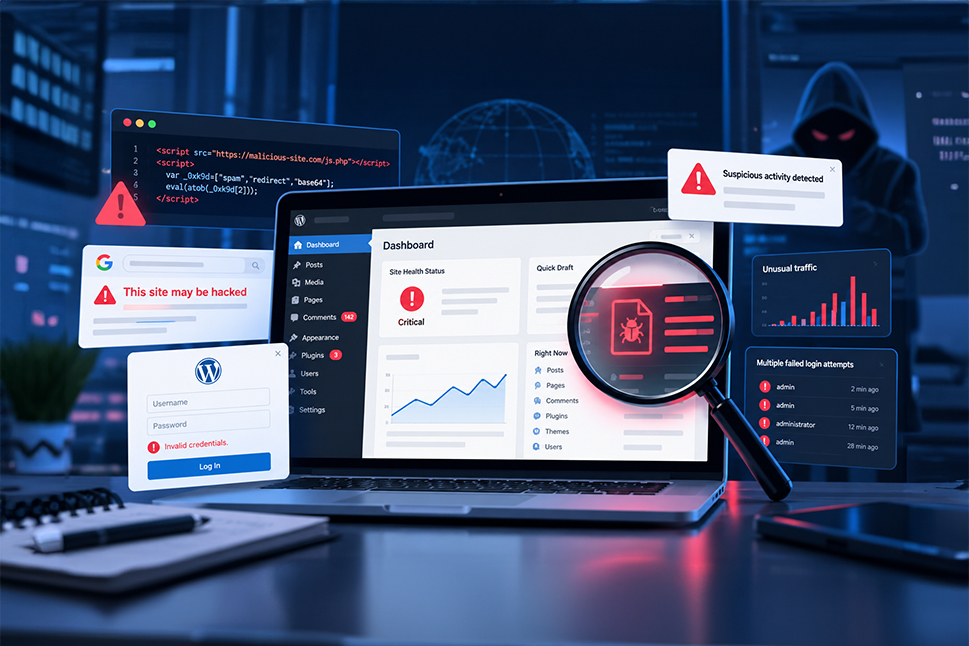
Has your website started behaving strangely? Perhaps visitors are being redirected to unfamiliar pages, your Google rankings have dropped or your hosting provider has contacted you about suspicious activity.
These could be signs that your WordPress website has been hacked.
Not every website compromise is immediately obvious. Some attacks change the appearance or functionality of a website, while others operate quietly in the background, inserting malicious code, collecting information or manipulating search results.
Recognising the warning signs early can reduce the damage and make recovery easier. Here are 13 indicators of a possible website hack, along with practical steps to investigate and secure your site.
13 signs your WordPress website may have been hacked
1. Unusual keywords appear in your Google search results
If your website starts appearing in Google for subjects unrelated to your business, it could indicate an SEO spam infection.
Attackers sometimes inject content into compromised websites to manipulate search rankings. This may include pages promoting pharmaceuticals, counterfeit goods, gambling or other unrelated products and services.
This technique, known as SEO spam or spamdexing, exploits the authority of an existing website to promote content controlled by an attacker.
For a business, the consequences can include declining search visibility, irrelevant traffic and damage to its reputation.
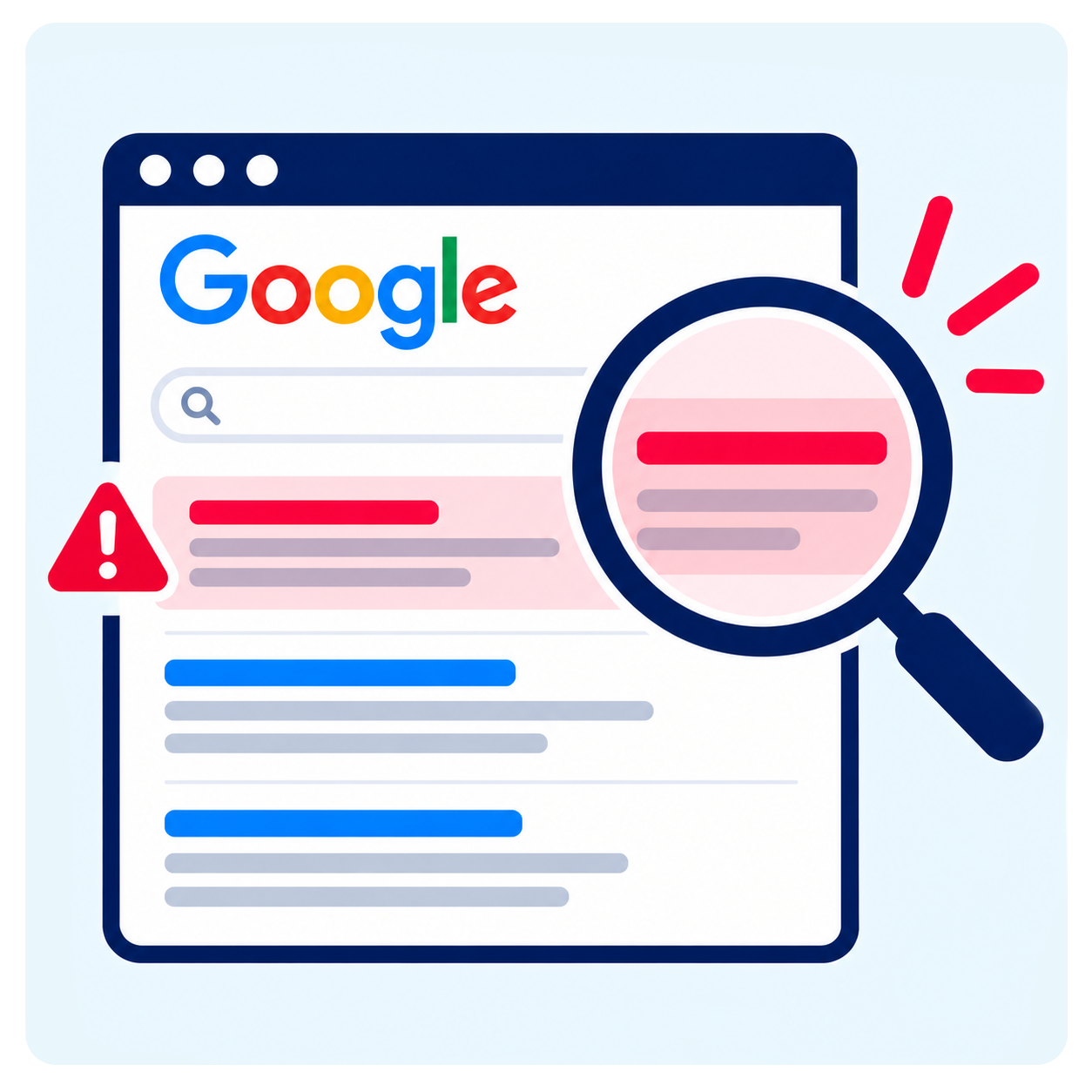
What to check: Search Google for your website using the site:yourdomain.co.uk operator and look for unfamiliar page titles, descriptions or content. Google Search Console can also reveal unexpected search queries and indexing changes.
2. Suspicious JavaScript appears in your website files
JavaScript is a normal part of modern websites, supporting everything from interactive forms to navigation menus.
However, attackers can insert malicious JavaScript into website files or database content to change how pages behave.
Depending on the infection, this code may redirect visitors, display unwanted advertisements, collect sensitive information or send users to harmful websites.
Some malware is deliberately concealed within otherwise legitimate files, making it difficult to recognise without specialist tools.
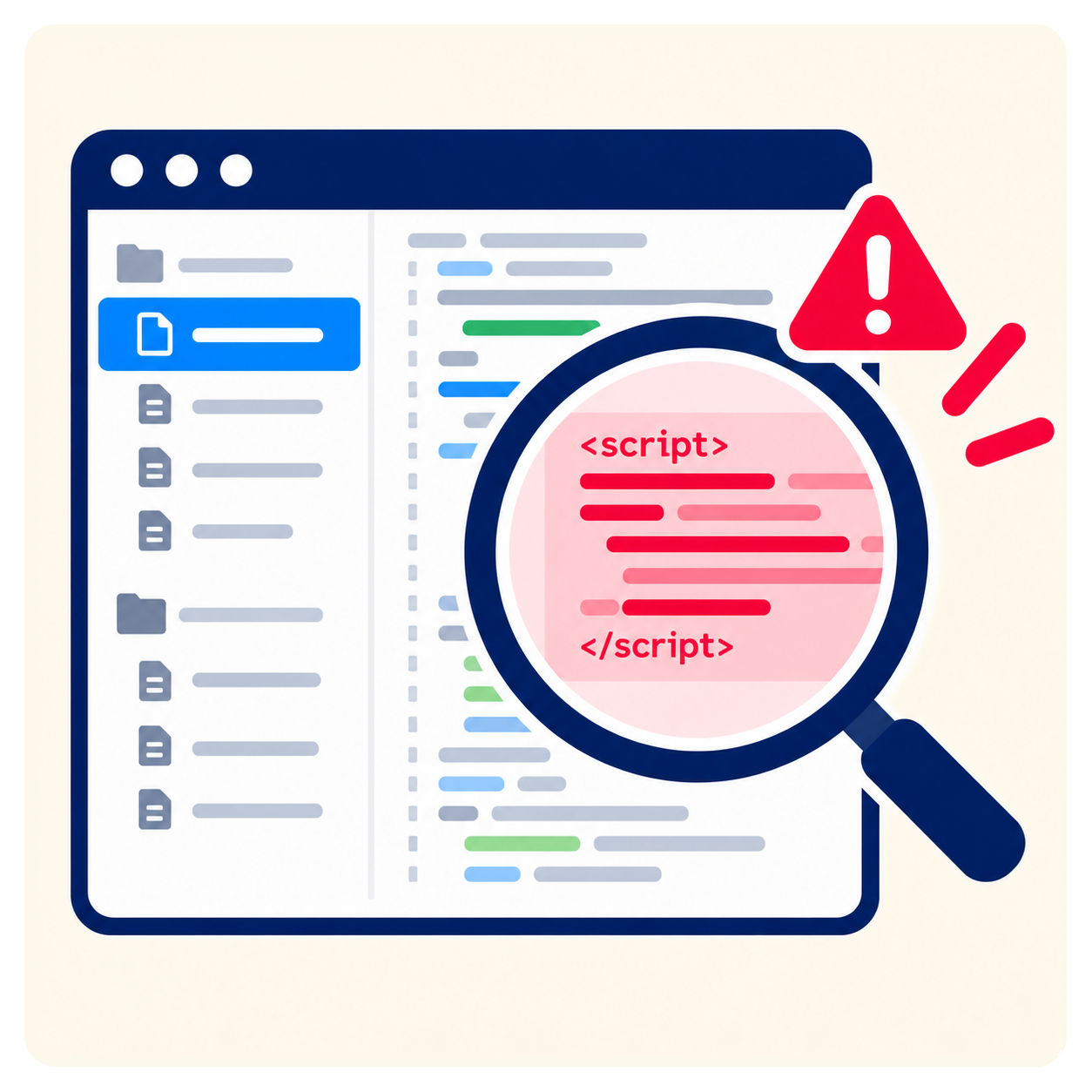
What to check: Unexpected scripts, unfamiliar external domains or changes to website files that were not part of a planned update should be investigated. A security scanner with file integrity monitoring can help identify modifications.
3. Visitors see browser security warnings
Browser warnings are among the clearest signs that something may be wrong with a website.
Google Chrome and other browsers may display messages such as “Deceptive site ahead” or “This site may harm your computer” when a website is suspected of distributing malware or facilitating phishing.
These warnings can prevent visitors from reaching your website, affecting enquiries, online sales and customer confidence.
However, not every browser warning means a website has been hacked. An expired or incorrectly configured SSL certificate can generate a different type of security warning.
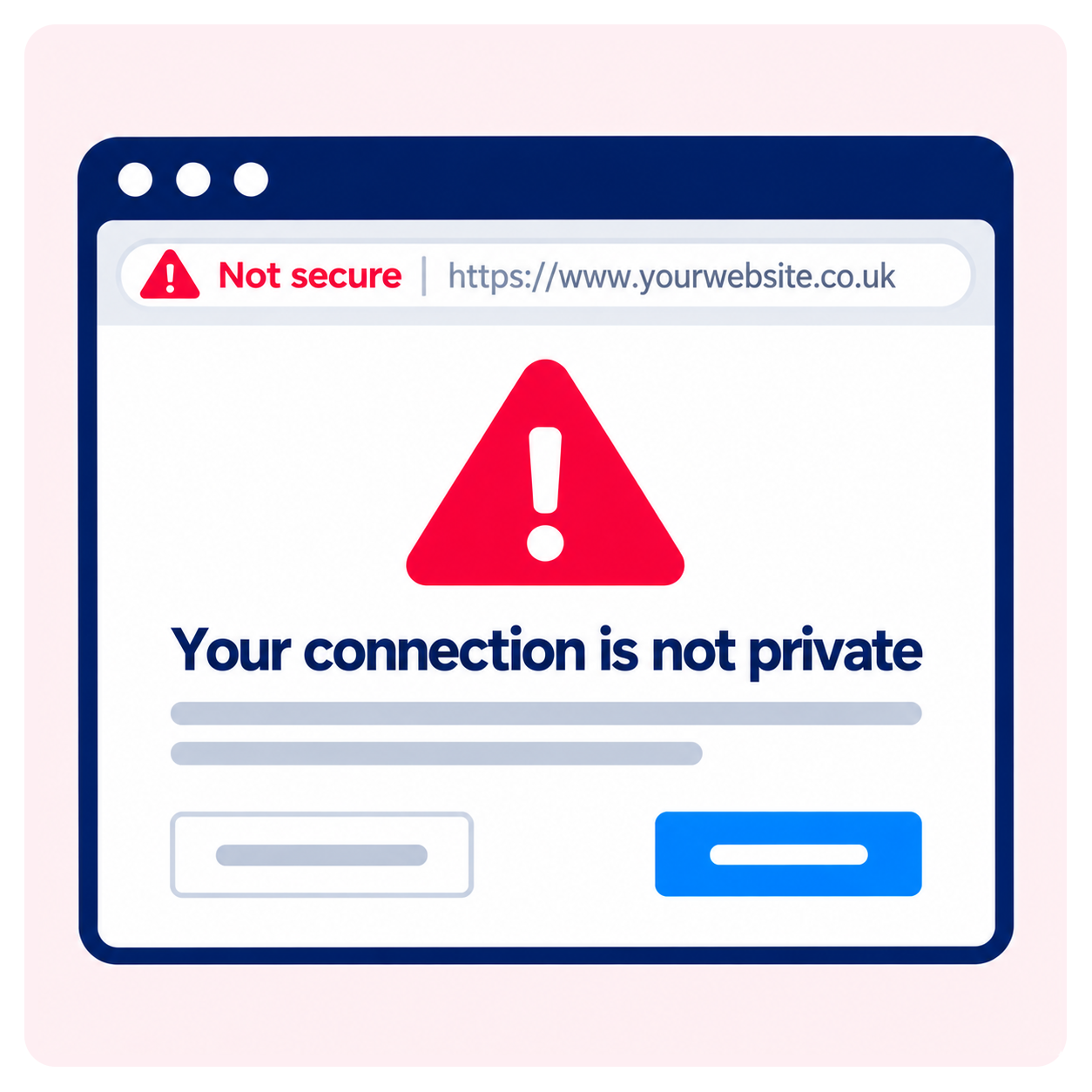
What to check: Read the warning carefully and review any security notifications in Google Search Console. If malware or deceptive content is detected, the underlying problem must be resolved before requesting a review.
4. Your website redirects visitors to unfamiliar pages
If someone clicks on your website in Google and ends up on an unrelated page, a malicious redirect could be responsible.
Attackers use redirects to send visitors to advertising networks, scam websites, fake security checks or other unwanted destinations.
These infections can be difficult to detect because redirects do not always affect every visitor.
For example, malicious code might only activate when someone arrives from a search engine, uses a mobile device or visits the website for the first time.
This means your website might appear normal when you check it, even though customers are experiencing a problem.
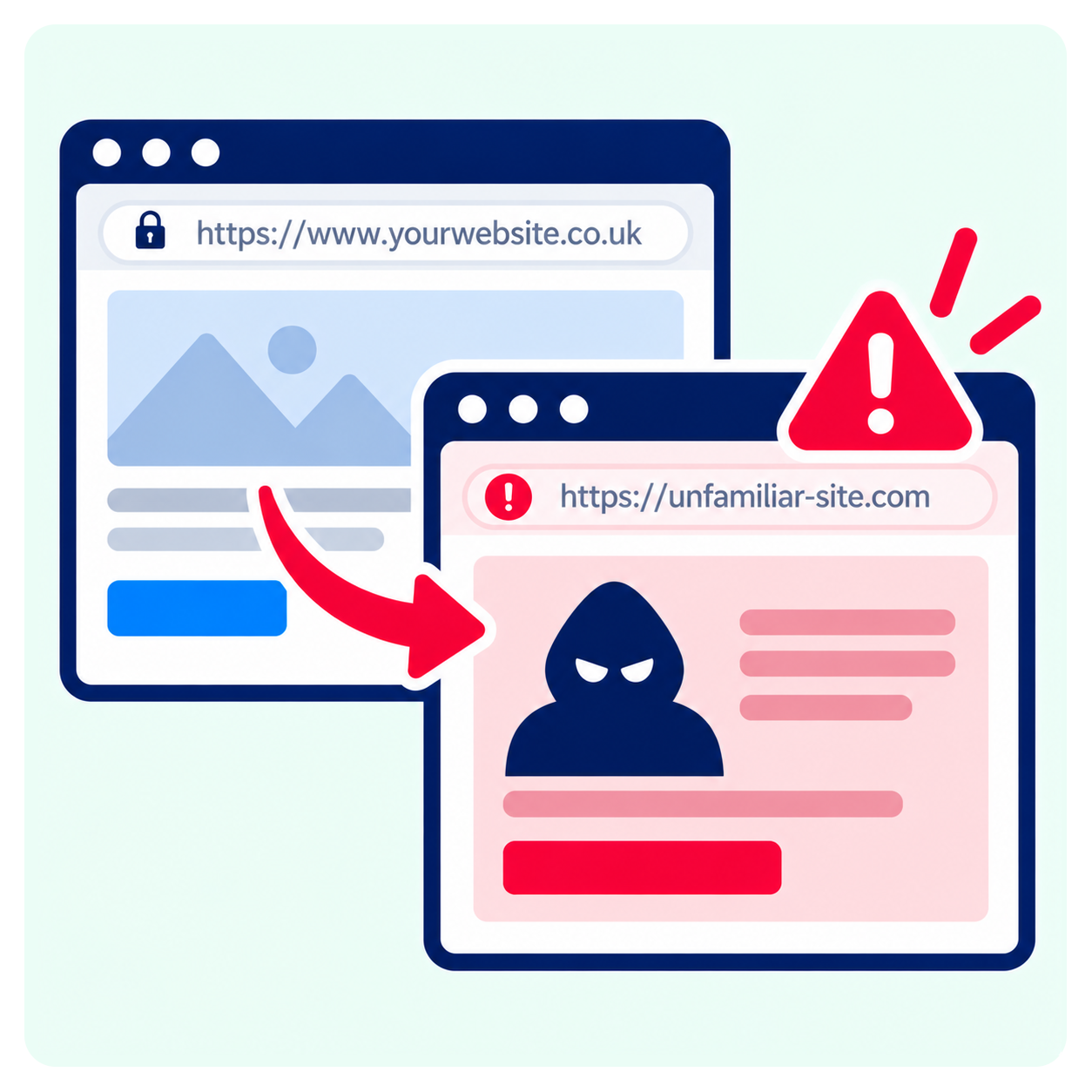
What to check: Test the website on different devices and browsers, including private browsing sessions. If someone reports an unexpected redirect, record the page, device and circumstances so the issue can be investigated.
5. Unwanted advertisements or pop-ups appear
Advertisements, unexpected notifications and suspicious pop-ups can indicate that malicious code has been introduced into your website.
Some infections display promotional messages or fake offers. Others attempt to persuade visitors to download software, enable browser notifications or visit external websites.
A compromised plugin or injected script may be responsible, even if the original website content remains unchanged.

What to check: Investigate unfamiliar pop-ups, advertisements or download prompts, particularly if they have appeared without any changes being made by your team.
6. Google displays a hacked website warning
Google may identify suspicious content or malware on a website and display a warning in its search results.
Messages such as “This site may be hacked” indicate that Google has detected potential signs of compromise.
Depending on the problem, affected pages may also lose search visibility or be removed from Google’s index.
For businesses that rely on organic search traffic, this can affect enquiries and sales.
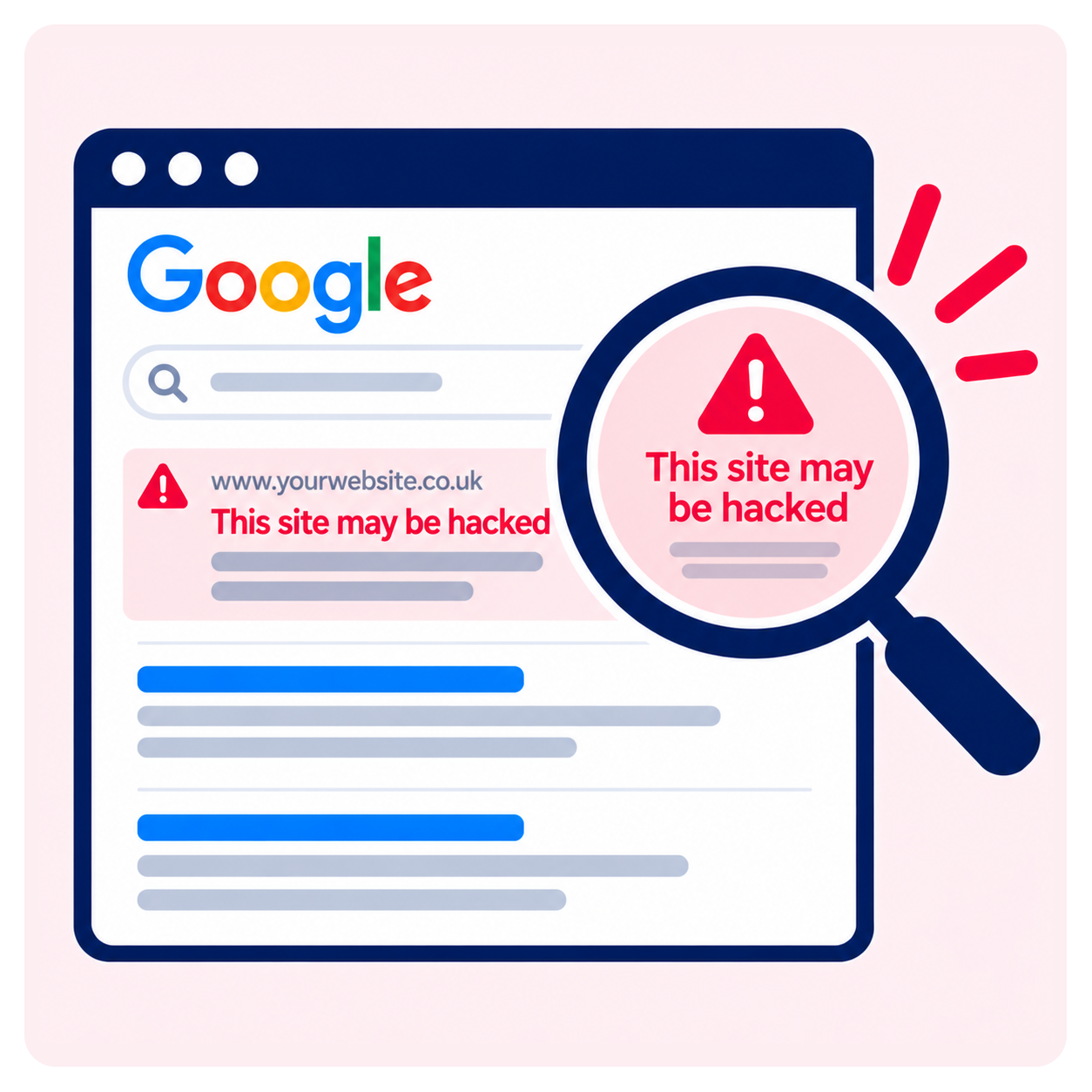
What to check: Review the Security Issues section in Google Search Console. Once the infection has been cleaned and the cause addressed, follow Google’s process for requesting a security review.
7. Your hosting provider reports suspicious activity
Hosting providers may identify unusual activity before website owners notice anything wrong.
This could include warnings about malware, excessive server resource usage, suspicious files or unusual network traffic.
In some circumstances, a hosting provider may temporarily restrict website access to prevent further damage.
These notifications should be investigated promptly, although unusual resource usage does not automatically mean the website has been compromised.
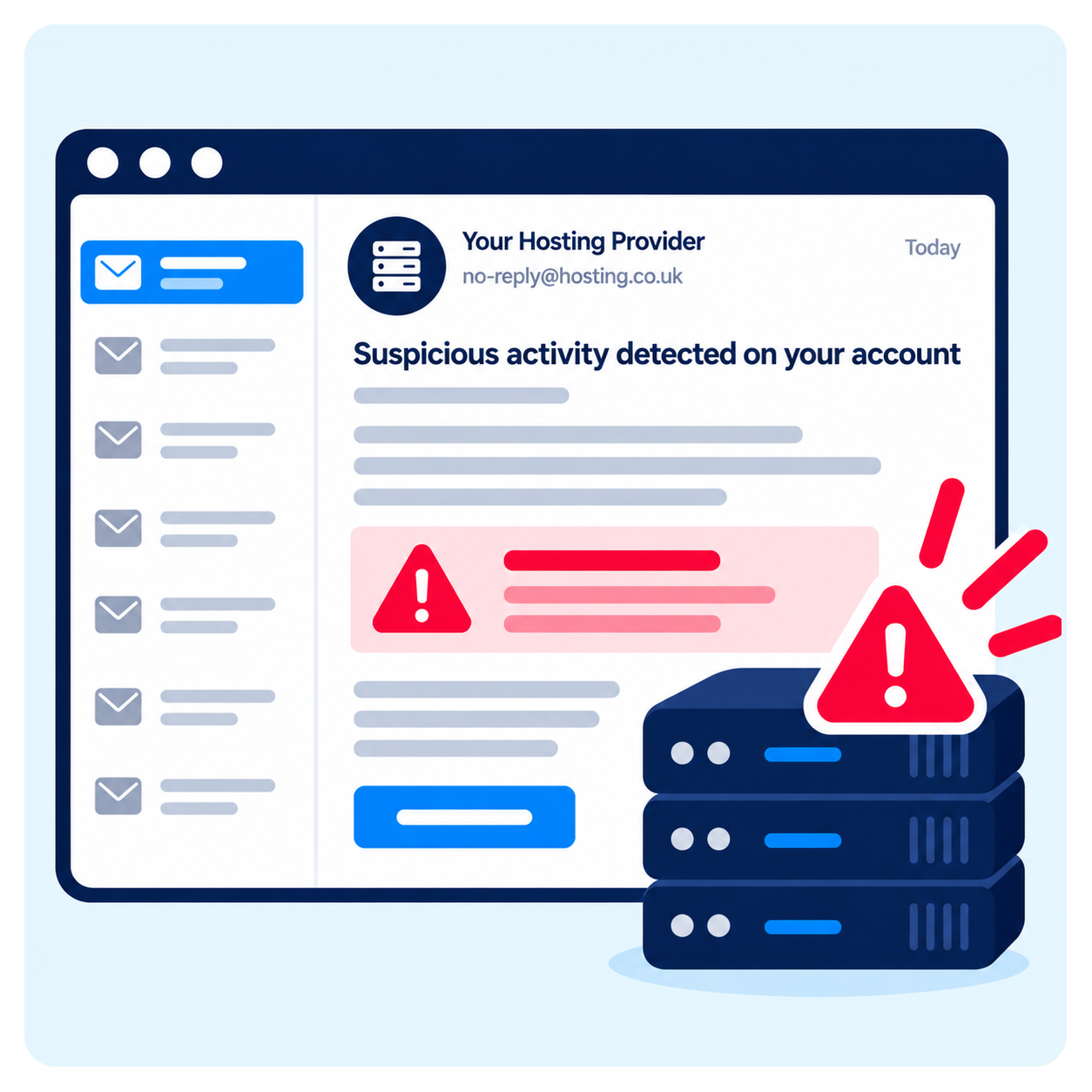
What to check: Review the provider’s alert, identify which files or activities were flagged and establish whether the issue relates to malware, a vulnerable component or another hosting problem.
8. Hundreds of unfamiliar pages appear in Google
A sudden increase in indexed pages can be a sign of SEO spam.
Some infections create large numbers of unwanted pages containing spam keywords, products or links. These pages may be designed specifically for search engines and might not appear in your normal WordPress page list.
One example is the Japanese keyword hack, where attackers insert Japanese-language spam content into compromised websites.
The result can be a substantial increase in indexed URLs and a decline in the quality of your website’s search presence.
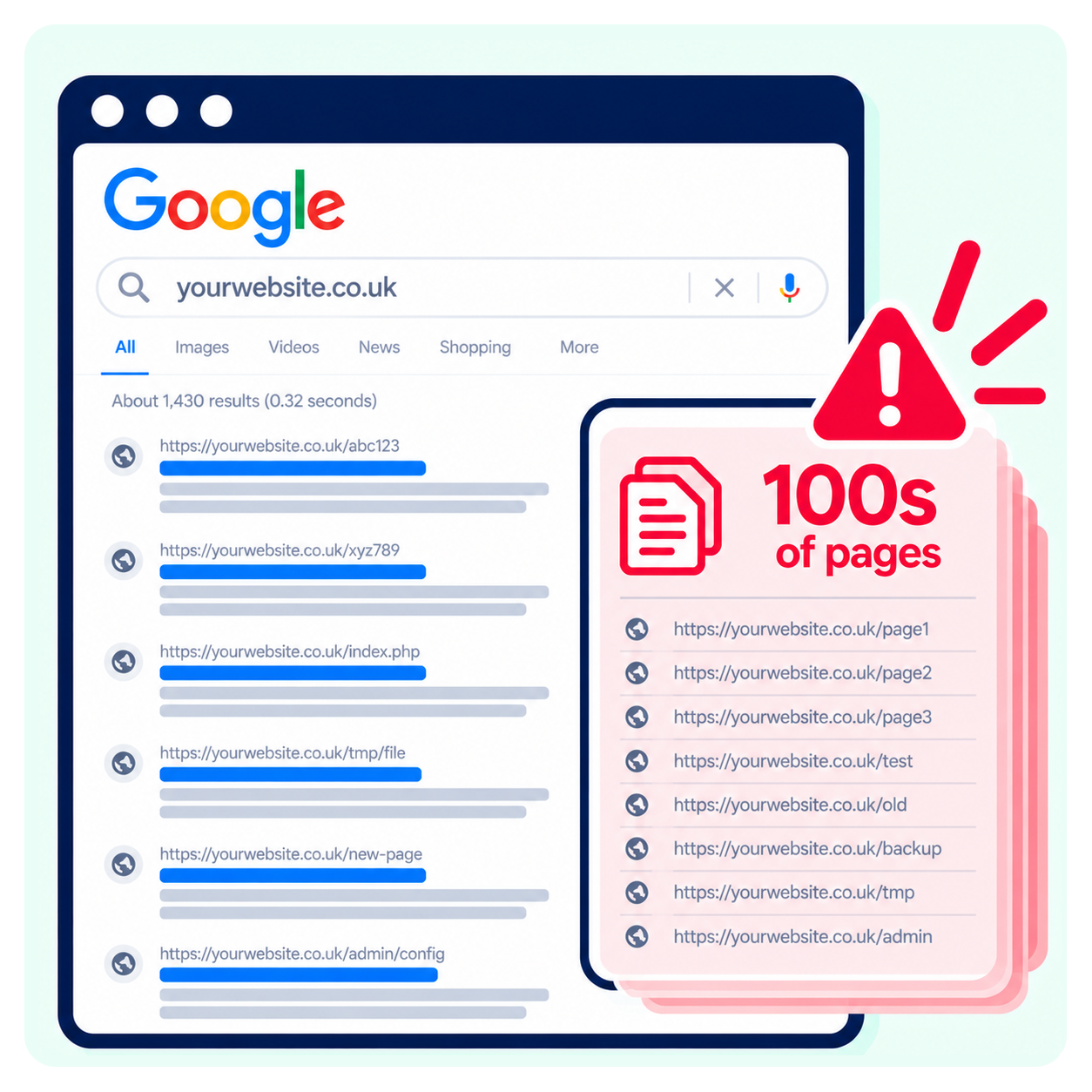
What to check: Use Google Search Console to review unexpected indexed URLs and changes in the number of discovered pages. Investigate unfamiliar URLs rather than simply requesting their removal from search results.
9. Customers report suspicious or fraudulent transactions
For ecommerce websites, complaints about unauthorised transactions or suspicious payment activity require immediate attention.
Attackers may install malicious code known as a payment skimmer to capture information entered into checkout forms.
This type of attack can affect a website even when the checkout process appears to work normally.
Not every fraudulent payment indicates that your website has been compromised. However, multiple complaints associated with purchases on your site warrant an urgent investigation.
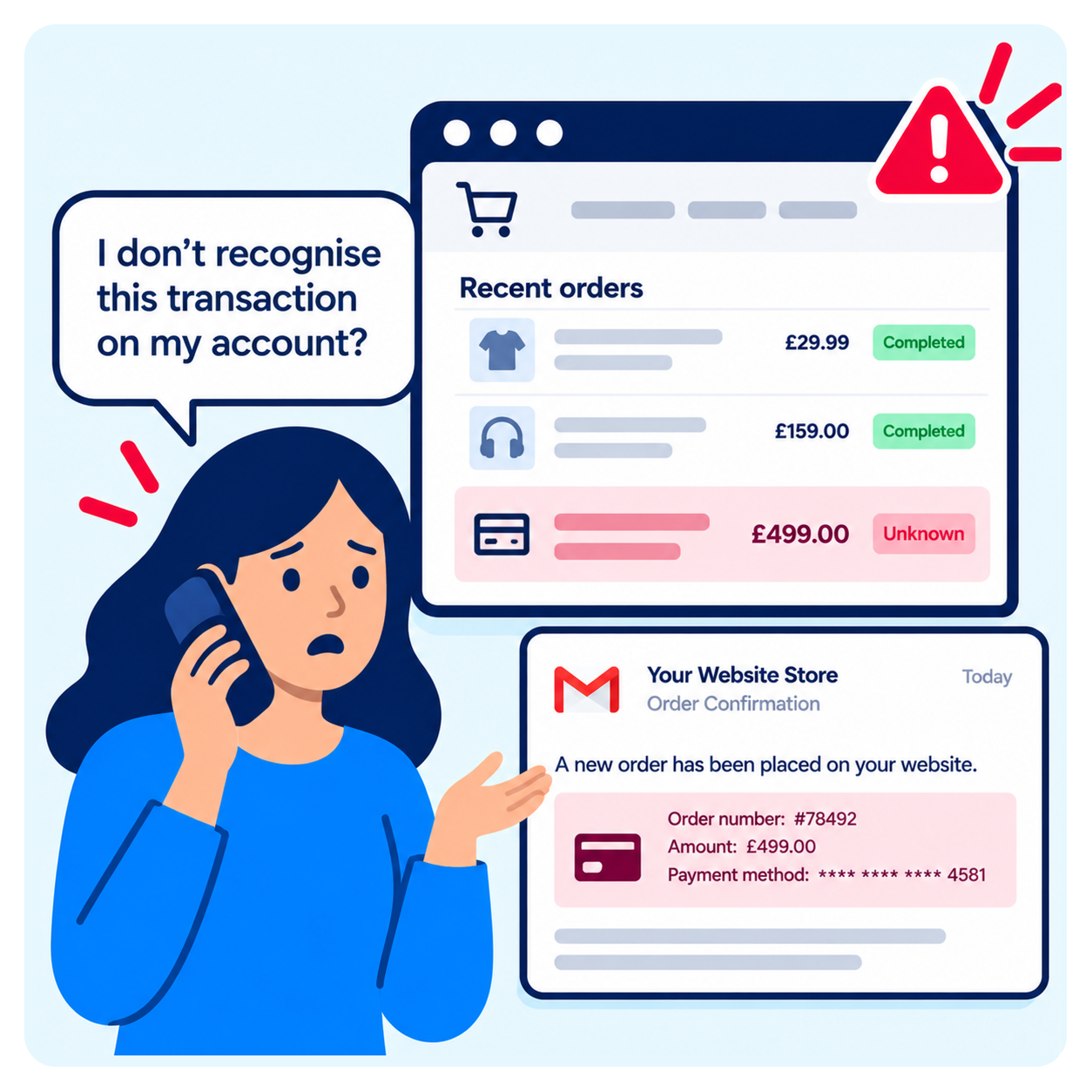
What to check: Contact your payment provider and investigate checkout scripts, third-party integrations and potential unauthorised changes. If personal information may have been compromised, assess the relevant data protection and notification obligations.
10. Your website logs show unusual errors or activity
Website and server logs record technical activity that may help identify potential security incidents.
Unusual patterns could include repeated failed login attempts, unfamiliar requests, unexpected file uploads or errors involving important website functions.
A sudden increase in HTTP 500 errors, for example, might indicate a technical problem or potentially malicious activity.
However, errors alone do not confirm that a website has been hacked.
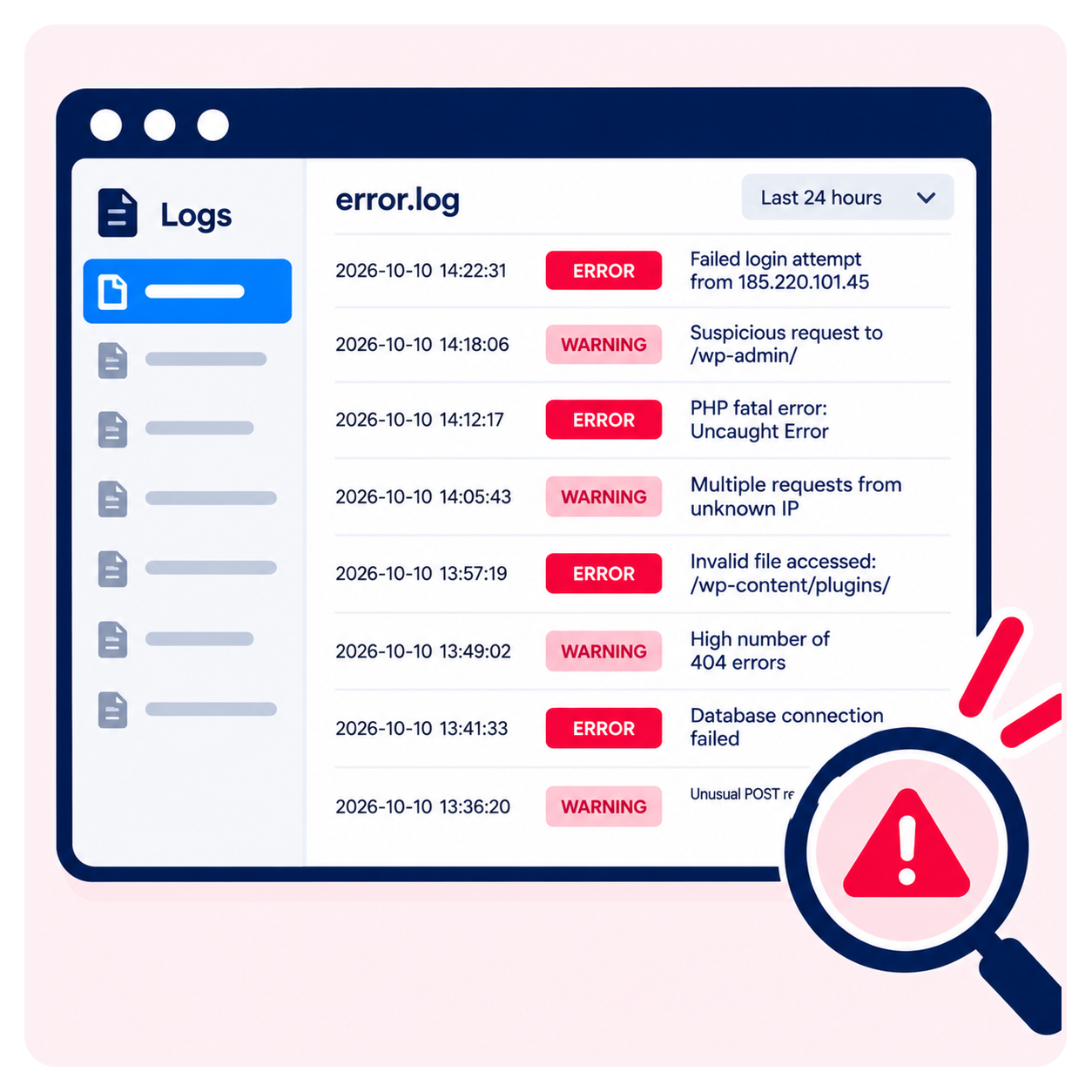
What to check: Have your website administrator review server logs alongside WordPress activity and security monitoring records. The context and timing of events are often more useful than an individual error message.
11. Unfamiliar administrator or FTP accounts appear
New accounts with administrator-level access are a serious warning sign when nobody in your organisation recognises them.
Attackers sometimes create additional user accounts after gaining access to a website. These accounts provide a way to return later, even if the original vulnerability is fixed.
Unknown FTP, hosting or database users may present similar risks.
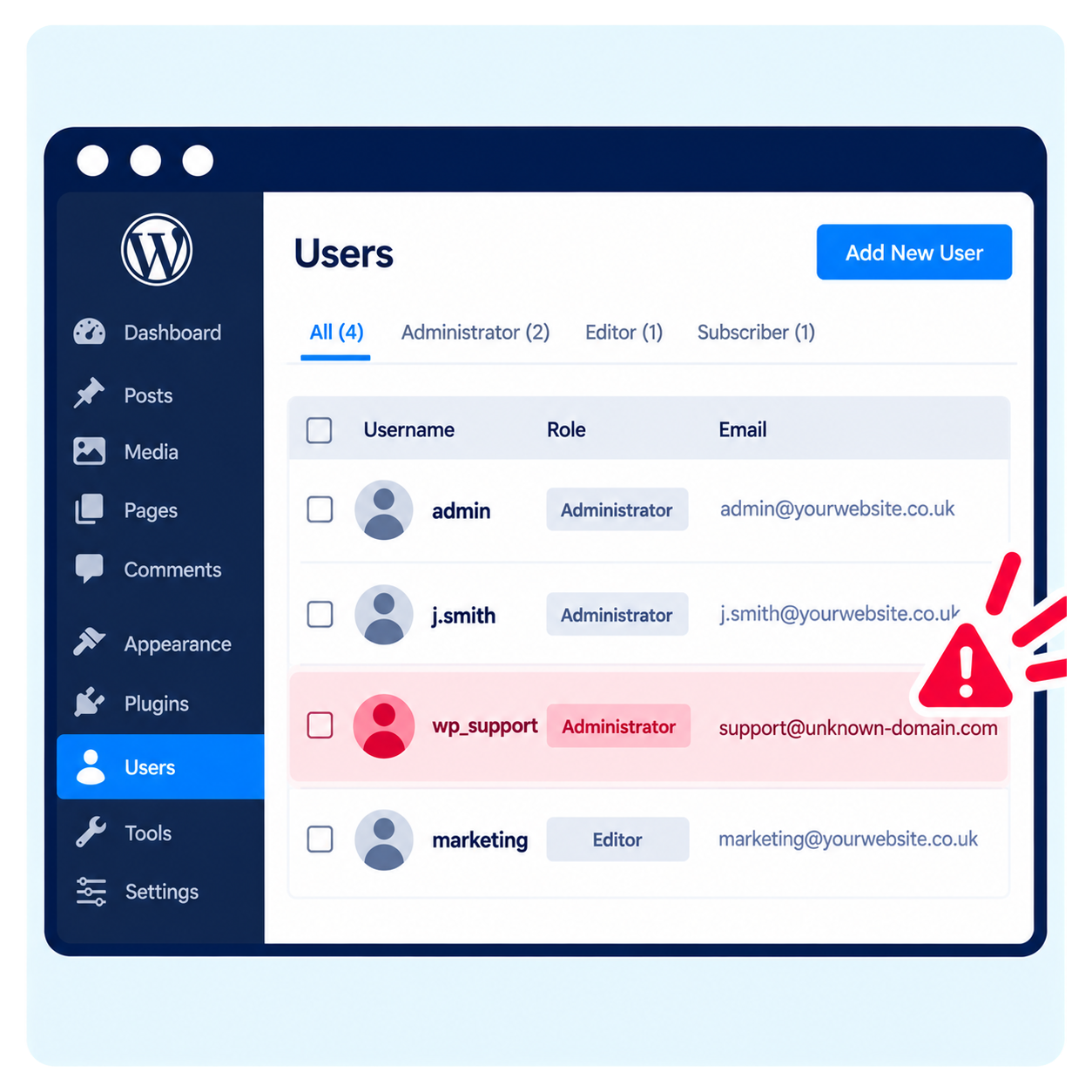
What to check: Regularly review WordPress users, roles and permissions. Investigate unfamiliar administrator accounts and ensure that access is removed when staff members or external suppliers no longer require it.
12. WordPress core, plugin or theme files change unexpectedly
WordPress files normally change when software is updated or authorised development work takes place.
Unexpected modifications outside these activities may indicate that an attacker has inserted malicious code.
Common targets include plugin files, theme templates and important WordPress configuration files.
Attackers may also create additional PHP files within directories intended for uploaded images or documents.
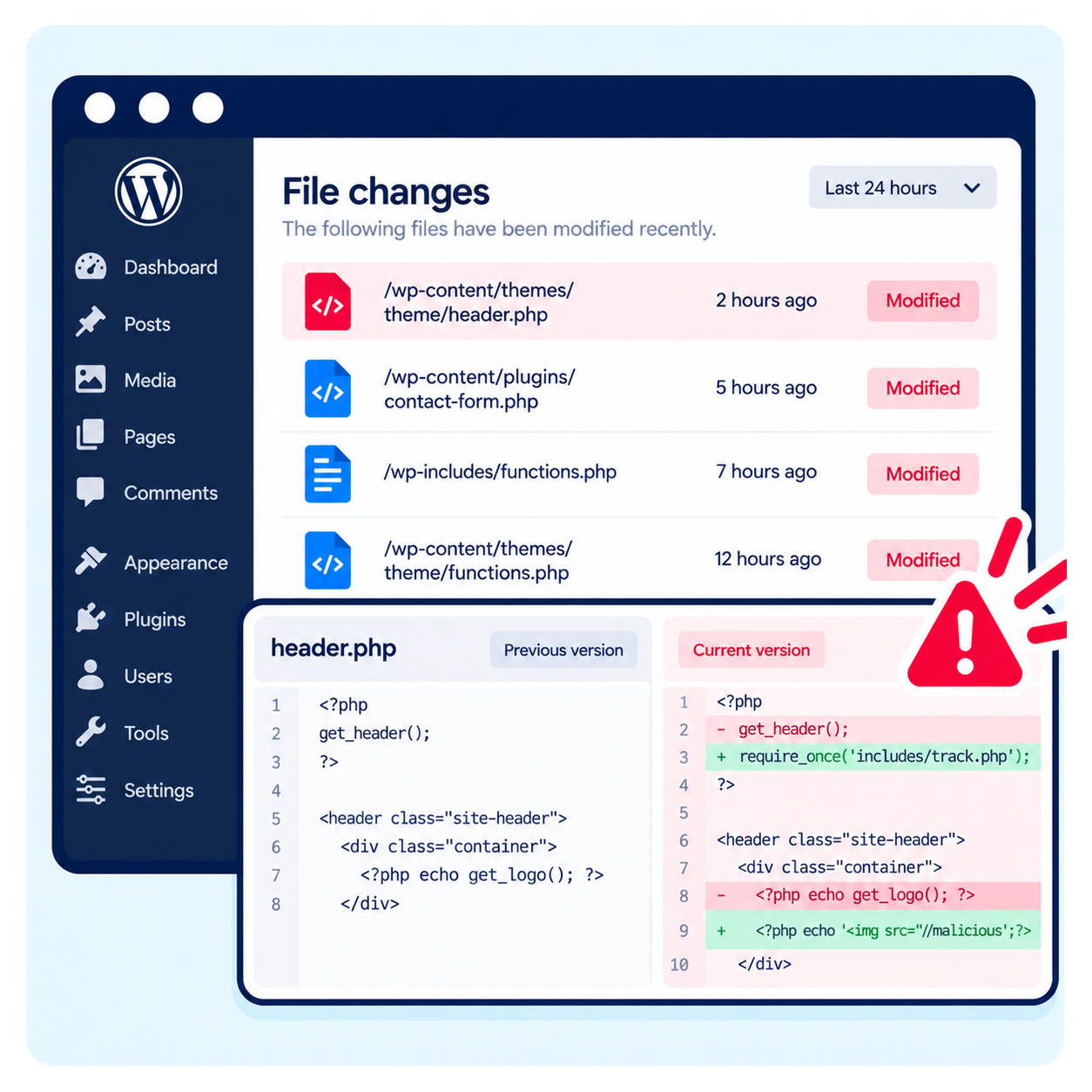
What to check: Compare suspicious files with known clean versions and review changes against maintenance records. File integrity monitoring can help identify unauthorised modifications.
13. Your .htaccess file has been modified
The .htaccess file is used on websites running compatible Apache server configurations to control functions such as redirects and access restrictions.
It is a legitimate and important part of many WordPress installations, but attackers can also modify it to redirect visitors or manipulate how website requests are handled.
Unexpected changes may result in visitors being sent to external websites or legitimate pages becoming inaccessible.
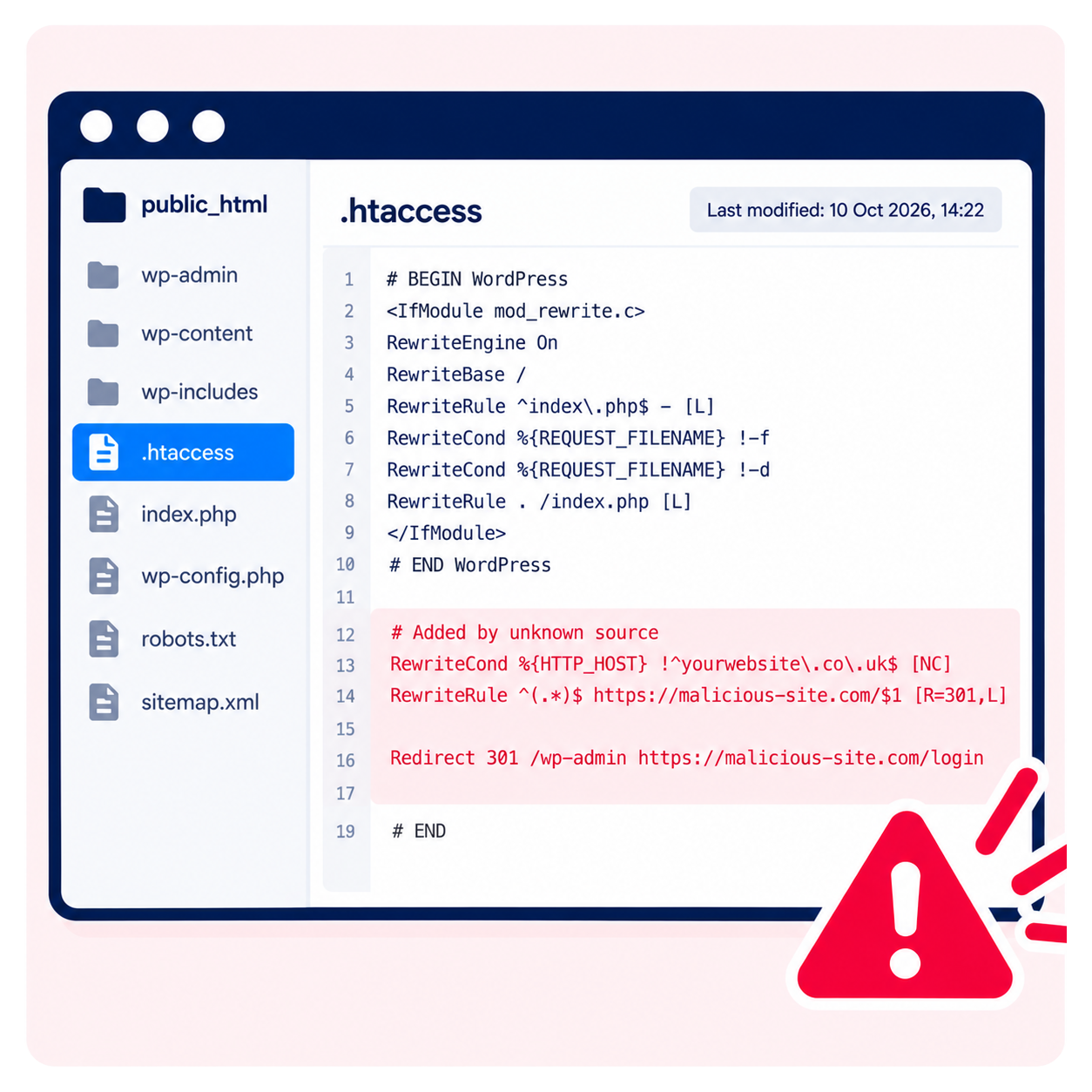
What to check: Ask your developer or hosting administrator to review unexplained changes to this file. Not every hosting environment uses .htaccess, and modifications should not be made without understanding their impact.
How to check whether your WordPress website has been hacked
Finding one of these warning signs does not always mean your website has been compromised. The next step is to investigate the cause.
There are several ways to check a website for suspicious activity.
Run an external website security scan
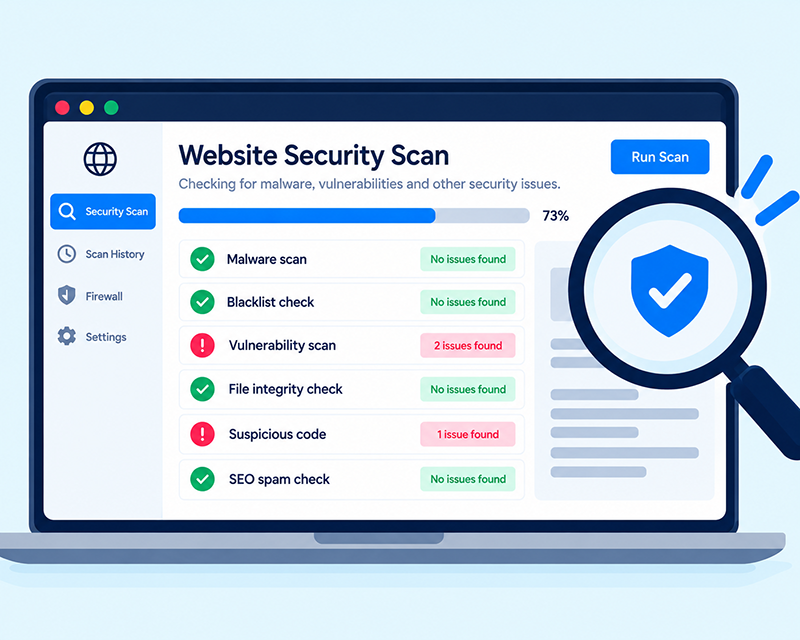
An external scanner examines publicly accessible website content for evidence of malware, suspicious scripts and known security warnings.
For example, Sucuri SiteCheck offers a free remote scanning tool.
Enter your website address to check for potentially malicious content and certain security issues visible from outside the website.
However, a clean result does not guarantee that the website is secure. Remote scanners cannot inspect every server file, database entry or hidden malicious process.
Review Google Search Console
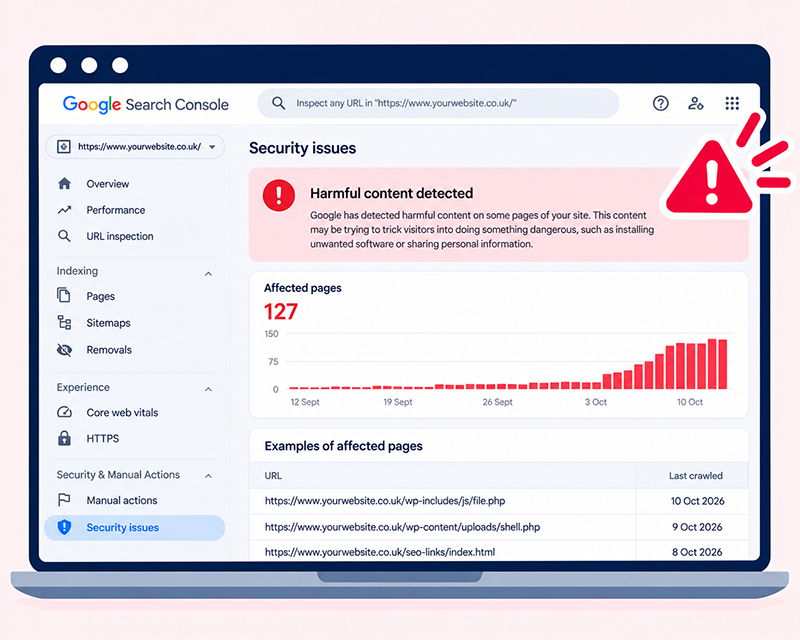
Google Search Console provides useful information about how Google discovers and indexes your website.
Review the Security Issues section for warnings, then examine search queries and indexed URLs for unusual changes.
Unexpected spam content, unfamiliar pages or a sudden change in search visibility can provide evidence that further investigation is needed.
Check WordPress users and installed software
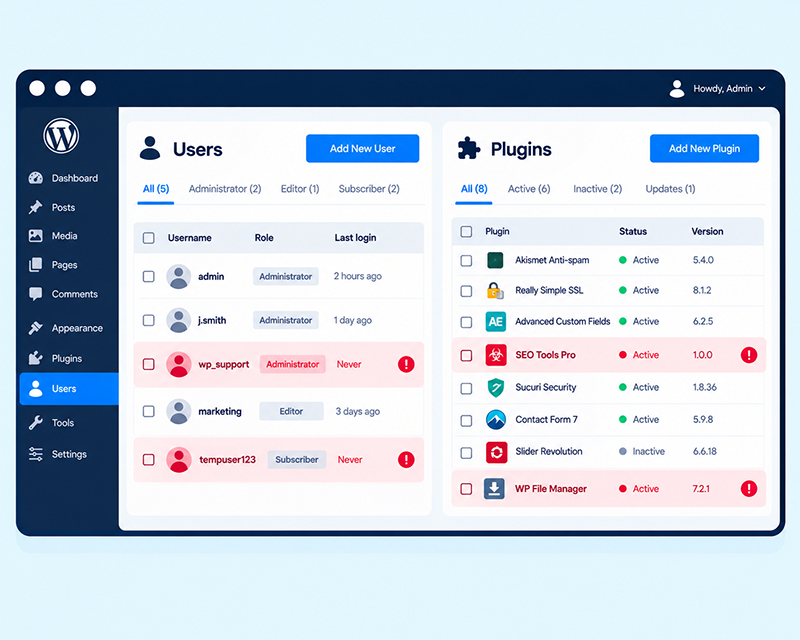
Review your website’s administrator accounts and installed plugins and themes.
Look for unfamiliar users, software you do not recognise and plugins that have not been maintained or updated.
Remember that legitimate development work may introduce new files or software, so check with your website administrator before removing anything.
Carry out a server-side malware scan
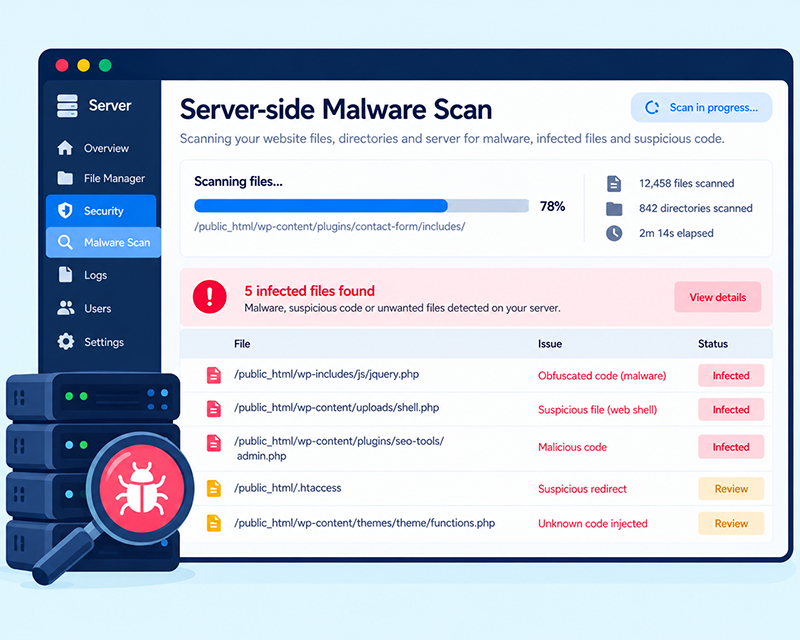
Some types of malware cannot be detected by examining the publicly visible website.
Malicious PHP scripts, infected database records and hidden backdoors may require server-side scanning and file analysis.
These checks are particularly important when suspicious activity continues despite a clean external scan.
A thorough investigation may involve reviewing website files, database content, access logs, user accounts and changes to server configurations.
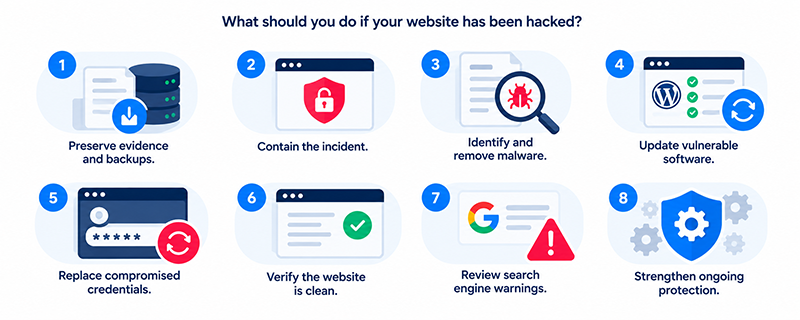
What should you do if your website has been hacked?
If an investigation confirms that your website has been compromised, removing the visible symptoms is only part of the solution.
It is important to establish how the attacker gained access and ensure that the same weakness cannot be exploited again.
- Preserve evidence and backups. Retain relevant logs and a copy of the affected website before making major changes. This may be important for investigating what happened.
- Contain the incident. Restrict unauthorised access and, where necessary, temporarily limit website functionality to protect visitors and customer information.
- Identify and remove malware. Examine website files, the database and any suspicious scripts or accounts. Remove malicious content and hidden access methods.
- Update vulnerable software. Apply appropriate security patches to WordPress core, plugins and themes, and remove unnecessary components.
- Replace compromised credentials. Reset affected passwords, revoke suspicious access keys and review administrator permissions.
- Verify the website is clean. Check for remaining malware, confirm important functionality works and investigate any continuing suspicious activity.
- Review search engine warnings. Once the website is clean, request appropriate reviews through Google Search Console if security warnings remain.
- Strengthen ongoing protection. Improve security monitoring, access controls, backups and maintenance arrangements to reduce the risk of reinfection.
Restoring an old backup is not always sufficient. If the backup contains malware or the vulnerability remains present, the website could be compromised again.
For serious incidents, particularly those involving customer information or payment details, specialist investigation may be necessary.
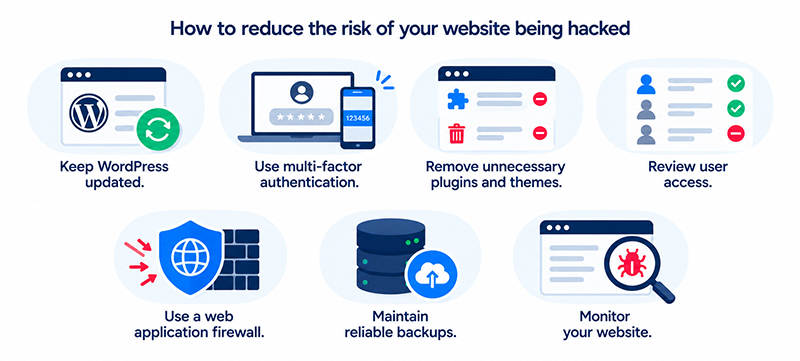
How to reduce the risk of your website being hacked
Although no website is completely immune to attacks, consistent maintenance and sensible security controls substantially reduce the risks.
Keep WordPress updated. Security vulnerabilities are regularly discovered in WordPress plugins, themes and other website software. Promptly applying appropriate updates reduces exposure to known weaknesses.
Use multi-factor authentication. Requiring an additional verification step makes it harder for attackers to access administrator accounts using stolen passwords.
Remove unnecessary plugins and themes. Software that is no longer required should be removed, rather than left installed and forgotten.
Review user access. Provide users with the permissions they actually need and remove access when it is no longer required.
Use a web application firewall. A WAF helps filter malicious website requests and provides an additional layer of protection against certain attacks.
Maintain reliable backups. Regular, protected backups provide an important recovery option if a website becomes compromised or experiences another serious problem.
Monitor your website. Malware scanning, file integrity checks and security alerts help identify suspicious activity before problems become more serious.
Frequently asked questions about hacked websites
Yes. Some attacks are designed to remain hidden. Malware might only activate for certain visitors, while SEO spam and unauthorised file changes can go unnoticed until they are detected through security monitoring or search engine reports.
Yes. Malware, malicious redirects and SEO spam may affect search visibility. Google can also display security warnings or remove affected pages from its index when harmful content is detected.
Not necessarily. External scanners can only examine information available to them. Malicious files, database infections or hidden backdoors may require more detailed server-side checks.
In many cases, yes. Recovery involves identifying and removing the infection, resolving the original vulnerability, securing user accounts and checking that the website is functioning safely. The complexity depends on the extent of the compromise.
Automated attacks continually scan websites for vulnerable software and weak credentials. A website with an exploitable vulnerability may be compromised quickly, which is why timely security updates and ongoing monitoring are important.
How matm can help protect your WordPress website
Website security should be an ongoing part of managing a business website, rather than something addressed only after an incident.
At matm, we build and maintain WordPress websites, with security measures designed to reduce vulnerabilities and keep websites operating reliably.
Our services include:
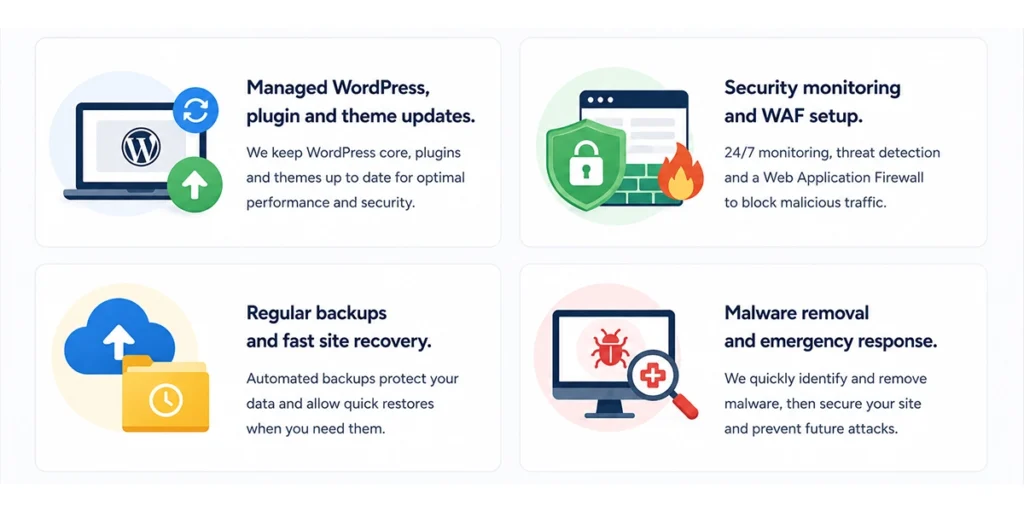
- Managed WordPress maintenance: Regular updates to WordPress core, plugins and themes.
- Security monitoring and firewall protection: Using tools including Sucuri and Cloudflare to identify suspicious activity and protect against malicious web requests.
- Additional WordPress security measures: Reviewing access controls, configuration settings and appropriate website protections.
- Regular backups and recovery: Maintaining backups and helping restore websites when problems occur.
- Malware investigation and removal: Identifying infections, addressing affected website components and reducing the risk of further compromise.
If you are concerned that your WordPress website may have been hacked, or want to improve its ongoing security, contact matm at [email protected] or call 01952 883 526.
Based on research by Sucuri: Is My Site Hacked? (13 Signs).