Keeping your WordPress website secure involves more than protecting the login page and updating plugins. The server hosting your website also needs protection, particularly against attempts to gain unauthorised access.
One common threat is an SSH brute force attack, where automated tools repeatedly try different login credentials to access a server.
If attackers succeed, they could gain access to website files, install malware, steal information or disrupt the website.
Fortunately, there are several measures that website administrators and hosting providers can take to reduce this risk.
What is SSH?
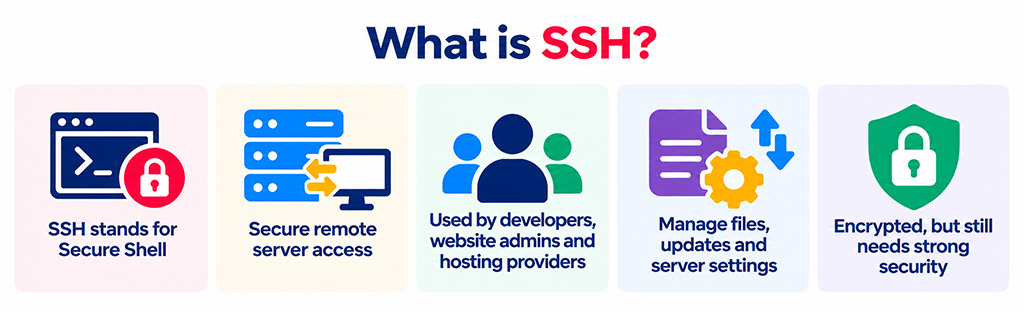
SSH stands for Secure Shell. It is a secure way for developers, website administrators and hosting providers to connect to and manage a website’s server remotely.
Rather than accessing the website through a browser or the WordPress dashboard, SSH provides direct access to the server for tasks such as managing files, installing updates and changing server settings.
Connections are encrypted to protect information being exchanged, but SSH access must still be properly secured to prevent unauthorised users from gaining control of the server.
What is an SSH brute force attack?
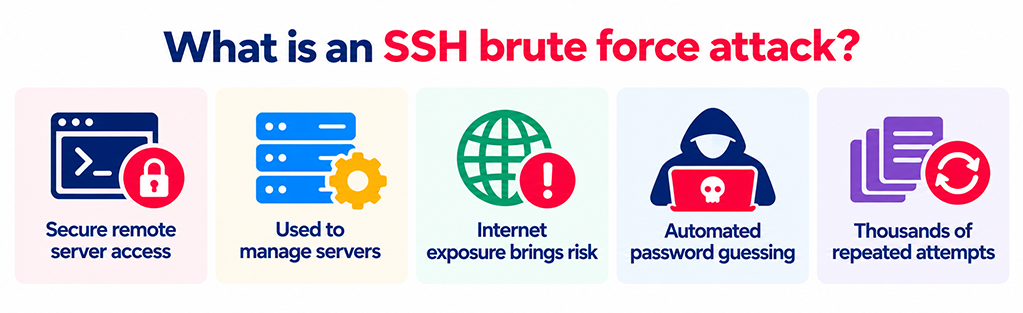
SSH access is useful for tasks such as maintaining website files, applying updates and managing server configurations. However, an SSH service exposed to the internet can also attract unwanted attention.
An SSH brute force attack occurs when someone uses automated software to try large numbers of usernames and passwords until they find a combination that works.
Rather than attempting a single login, attackers may make thousands of attempts, often using lists of common passwords or credentials obtained from previous data breaches.
These attacks are frequently automated, meaning a server could be targeted without anyone specifically selecting the business or website.
Why are SSH brute force attacks a risk to WordPress websites?
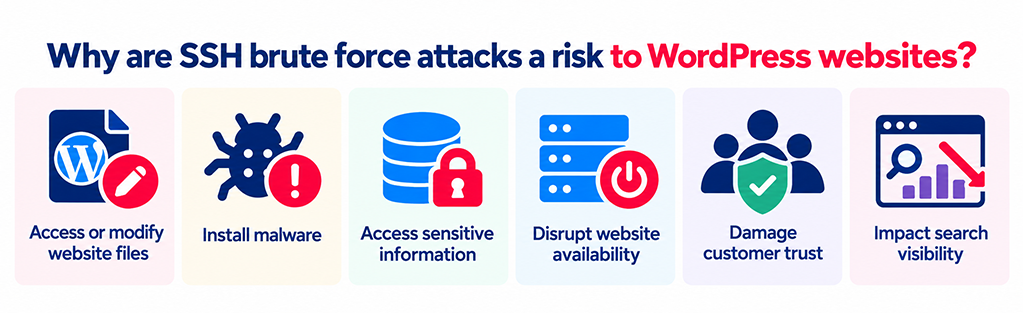
An SSH attack targets the server rather than the WordPress login page itself. However, a successful attack could still have serious consequences for the websites hosted on that server.
Depending on the permissions of the compromised account, an attacker might be able to:
- Access or modify website files: Change website content, interfere with functionality or insert malicious code.
- Install malware: Introduce malicious software that redirects visitors, steals information or creates further security vulnerabilities.
- Access sensitive information: Obtain configuration files, database credentials or other information available to the compromised account.
- Disrupt website availability: Interfere with server operations or use its resources for unauthorised activities.
- Damage customer trust: A compromised website can affect a business’s reputation and discourage potential customers from making enquiries or purchases.
Security problems can also affect search visibility if a website begins distributing malware, redirecting visitors to suspicious pages or displaying content that search engines identify as harmful.
This is why server security should form part of a wider WordPress security and website maintenance strategy.
How can you tell if your server is being attacked?
SSH brute force attacks are not always visible to website visitors. In many cases, the first signs appear in the server’s security logs.
Warning signs may include:
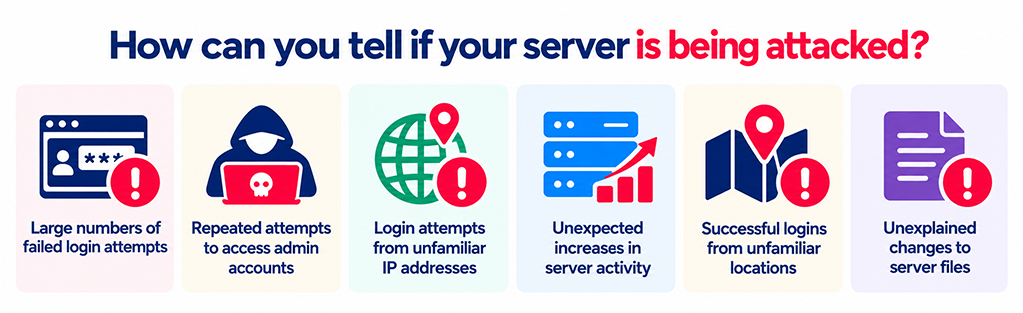
- Large numbers of failed login attempts within a short period.
- Repeated attempts to access common administrative accounts.
- Login attempts originating from unfamiliar IP addresses or multiple locations.
- Unexpected increases in server activity or resource usage.
- Successful logins from unfamiliar locations or accounts.
- Unexplained changes to server files, user accounts or access permissions.
Not every failed login indicates a serious security incident. Automated scanning and login attempts are common on internet-facing servers.
However, unusual activity should be investigated, particularly if it is followed by a successful login or changes to server files.
Hosting providers and server administrators can review authentication logs to identify suspicious activity and determine whether further investigation is required.
How to prevent SSH brute force attacks
Protecting SSH access requires several security measures working together. No single setting provides complete protection, but the following steps significantly reduce the opportunities available to attackers.
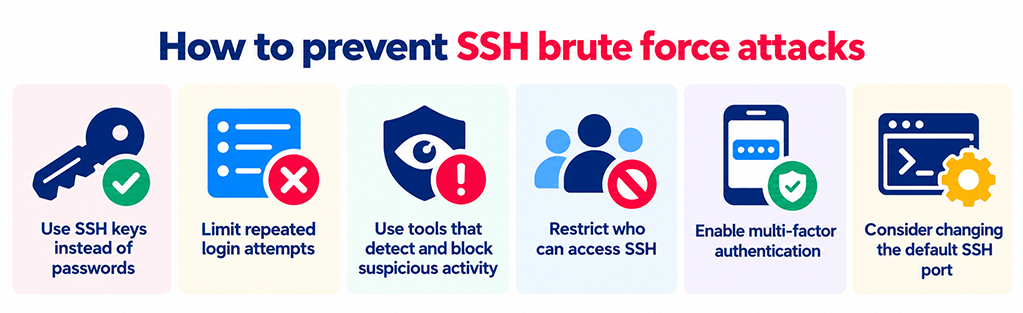
1. Use SSH keys instead of passwords
One of the most effective protections against SSH brute force attacks is to replace password-based authentication with SSH keys.
SSH keys use two connected digital credentials: a public key stored on the server and a private key kept securely by the authorised user.
The server verifies that the person connecting holds the corresponding private key, rather than relying on a password that could be guessed.
Once key-based access has been configured and tested, administrators can disable password authentication to prevent automated password-guessing attacks from succeeding through that method.
Private keys must still be stored securely and protected against theft. Where appropriate, they should also be protected with a passphrase.
Important: Changes to SSH authentication should be carried out by an experienced administrator. Disabling passwords before confirming that key-based access works could lock legitimate users out of the server.
2. Limit repeated login attempts
SSH services can be configured to limit how many authentication attempts are permitted during a single connection.
This reduces the number of credentials an attacker can try before the connection is closed.
For example, OpenSSH includes a setting called MaxAuthTries, which controls the maximum number of authentication attempts allowed per connection.
Setting an appropriate limit provides another layer of protection, although it does not prevent an attacker from opening new connections and continuing their attempts.
For this reason, limiting attempts is most effective alongside other security measures, particularly automated IP blocking and key-based authentication.
3. Use tools that detect and block suspicious activity
Security tools can monitor login activity and automatically respond when repeated failed attempts are detected.
For example:
- Fail2Ban: Monitors authentication logs and can temporarily block IP addresses responsible for repeated failed login attempts.
- DenyHosts: Analyses SSH login failures and restricts access from addresses associated with suspicious activity.
- OSSEC HIDS: Provides host-based security monitoring, including suspicious activity detection and file integrity monitoring.
These tools reduce the need to investigate every suspicious login manually and can prevent repeated attempts from the same source.
However, attackers may use multiple IP addresses, so automated blocking should complement rather than replace secure authentication.
The choice of tool depends on the server environment, hosting arrangements and existing security controls.
4. Restrict who can access SSH
Not every internet user needs to be able to connect to your website server.
Where possible, SSH access should be limited to authorised users connecting from approved IP addresses, trusted networks or a secure VPN.
For example, a business could restrict server management access to its hosting provider and authorised development team.
This reduces the number of potential entry points and makes it harder for unauthorised users to reach the SSH login service.
Access restrictions are generally implemented through server firewalls, hosting-provider network controls or other supported security configurations.
Older approaches such as TCP wrappers may be available in some environments, but modern OpenSSH installations should use supported access-control methods rather than relying on legacy configuration files.
5. Enable multi-factor authentication
Multi-factor authentication (MFA), sometimes called two-factor authentication (2FA), requires more than one form of verification before access is granted.
For example, an administrator might need an approved SSH key alongside a temporary code generated by an authentication application.
This adds another barrier if an attacker obtains a valid credential.
SSH can be configured to support additional authentication checks using compatible authentication modules, although the setup depends on the operating system and hosting environment.
As with other server access changes, MFA should be configured and tested carefully to avoid interrupting legitimate administrative access.
6. Consider changing the default SSH port
SSH commonly operates on port 22, which is frequently targeted by automated scanning tools.
Moving SSH to a different port may reduce the number of basic automated login attempts reaching the service.
However, this is not a reliable security measure on its own. Attackers can scan servers to identify which ports are running SSH services.
Changing the port should therefore be considered a way of reducing unwanted traffic rather than preventing unauthorised access.
SSH keys, access restrictions and appropriate authentication controls remain much more important.
What should you do if you suspect an SSH attack?
If your hosting provider or website administrator identifies suspicious SSH activity, the priority is to establish whether the attack has resulted in unauthorised access.
Recommended actions include:
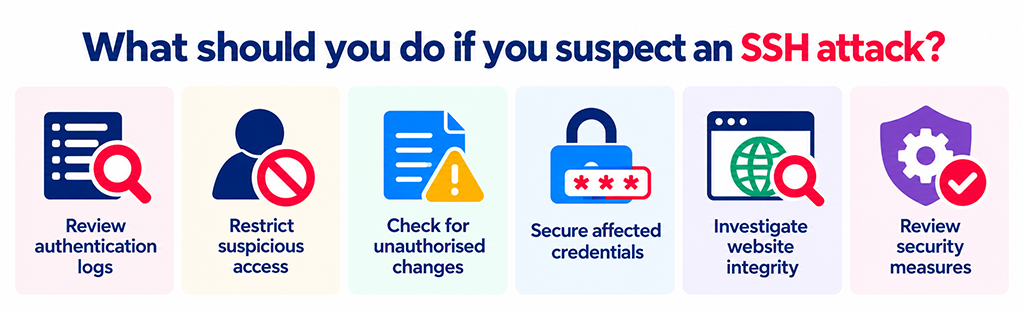
- Review authentication logs: Check the source and frequency of failed attempts and investigate unfamiliar successful logins.
- Restrict suspicious access: Block malicious connections and review which accounts genuinely require SSH access.
- Check for unauthorised changes: Look for unfamiliar user accounts, SSH keys, altered permissions or unexpected file modifications.
- Secure affected credentials: Revoke compromised keys and replace any passwords or other credentials that may have been exposed.
- Investigate website integrity: Check website files, plugins, database access and other indicators of possible malware infection.
- Review security measures: Address the weaknesses that allowed the activity and improve monitoring to identify future attempts.
If there is evidence that an attacker successfully accessed the server, the investigation should extend beyond the original SSH login. An attacker may have established another means of access or changed files that are not immediately visible.
In these circumstances, a professional investigation and recovery process is preferable to simply changing a password and assuming the problem has been resolved.
Does a WordPress security plugin prevent SSH attacks?
Not directly. Most WordPress security plugins operate within the WordPress website and do not control the SSH service used to manage the hosting server.
A WordPress security plugin may provide useful features such as malware scanning, login monitoring, file integrity checks and protection against suspicious activity.
Similarly, a web application firewall (WAF) can filter malicious HTTP and HTTPS requests before they reach a website, helping protect against threats such as malicious web requests and attacks on WordPress login pages.
However, a website WAF does not normally inspect or block SSH traffic.
That protection needs to be implemented at the server or network level.
The distinction is important because website security is made up of several layers:
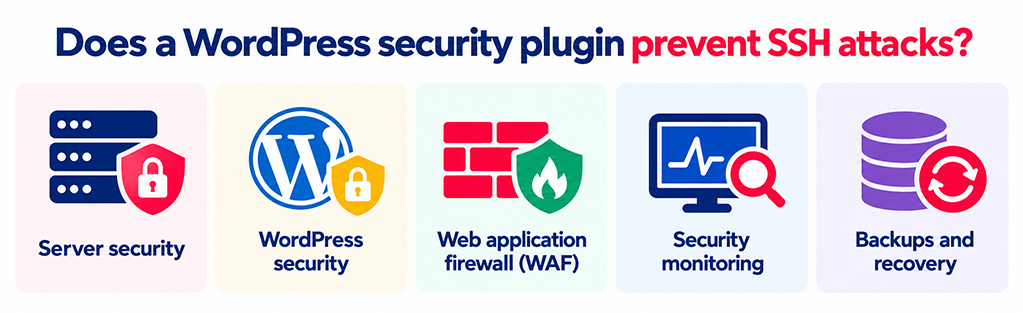
- Server security: Protecting the underlying hosting environment and administrative access.
- WordPress security: Managing user permissions, plugin and theme vulnerabilities, and login protection.
- Web application firewall: Filtering potentially harmful requests to the website.
- Security monitoring: Identifying suspicious behaviour, malware and unexpected changes.
- Backups and recovery: Providing a reliable way to restore the website if something goes wrong.
These measures address different threats and should work together as part of an ongoing website security plan.
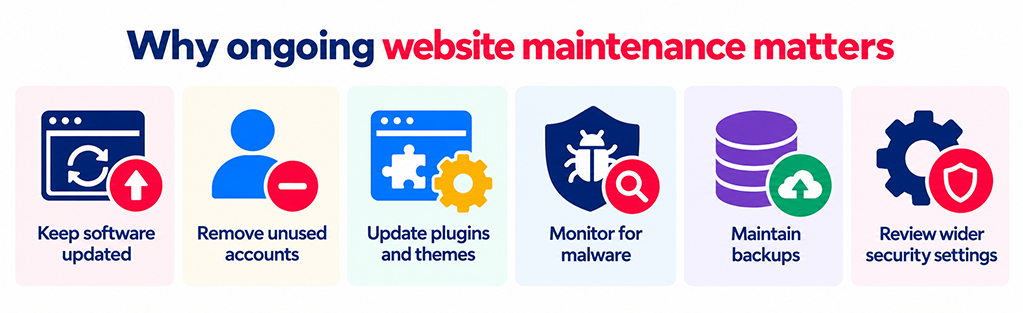
Why ongoing website maintenance matters
SSH brute force attacks illustrate why website security should not be treated as a one-off configuration task.
Even when a server has been set up securely, access requirements change, software needs updating and vulnerabilities may emerge over time.
Regular reviews help ensure that unused accounts are removed, security updates are applied and access remains limited to the people who need it.
For WordPress websites, this should sit alongside routine plugin and theme updates, malware monitoring, backups and reviews of wider website security settings.
Taking a preventative approach helps reduce the likelihood of disruption and gives businesses greater confidence in the reliability of their website.
Frequently asked questions about SSH security
Yes. Although SSH attacks target the hosting server rather than the WordPress login page, successful unauthorised access could allow an attacker to modify website files, install malware or interfere with the website, depending on the compromised account’s permissions.
The most effective starting point is to use SSH key authentication and disable password logins once key-based access has been tested. Restricting access to trusted networks and using tools such as Fail2Ban provides additional protection.
No. Using a non-standard port may reduce automated scanning and unwanted login attempts, but attackers can still discover an SSH service. Secure authentication and appropriate network restrictions are more effective.
A properly configured server or network firewall can restrict SSH connections to trusted sources. However, a web application firewall designed to protect WordPress website traffic does not normally protect the SSH service itself.
Responsibility depends on the hosting arrangement. With some managed hosting services, the provider controls server configuration and SSH access. On self-managed or virtual private servers, responsibility may sit with the business or its appointed server administrator.
It is important to establish who manages server access and security updates as part of the website’s overall maintenance arrangements.
How matm can help
At matm, we build and maintain WordPress websites with security and reliability in mind.
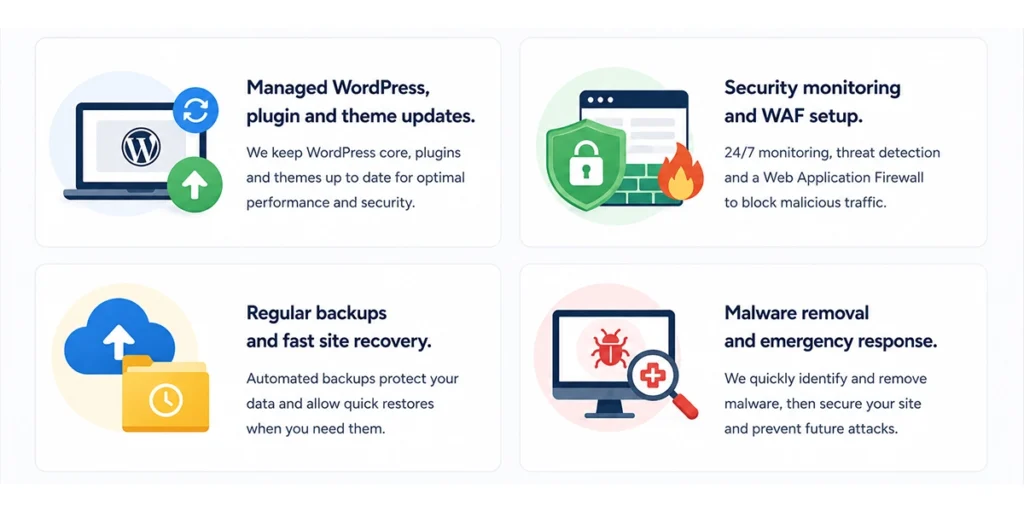
Our ongoing website maintenance services include:
- Managed WordPress updates: Keeping WordPress core, plugins and themes updated to address known vulnerabilities.
- Security monitoring and WAF protection: Using tools such as Sucuri and Cloudflare to monitor websites and help block malicious web traffic.
- Additional security measures: Reviewing website configurations, user access and appropriate protection settings.
- Regular backups and recovery: Maintaining recovery options to reduce disruption if a website encounters a problem.
- Malware investigation and removal: Helping identify suspicious website activity and address potential compromises.
Server-level SSH protection also needs to be managed by the hosting provider or responsible server administrator. We can work alongside those responsible for hosting to help ensure website and server security measures are considered together.
If you would like to discuss your WordPress website’s security or ongoing maintenance, contact matm at [email protected] or call 01952 883 526.
Based on research by Sucuri: How to Prevent SSH Brute Force Login Attacks.