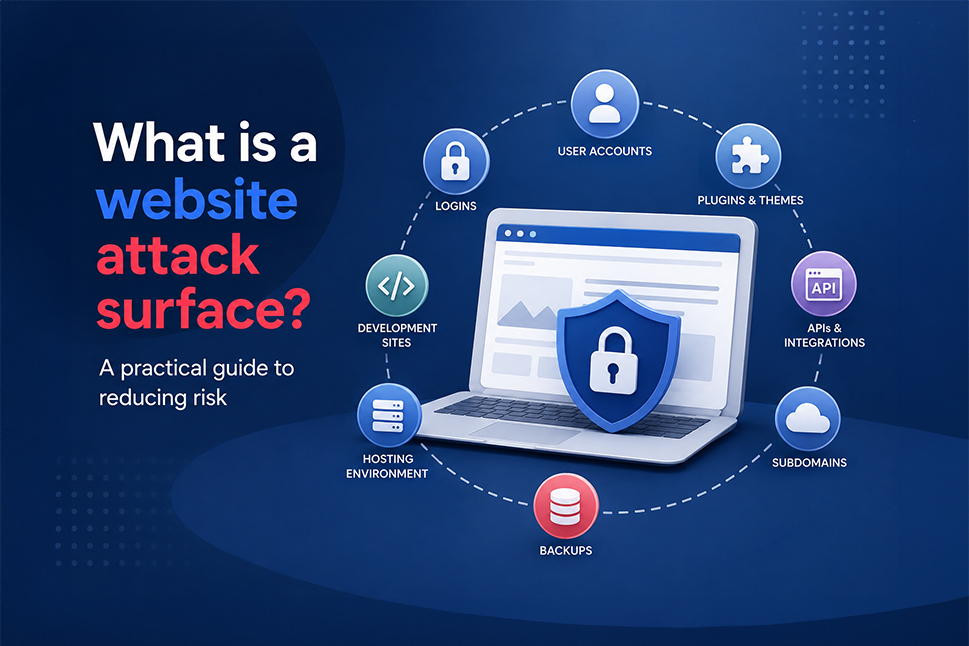
Every feature you add to your website creates something else that needs to be managed and protected.
A login page accepts usernames and passwords. A contact form collects data. Plugins and themes add code. APIs connect your website to other services. Even an old staging site or forgotten backup could still be accessible online.
Together, these exposed parts make up your website attack surface.
Understanding your attack surface helps answer a simple but important WordPress security question: what can an attacker reach, and what could happen if one of those areas has a weakness?
The aim is not to remove every useful feature from your website. It is to understand what is exposed, remove what you no longer need and properly protect everything that remains.
What is a website attack surface?
Your website attack surface includes all the places where someone could potentially interact with your site, affect how it works or gain access to information.
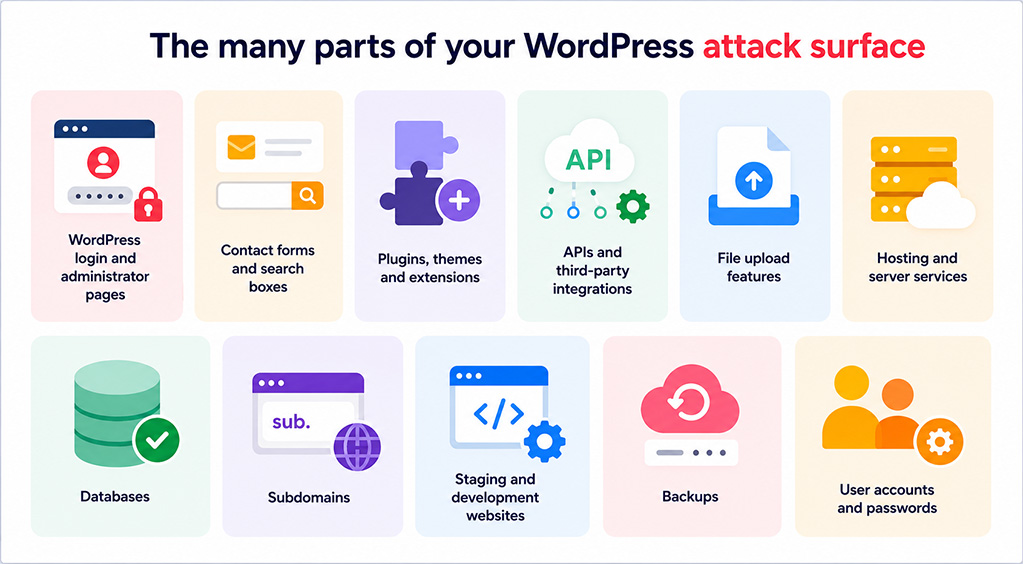
For a typical WordPress website, that could include:
- WordPress login and administrator pages
- Contact forms and search boxes
- Plugins, themes and extensions
- APIs and third-party integrations
- File upload features
- Hosting and server services
- Databases
- Subdomains
- Staging and development websites
- Backups
- User accounts and passwords
Having a larger attack surface does not automatically mean a website is insecure. However, every additional component creates something else that must be updated, configured, monitored and protected.
What does an attack surface look like in practice?
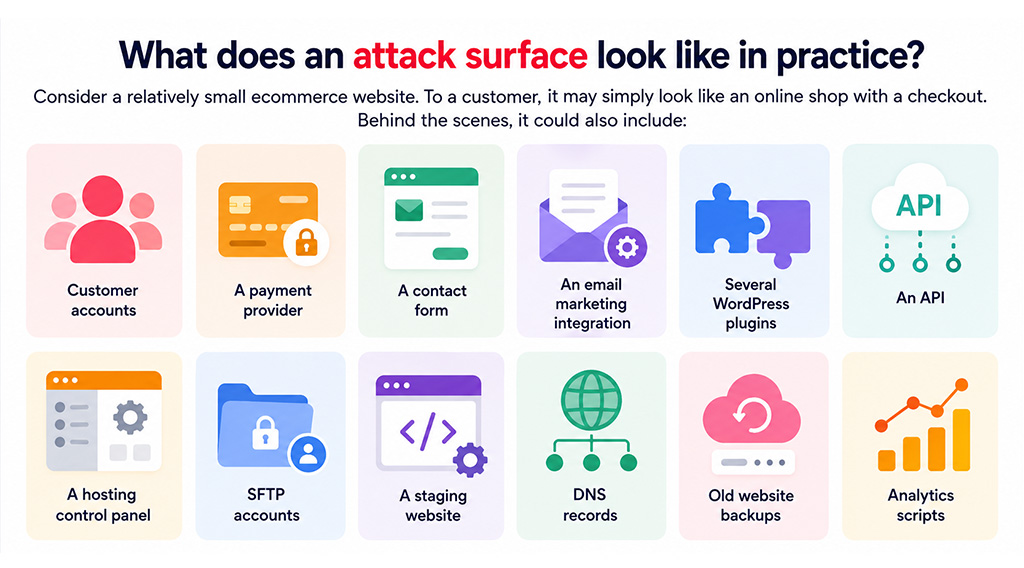
Consider a relatively small ecommerce website. To a customer, it may simply look like an online shop with a checkout.
Behind the scenes, it could also include:
- Customer accounts
- A payment provider
- A contact form
- An email marketing integration
- Several WordPress plugins
- An API
- A hosting control panel
- SFTP accounts
- A staging website
- DNS records
- Old website backups
- Analytics scripts
Each may serve a genuine business purpose, but each also needs appropriate security controls.
This is why effective website security extends far beyond simply protecting the pages your customers can see.
What can increase your website attack surface?
Unused plugins, themes and software
Software does not necessarily stop being a security consideration just because you have deactivated it.
If the files are still stored on your server, they may still contain weaknesses that could be targeted. Where a plugin, theme, old WordPress installation or test script is no longer required, removing it completely means there is less code to maintain and protect.
This is one reason regular managed updates and housekeeping are an important part of WordPress website maintenance.
Too many user accounts
Every user account creates another way to authenticate with your website.
Administrator accounts deserve particular attention because they usually have extensive permissions. Accounts belonging to former employees, contractors, developers or agencies should be removed once access is no longer needed.
Active users should also follow the principle of least privilege: give people only the access they need to do their job.
Someone who only needs to publish blog posts or process orders, for example, may not need full Administrator access.
Public administration tools
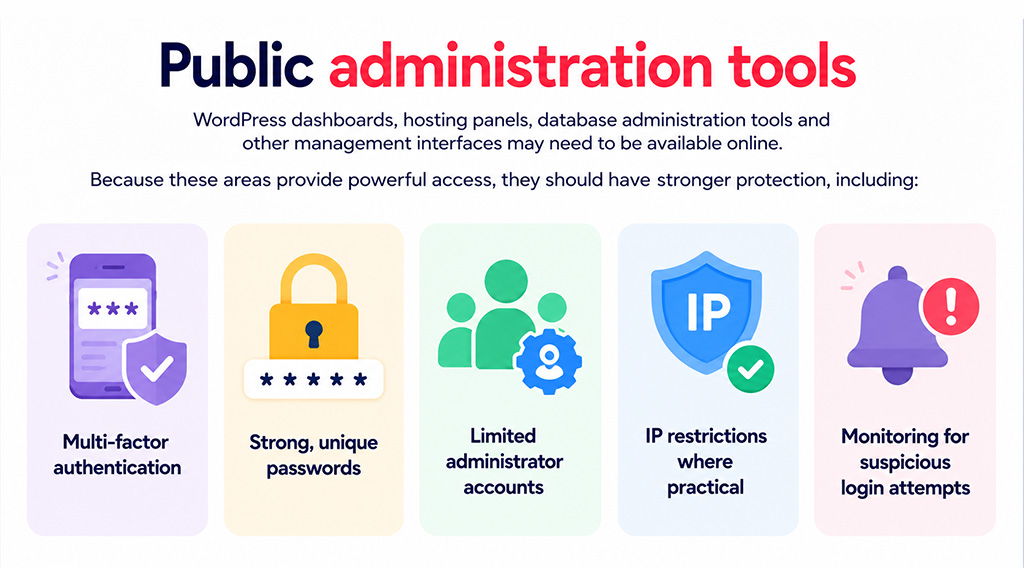
WordPress dashboards, hosting panels, database administration tools and other management interfaces may need to be available online.
Because these areas provide powerful access, they should have stronger protection, including:
- Multi-factor authentication
- Strong, unique passwords
- Limited administrator accounts
- IP restrictions where practical
- Monitoring for suspicious login attempts
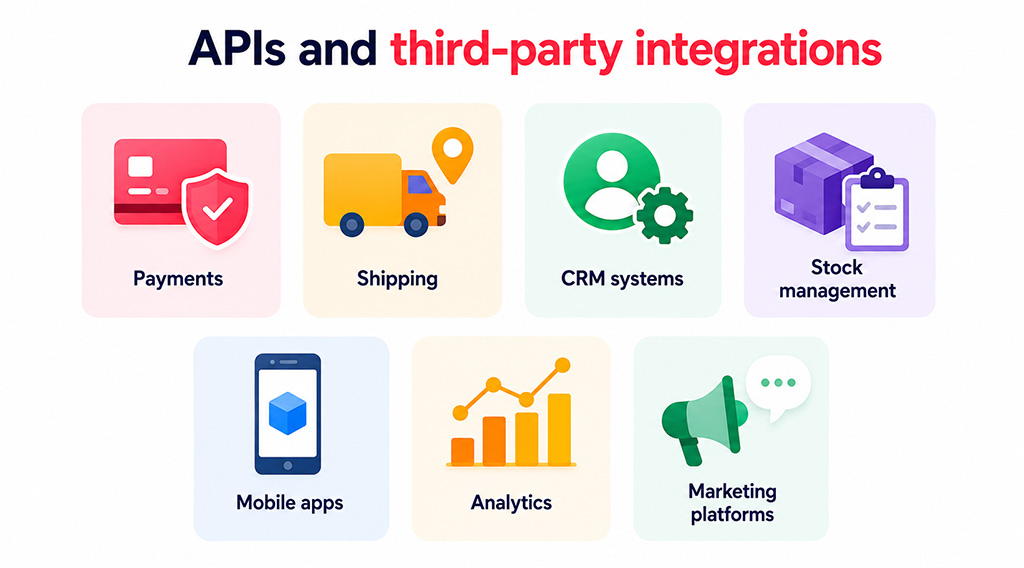
APIs and third-party integrations
APIs allow your website to exchange information automatically with other systems.
They are commonly used for payments, shipping, CRM systems, stock management, mobile apps, analytics and marketing platforms.
These connections are useful, but every active API and set of credentials needs to be secured. Integrations that are no longer required should be disconnected, and old API credentials should be revoked.
Staging and development websites
A staging website is often a near-copy of your live website, including the same WordPress software, plugins, user accounts and sometimes database information.
If it is publicly accessible and receives less maintenance than the live site, it can provide another route for attackers to investigate.
Temporary environments should be removed when they are no longer required. Staging sites that remain in use should have suitable access controls and receive the same attention to updates and security monitoring as the live website.
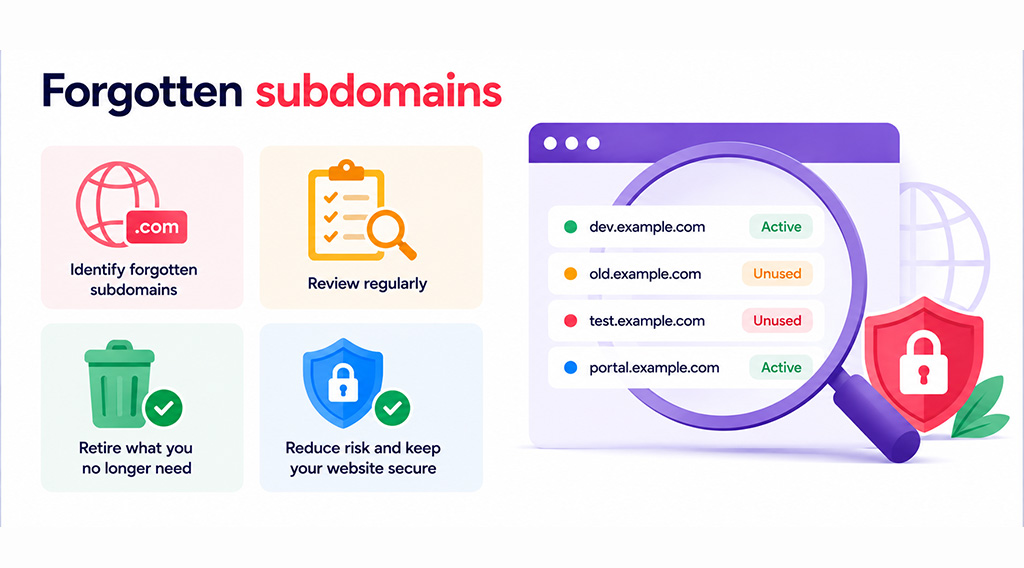
Forgotten subdomains
Businesses can gradually accumulate subdomains such as:
- dev.example.com
- old.example.com
- test.example.com
- portal.example.com
Some remain online long after their original purpose has disappeared.
Regularly review your active subdomains and retire anything that no longer provides business value.
Old backups and exposed files
Backups are essential for fast site recovery, but they must be stored securely.
A backup left in a publicly accessible website folder could potentially expose source code, configuration information or database contents.
For example, an address such as example.com/backup.zip could become a serious problem if anyone is able to download the file.
Backups should therefore be kept away from public website directories and access should be restricted.
How to reduce your website attack surface
Reducing your attack surface is largely about removing unnecessary exposure while strengthening the parts of your website the business still relies on.
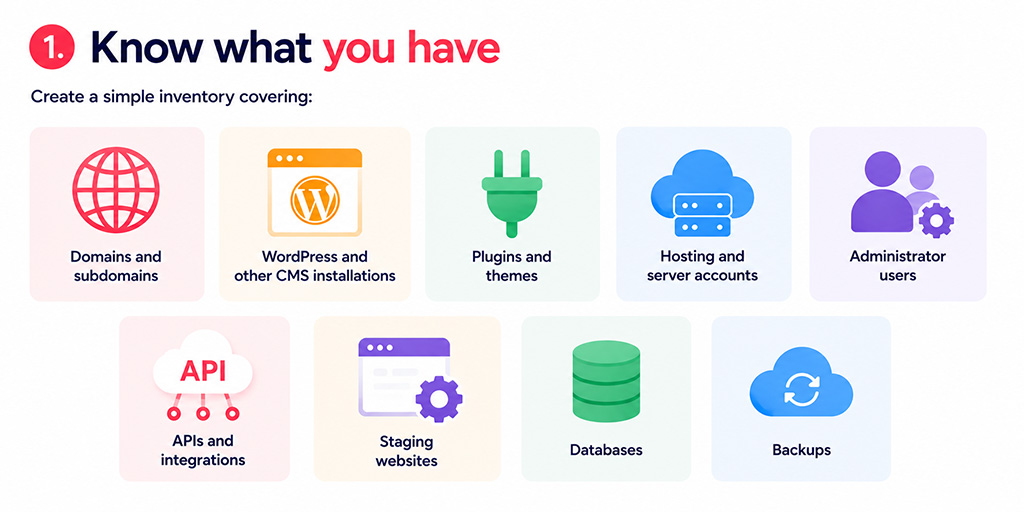
1. Know what you have
You cannot properly protect website assets you do not know exist.
Create a simple inventory covering:
- Domains and subdomains
- WordPress and other CMS installations
- Plugins and themes
- Hosting and server accounts
- Administrator users
- Domains and subdomains
- APIs and integrations
- Staging websites
- Databases
- Backups
For many small and medium-sized businesses, a straightforward spreadsheet is enough. Record who is responsible for each item and whether it is still required.
2. Remove what you no longer need
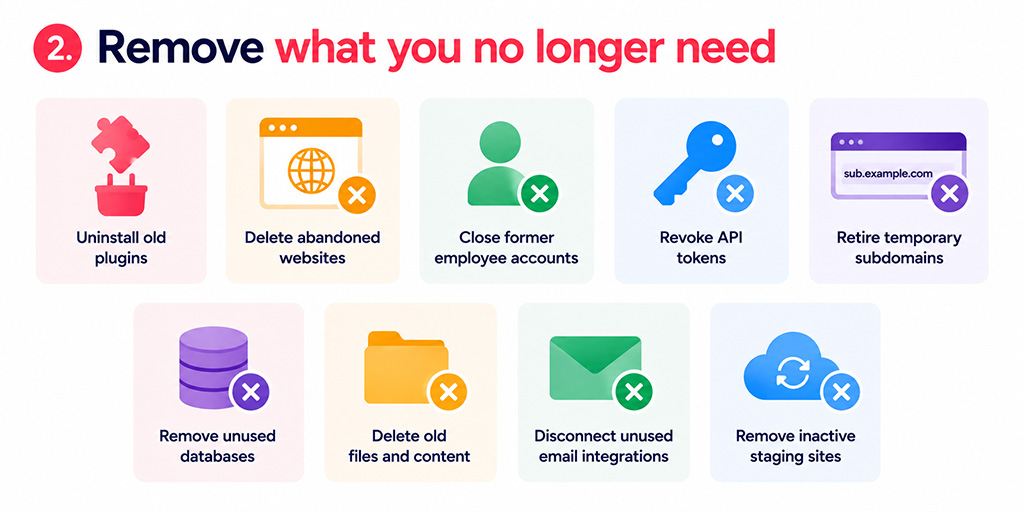
For each item, ask one question: does the business still need this?
If not, remove it properly.
That could mean uninstalling an old plugin, deleting an abandoned website, closing a former employee’s account, revoking an API token or retiring a temporary subdomain.
A simpler website is not only easier to secure; it is usually easier to maintain too.
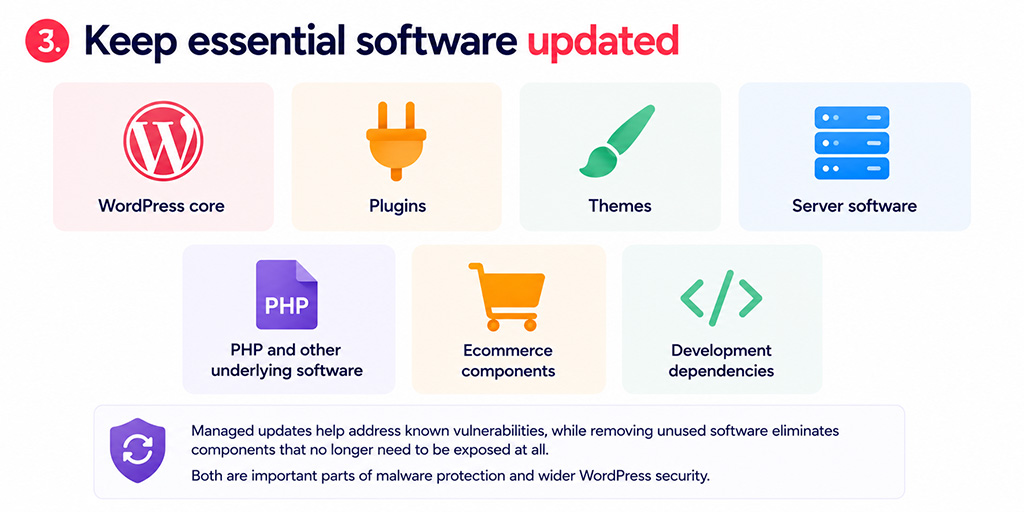
3. Keep essential software updated
You cannot remove everything that is accessible online, so the software you retain needs to be kept up to date.
That includes:
- WordPress core
- Plugins
- Themes
- Server software
- PHP and other underlying software
- Ecommerce components
- Development dependencies
Managed updates help address known vulnerabilities, while removing unused software eliminates components that no longer need to be exposed at all.
Both are important parts of malware protection and wider WordPress security.
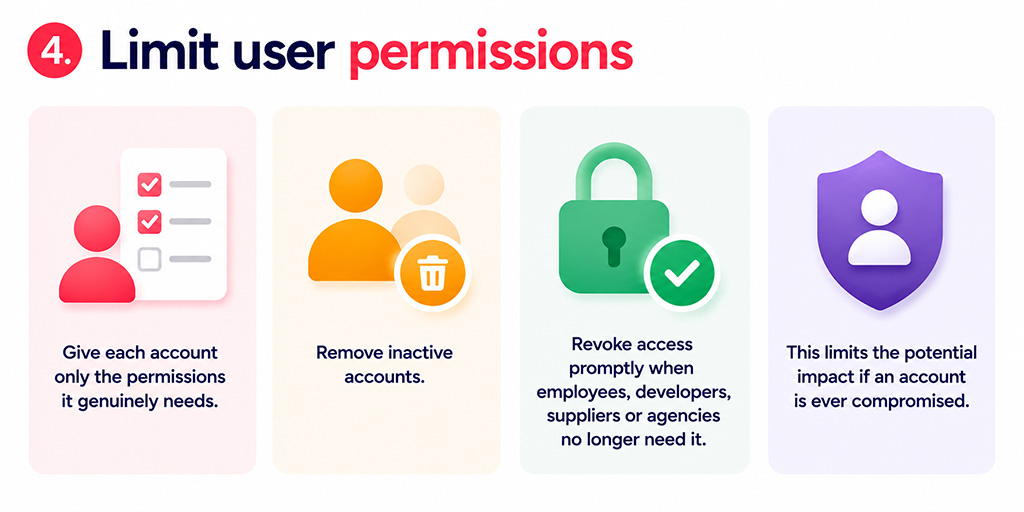
4. Limit user permissions
Give each account only the permissions it genuinely needs.
Remove inactive accounts and revoke access promptly when employees, developers, suppliers or agencies no longer need it.
This limits the potential impact if an account is ever compromised.
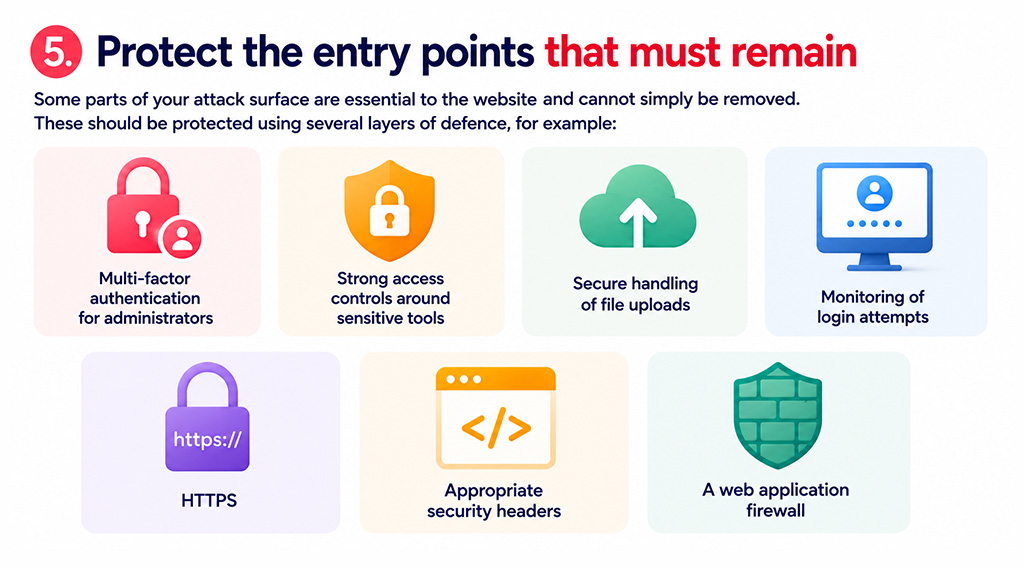
5. Protect the entry points that must remain
Some parts of your attack surface are essential to the website and cannot simply be removed.
These should be protected using several layers of defence, for example:
- Multi-factor authentication for administrators
- Strong access controls around sensitive tools
- Secure handling of file uploads
- Monitoring of login attempts
- HTTPS
- Appropriate security headers
- A web application firewall
A web application firewall (WAF) sits between your website and incoming internet traffic. It can identify and block many malicious requests before they reach WordPress itself.
A WAF should form part of a wider security approach rather than being relied upon on its own.
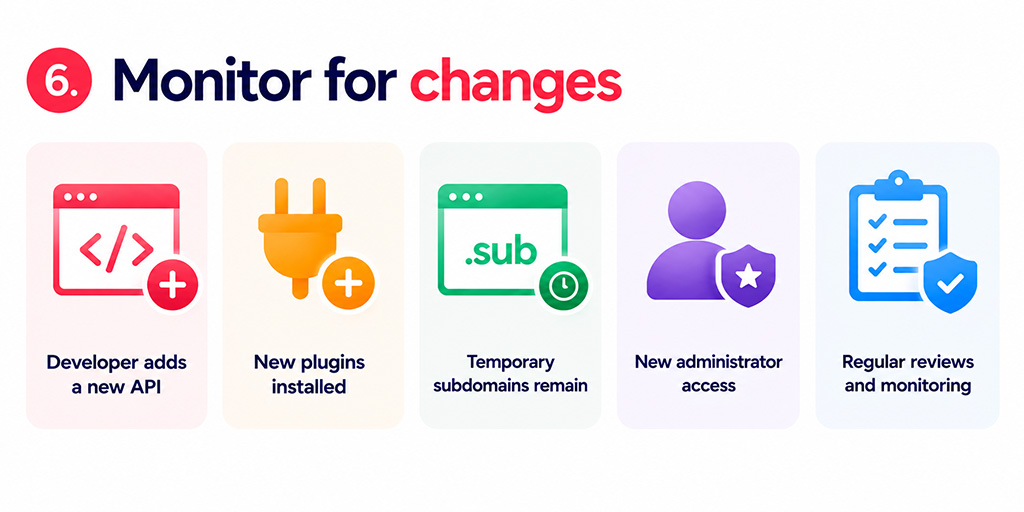
6. Monitor for changes
Your attack surface is not fixed.
A developer might add a new API. Marketing might install another plugin. A temporary subdomain may quietly remain online. A new team member might receive Administrator access.
That means attack-surface reviews should form part of regular website maintenance and security monitoring, particularly after significant changes to your website.
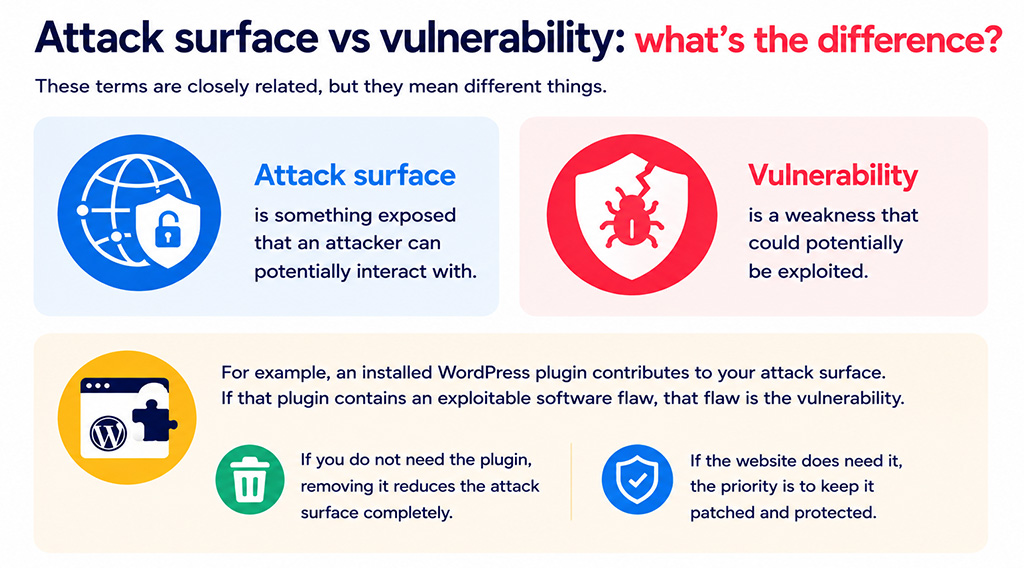
Attack surface vs vulnerability: what’s the difference?
These terms are closely related, but they mean different things.
An attack surface is something exposed that an attacker can potentially interact with.
A vulnerability is a weakness that could potentially be exploited.
For example, an installed WordPress plugin contributes to your attack surface. If that plugin contains an exploitable software flaw, that flaw is the vulnerability.
If you do not need the plugin, removing it reduces the attack surface completely. If the website does need it, the priority is to keep it patched and protected.
Good website security therefore requires both approaches: remove unnecessary exposure and manage the weaknesses in the components you need to retain.
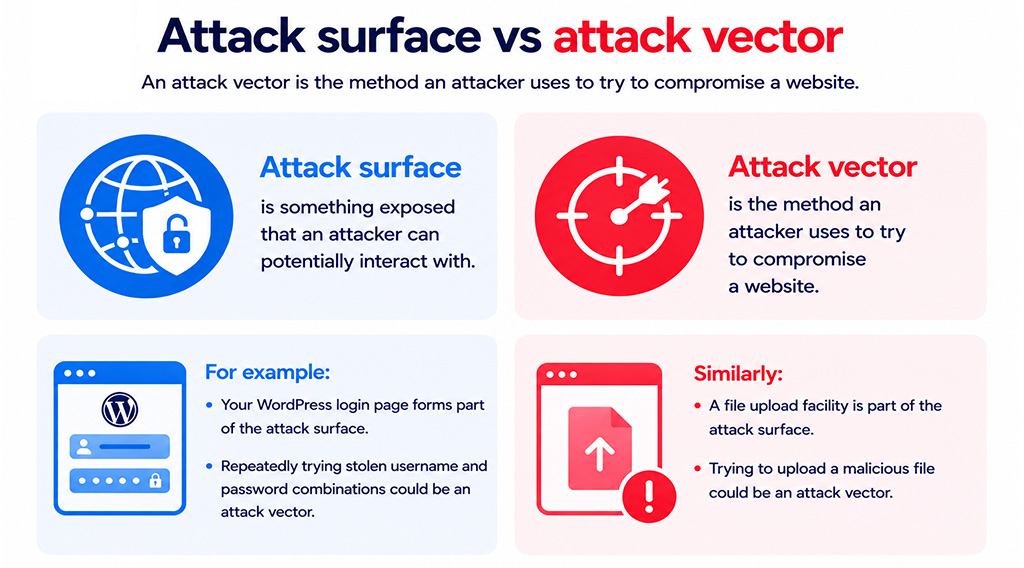
Attack surface vs attack vector
An attack vector is the method an attacker uses to try to compromise a website.
For example:
- Your WordPress login page forms part of the attack surface.
- Repeatedly trying stolen username and password combinations could be an attack vector.
Similarly:
- A file upload facility is part of the attack surface.
- Trying to upload a malicious file could be an attack vector.
Thinking about security in this order can make decisions easier: first identify what is exposed, then consider how those areas could be abused.
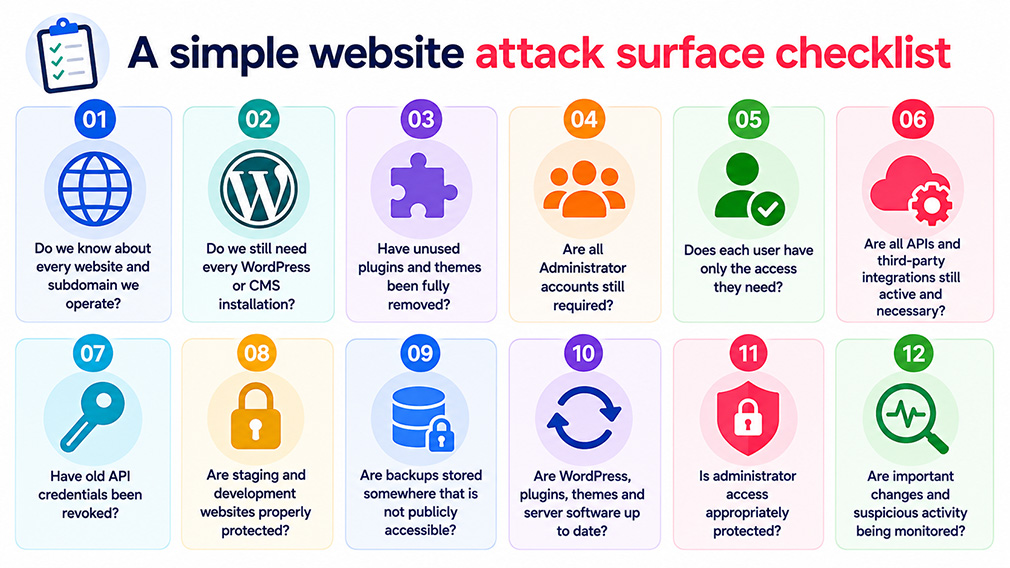
A simple website attack surface checklist
As part of your next website maintenance review, ask:
- Do we know about every website and subdomain we operate?
- Do we still need every WordPress or CMS installation?
- Have unused plugins and themes been fully removed?
- Are all Administrator accounts still required?
- Does each user have only the access they need?
- Are all APIs and third-party integrations still active and necessary?
- Have old API credentials been revoked?
- Are staging and development websites properly protected?
- Are backups stored somewhere that is not publicly accessible?
- Are WordPress, plugins, themes and server software up to date?
- Is administrator access appropriately protected?
- Are important changes and suspicious activity being monitored?
You do not need to tackle everything at once. A sensible place to start is with exposed components that provide little or no current business value. Removing these can often reduce risk quickly without affecting customers or day-to-day operations.
Can a website have no attack surface?
For a public website, a zero attack surface is not realistic.
If customers can visit and interact with your website, something must be accessible over the internet.
The objective is therefore to keep the attack surface as small as practical while properly protecting the services your organisation needs.
That means removing unnecessary components, restricting access, applying managed updates, monitoring changes, using a WAF where appropriate and maintaining reliable backups for recovery.
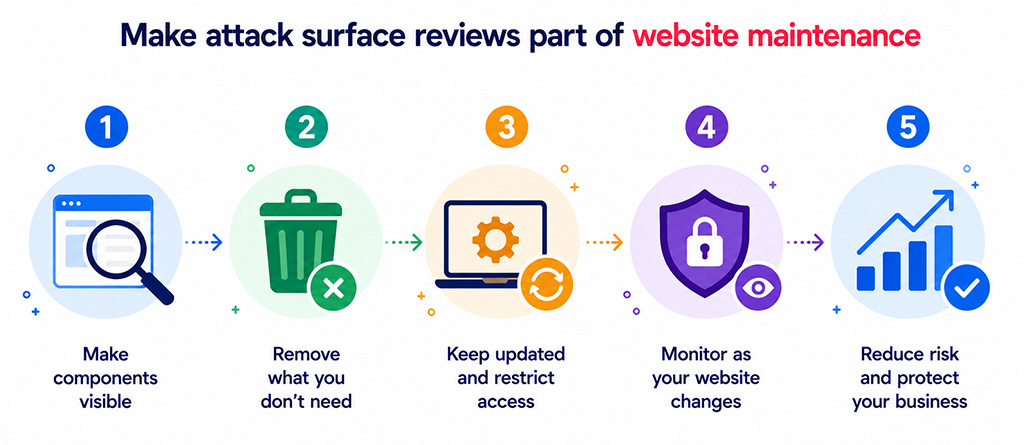
Make attack surface reviews part of website maintenance
Website security becomes much easier when you know exactly what you are protecting.
Your attack surface extends beyond the pages customers see. It includes logins, plugins, themes, APIs, user accounts, hosting tools, development websites, subdomains, integrations and backups.
Start by making those components visible. Remove anything you no longer need. Keep the remaining software updated, restrict access and monitor the website as it changes.
These steps cannot eliminate every possible security risk, but they can make a successful compromise less likely and reduce the opportunities available to attackers.
For businesses, that matters because a website security incident can affect much more than the website itself. Malware, redirects, downtime or stolen information can damage customer trust, SEO visibility, conversions, brand reputation and revenue.
How matm can help?
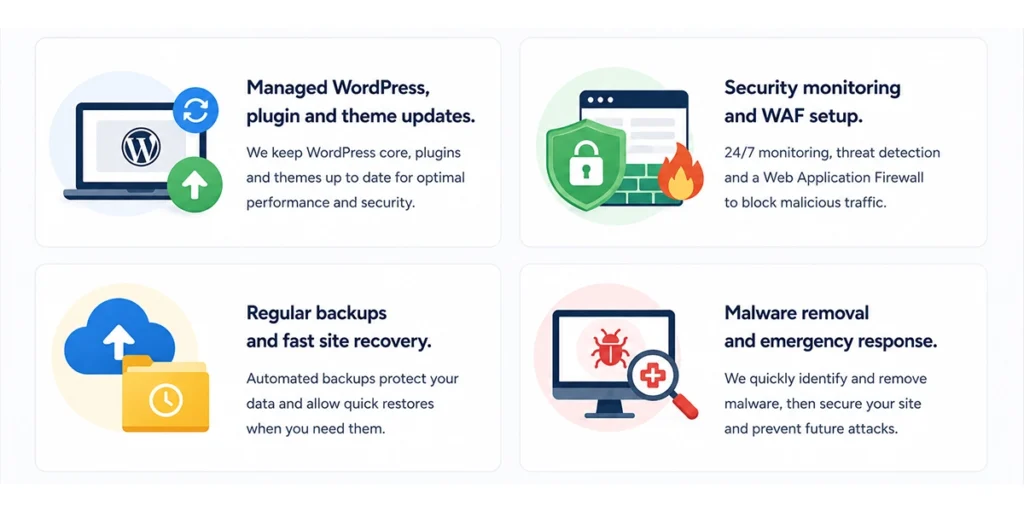
Keeping a WordPress website secure is an ongoing process rather than a one-off task. matm can help reduce unnecessary exposure and keep your website protected through:
- Managed WordPress, plugin & theme updates
- Security monitoring and WAF setup
- Regular backups & fast site recovery
- Malware removal and emergency response
If you would like help reviewing or improving your WordPress security, contact matm at [email protected] or call 01952 883 526.
Based on research by Sucuri.